
 Cover Letter
March 25, 2024
How to Use ChatGPT to Write The Perfect Cover Letter
Learn how to create effective cover letters effortlessly using AI chatbots like ChatGPT. Follow our simple steps to streamline your job applications and stand out.


A study by ResumeGo found that 81% of hiring professionals spend a minute or less on your resume in the first pass. About 34% of them skim it in under 30 seconds. That's barely enough time to read a headline, and it's the only window you get to prove you're worth an interview.
So–
Having a good resume builder might make the difference between landing on the shortlist and disappearing into the “no” pile.
As the leader in the market that constantly tries to equip job seekers with the best tools, JobLeads tested the most popular resume builders to break down which one suits your needs best.
But before we dive in, let’s look at the methodology first.
JobLeads evaluated each of the 16 resume software tools on five criteria: template quality, ATS compatibility, editor ease of use, free tier generosity, and value for money. We used vendor documentation, current pricing pages, ATS parsing behavior, and third-party reviews from G2, Trustpilot, and Forbes Advisor. Pricing and ratings were verified the week of publishing.
Okay, so now you know how the reviews were done. Here are the top resume builders you should have a look at.
Every online resume maker on this list made the cut for one reason–it helps you build a professional resume that recruiters actually want to read. Below, we break down what each one is best for, its main features, and how much it costs.
| Platform | Trustpilot rating | Free plan/trial | Starting price | Best for |
|---|---|---|---|---|
| JobLeads | 4.5/5 ⭐ | ✅ | $2.99/14 days | All-in-one career platform |
| Teal (TealHQ) | 4.1/5 ⭐ | ✅ | $13/week | AI resume + job tracker combo |
| Kickresume | 4.6/5 ⭐ | ✅ | $24/month | AI content quality + modern templates |
| Resume.io | 4.2/5 ⭐ | ✅ Build only | $2.95/week | Clean, simple, professional design |
| Zety | 4.3/5 ⭐ | ✅ Build only | $1.95/14 days | Guided wizard + HR-approved templates |
| Enhancv | 4.6/5 ⭐ | Free trial | $59/3 months | Creative + ATS-friendly templates |
| Jobscan | 4.5/5 ⭐ | ✅ 5 free scans/mo | $49.95/month | ATS scanning + keyword optimization |
| Resume Worded | 4.8/5 ⭐ | ✅ | $49/month | AI resume + LinkedIn scoring |
| Novoresume | 4.4/5 ⭐ | ✅ | $21.99/month | Modern ATS-friendly templates |
| MyPerfectResume | 4.6/5 ⭐ | Trial $2.95 | $2.95/14 days | Industry-specific content |
| Resume Now | 4.5/5 ⭐ | Free trial | $2.45/14 days | Fastest builder for beginners |
| ResumeBuilder.com | 4.3/5 ⭐ | Build for free; pay to download | $2.95/14 days | Straightforward no-frills builder |
| LiveCareer | 4.2/5 ⭐ | Trial $2.95 | $2.95/14 days | Huge template library |
| Canva | 3.8/5 ⭐ | ✅ | $18/month | Design-forward / creative roles |
| Huntr | 4.5/5 ⭐ | ✅ | $40/month | Tailoring + application tracking |
Here's what we found when we looked at each one a little closer.
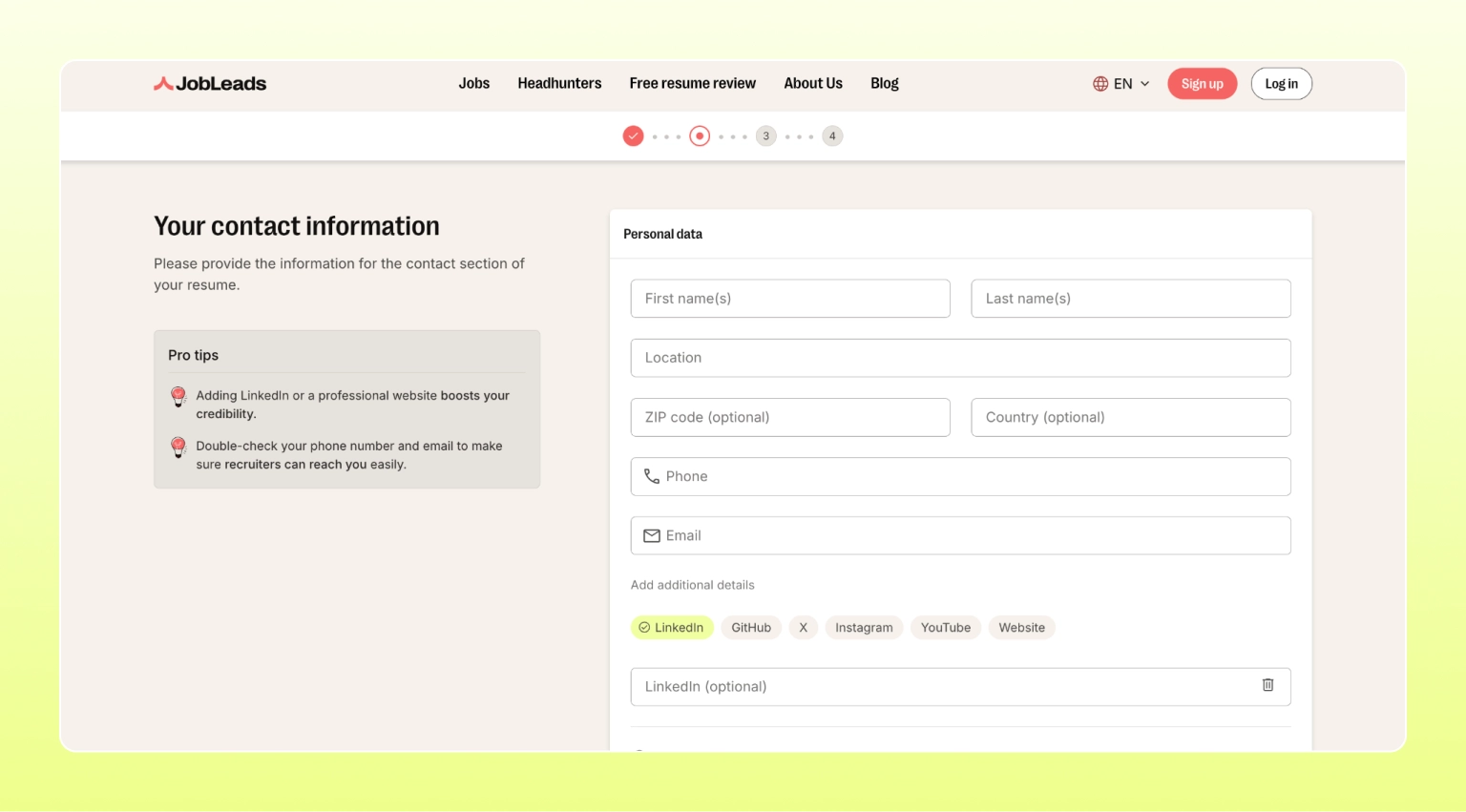
Okay, we know this is our own platform but we promise not to toot our own horn.
JobLeads is an all-in-one career platform that combines a professional online resume builder, cover letter writer, ATS keyword optimization, and personalized job matching. Think of it as a full resume helper and career co-pilot rolled into one. JobLeads is best for job seekers who want a full system to land interviews faster.
JobLeads is the only tool on this list that treats your resume as part of a wider, all-in-one career solution. The platform offers a resume editor with ATS-friendly templates alongside curated job matches and expert career advice. This way, you create all your documents and apply from one place. For senior professionals, that's the difference between a nice-looking PDF and an actual interview.
Main features:
Pricing:
Did you know that…
In a JobLeads LinkedIn survey, about 51% of job seekers admitted they apply reactively with no structured job search strategy. Only 14% had a detailed daily plan.
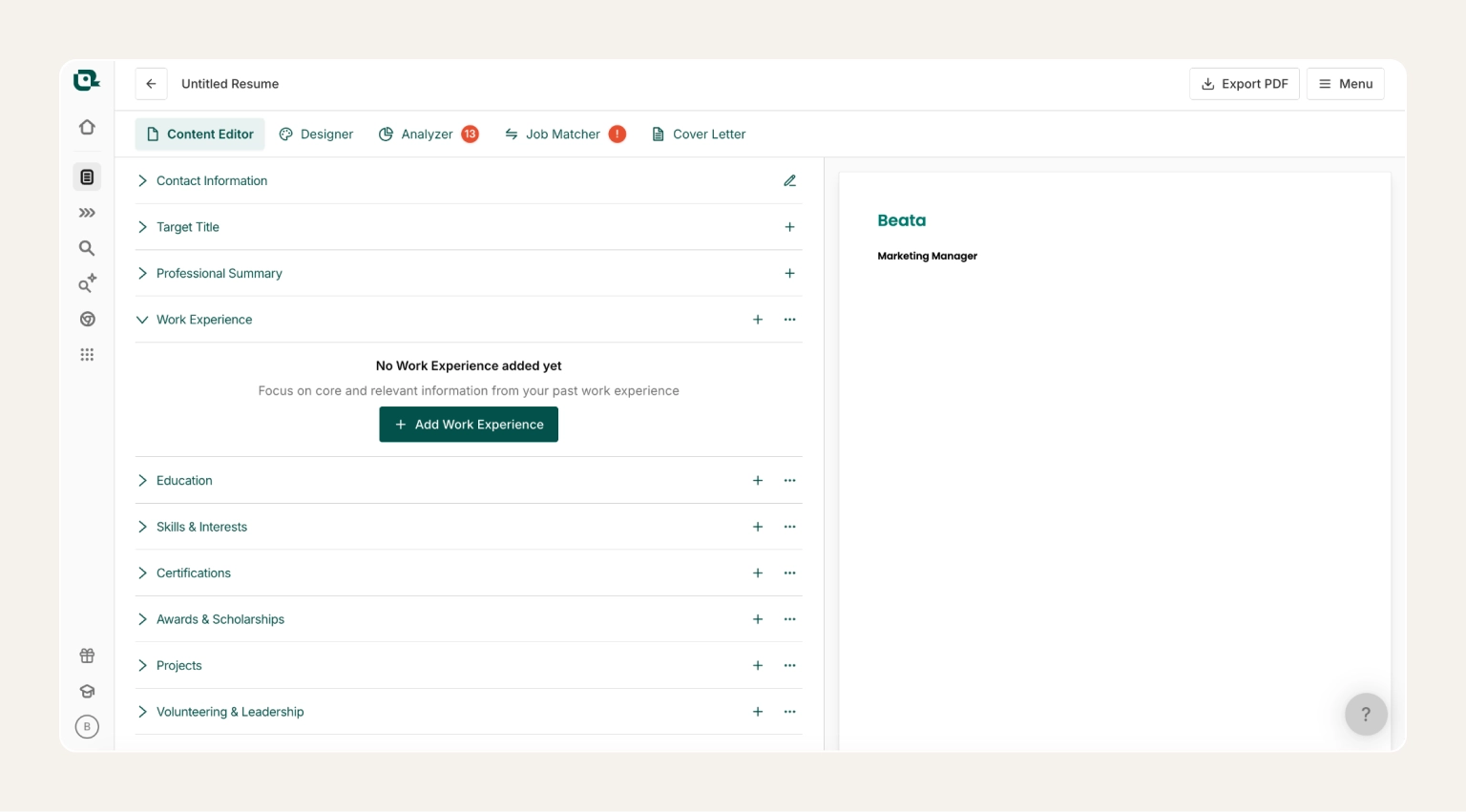
Teal is an AI resume builder and job application tracker combined in one dashboard. It scores your resume against any job description in real time and generates tailored content as you build. Moreover, the Chrome extension saves jobs from any site while you’re browsing available positions. This platform is best suited to organized job seekers who apply to many roles and want to track everything in one place.
This system offers a best-in-class resume builder app, job tracker, and AI tailoring in one interface. The free tier is genuinely generous with unlimited resumes, basic AI, and a full tracker. Also, the real-time match score is one of the strongest free features in the category.
Pros:
Cons:
Pricing:
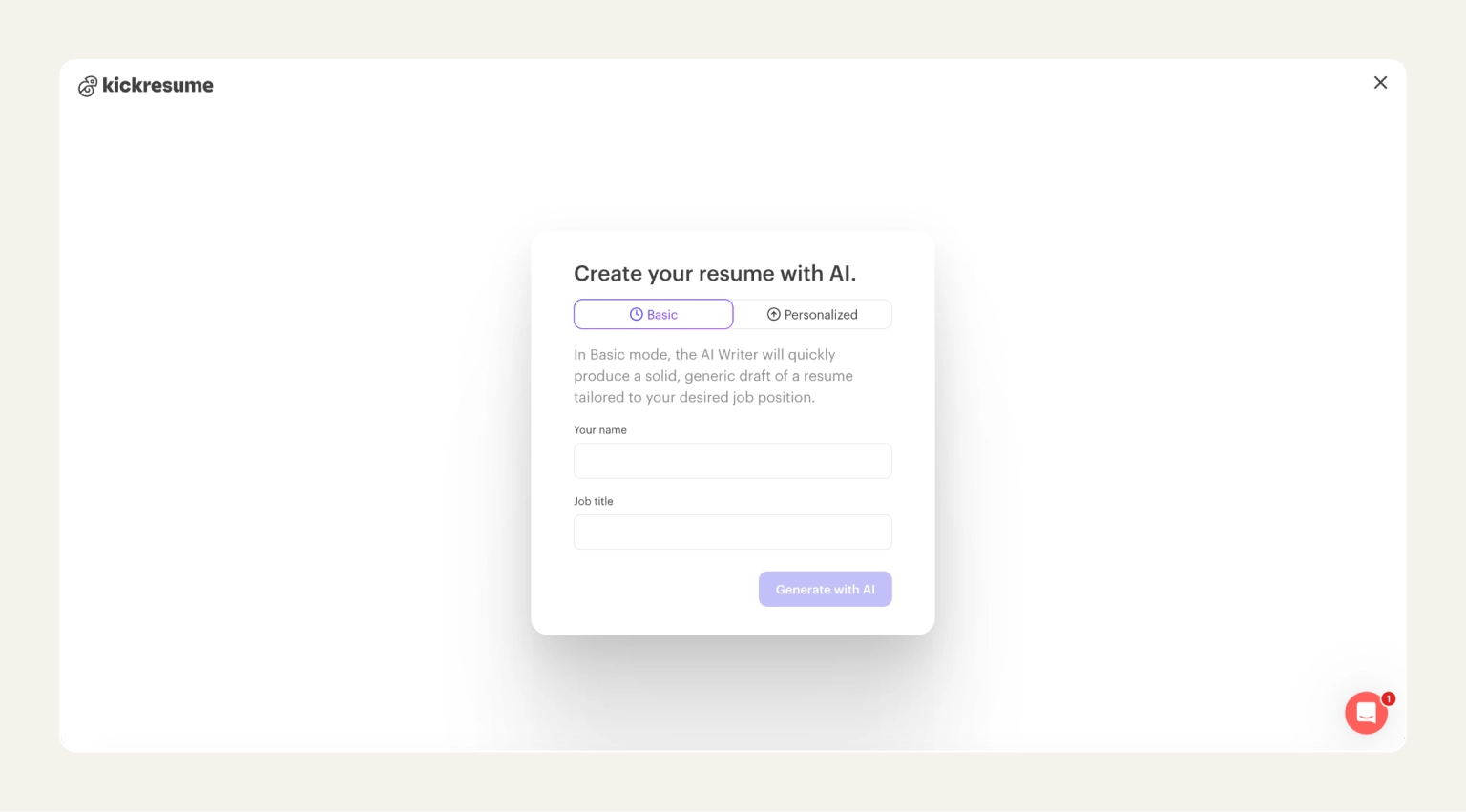
Kickresume uses GPT-4 to create full resumes or specific sections based on your job title and other inputs. The AI writer on this platform stands out by producing natural-sounding bullet points and summaries. It’s especially useful for people who know what they've done but struggle to put it into words and quantify their CV.
Moreover, the AI writer is trained on thousands of successful resumes, job descriptions, and recruiter feedback. You can even browse resume samples from job seekers who got hired at companies like Google, Spotify, Tesla, and Airbnb. This way, you can see how a data analyst at Meta phrased their wins, or how a product manager at Amazon structured their professional summary. Pair that with the GPT-4 writer, and you get bullet points modelled on what's already landed offers in your industry.
Pros:
Cons:
Pricing:
Did you know that…
In a JobLeads study, job seekers that were confident in their resume applied to 47% of jobs they clicked on. Those without a ready resume applied to just 22%.
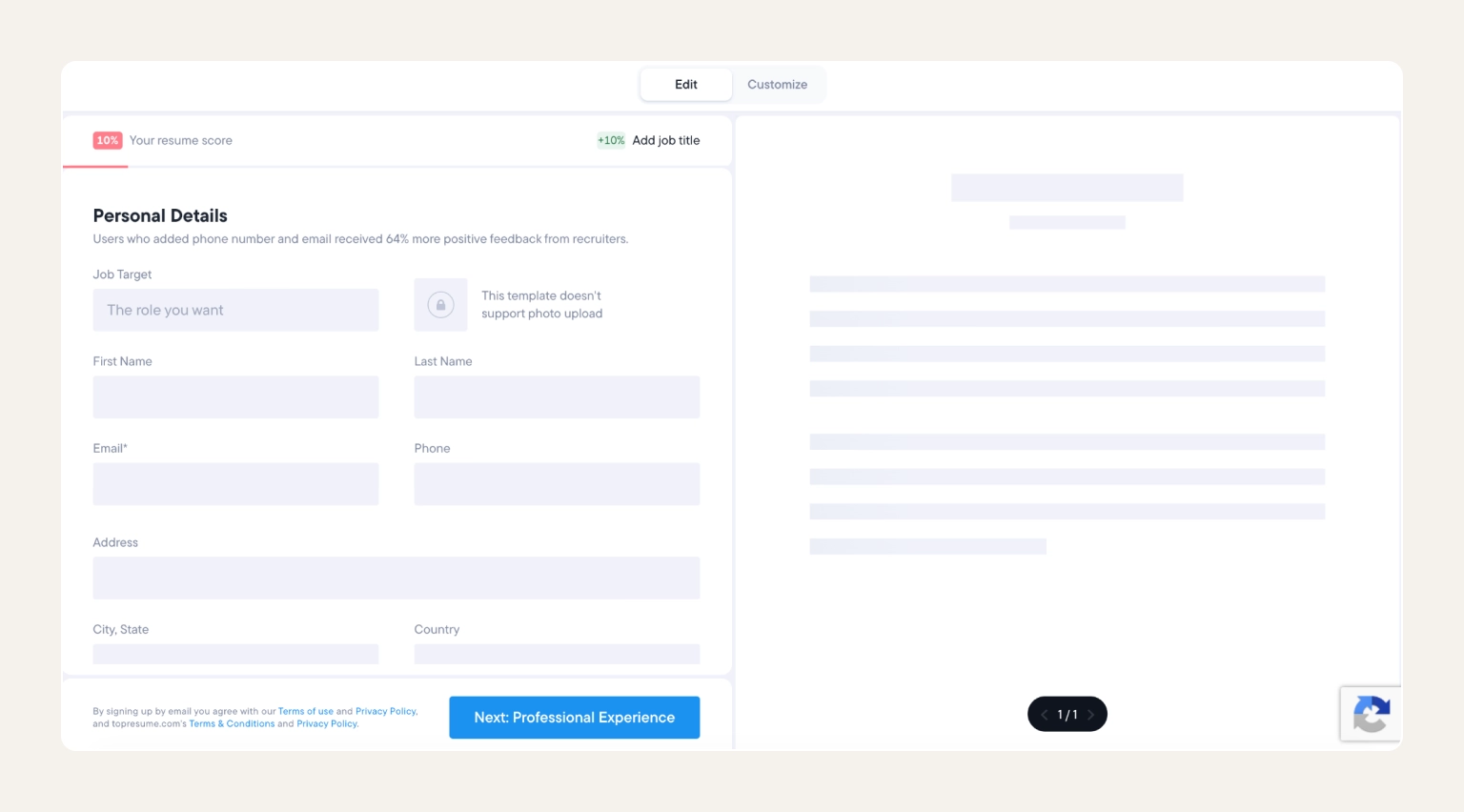
Resume.io is a professional resume builder with more than 30 clean, recruiter-tested templates and an intuitive editor that keeps formatting decisions to a minimum. It pairs with a matching cover letter builder, so your resume and cover letter share design consistency without extra work. It’s one of the best platforms for professionals who want a polished, simple resume under an hour.
Resume.io is the most polished, no-nonsense builder on this list. It provides clean templates that are ATS-compatible by default. It's a strong fit for anyone who values design discipline over customization.
Pros:
Cons:
Pricing:
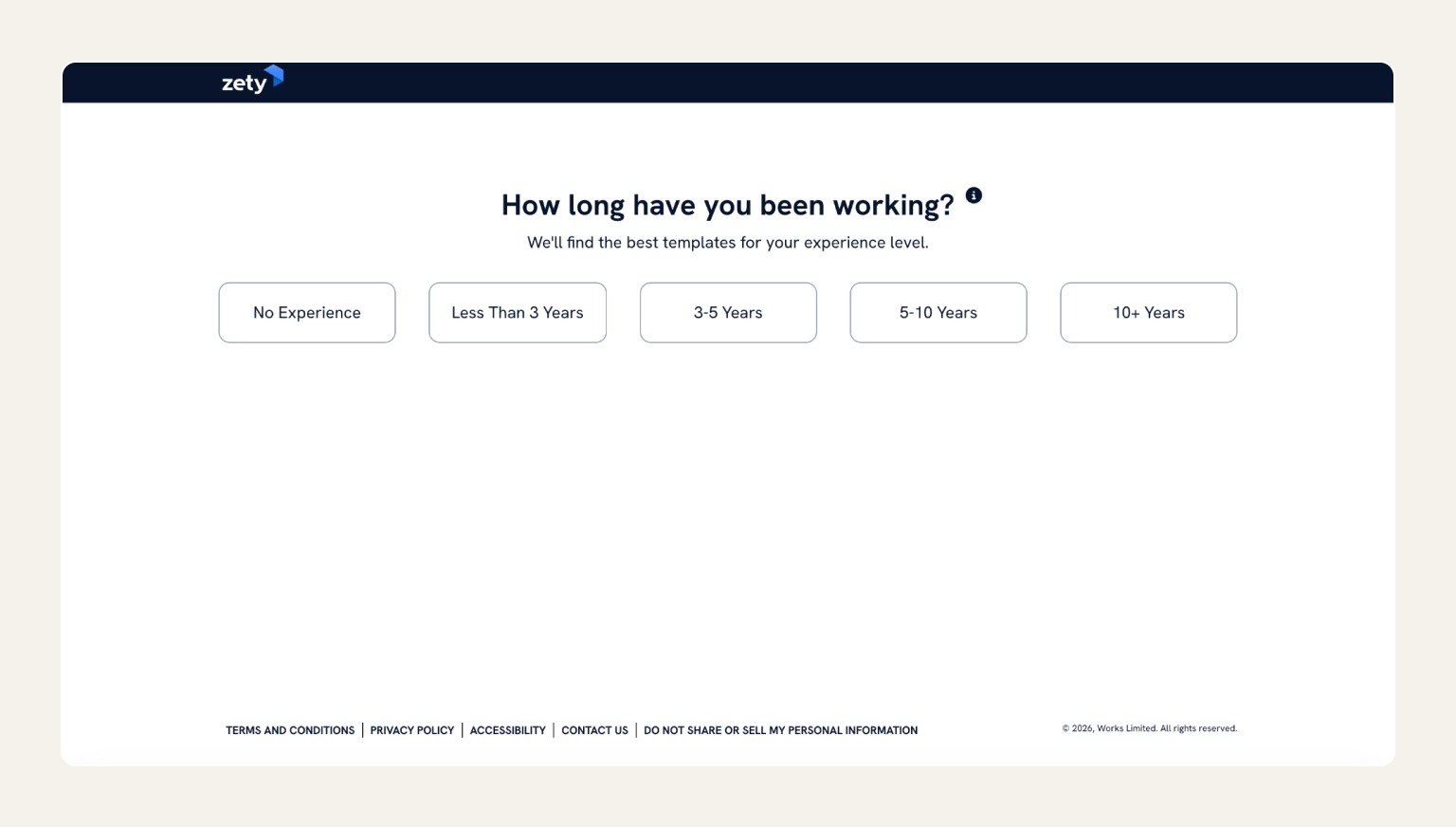
Zety is a step-by-step resume maker with pre-written content suggestions and HR-approved templates. It also offers a guided wizard that walks you through every section. For each job title, it provides ready-made bullet points so you never face a blank page. This tool is best for first-time resume writers and career changers who want a fill-in-the-blanks experience that produces a professional result.
Zety's guided wizard is the friendliest starting point in the category, and a built-in resume score tells you exactly what to improve before you download. It's a reliable pick for beginners who value structure over design freedom.
Pros:
Cons:
Pricing:
Pro-tip
Set a calendar reminder the day after you sign up. JobLeads, Zety, Resume.io, Resume Now, MyPerfectResume, and LiveCareer all auto-renew at the standard rate once the intro period ends. And, even though some of these platforms will send you a reminder email, it’s safer to have it in your calendar just in case.
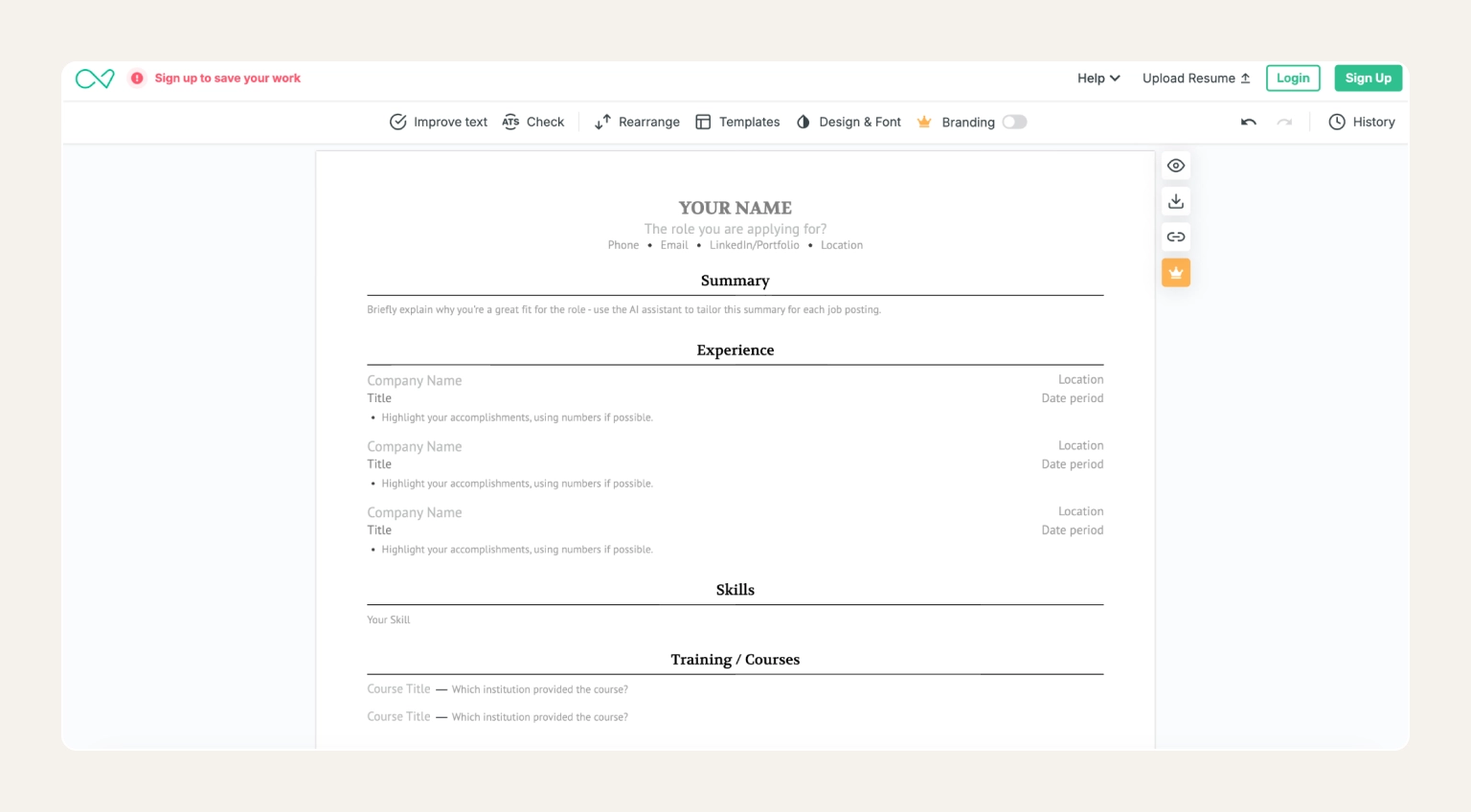
Enhancv offers Harvard-inspired, visually distinctive resume templates that pass ATS screening. This is paired with a content analyzer that flags weak bullet points and missing sections. Also, the template layouts are modern without relying on risky multi-column designs. It’s one of the top choices for job seekers who want a standout design that feels premium but still parses cleanly in corporate applicant tracking systems.
Enhancv sits at an intersection of Canva and Resume.io with templates that look modern and creative but still read cleanly in an ATS. Moreover, there is actionable writing feedback built in. It's a strong pick for design-conscious professionals.
Pros:
Cons:
Pricing:
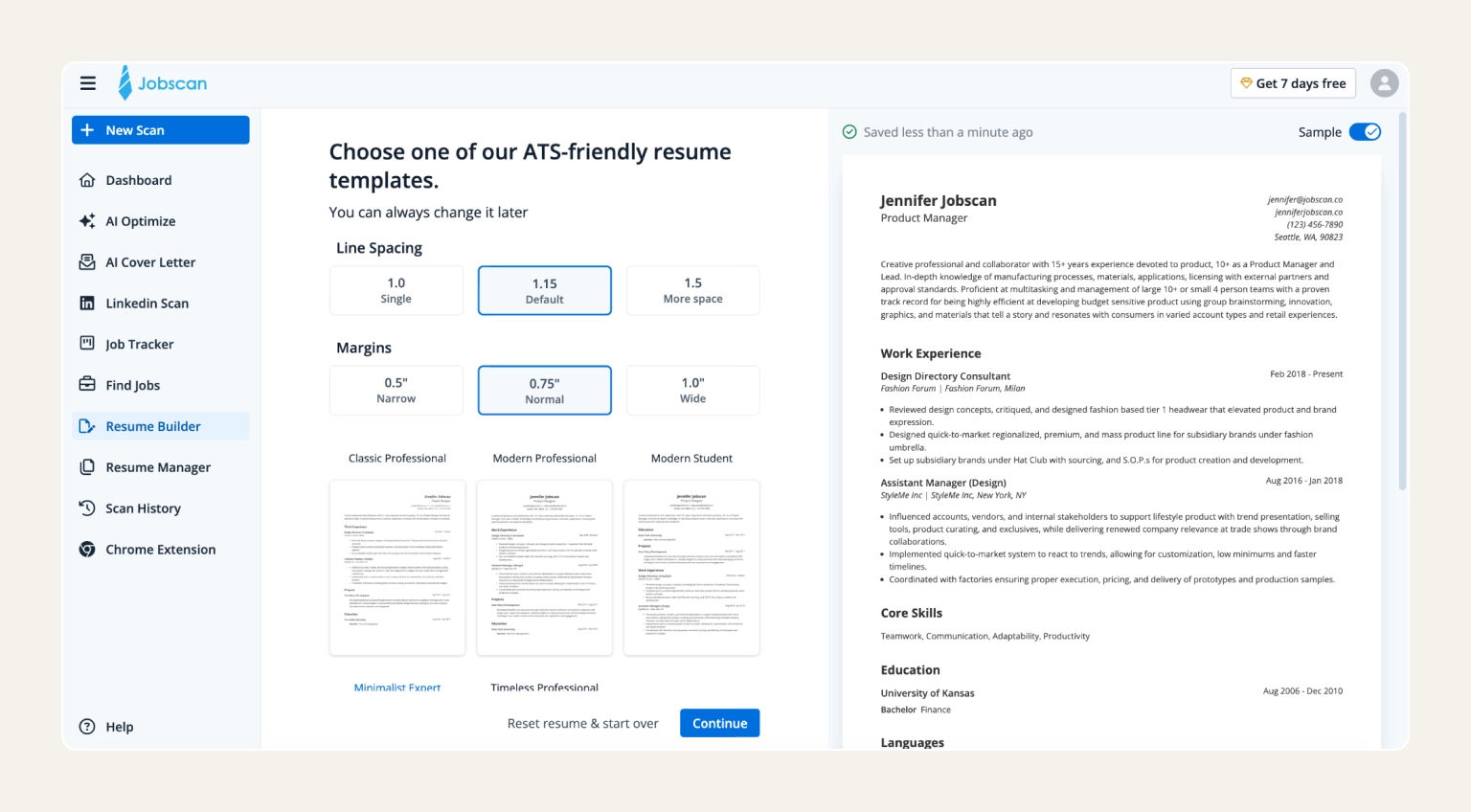
Jobscan is built specifically to optimize resumes for applicant tracking systems. You can upload your resume and paste a job description to get a concrete match score with keyword gaps highlighted. Its database pulls from real ATS behavior data and it pairs with any builder on this list. It’s best-suited for job seekers who want a clear ATS score before they apply.
Jobscan is less a builder and more an analyzer. It’s the clearest resume-to-job-description match score in the category, making it a strong complement to any builder you use for formatting. It's an ATS specialist, but not a full resume tool.
Pros:
Cons:
Pricing:
Did you know that…
Nearly 98% of Fortune 500 companies use an ATS to screen resumes before a human ever sees them.
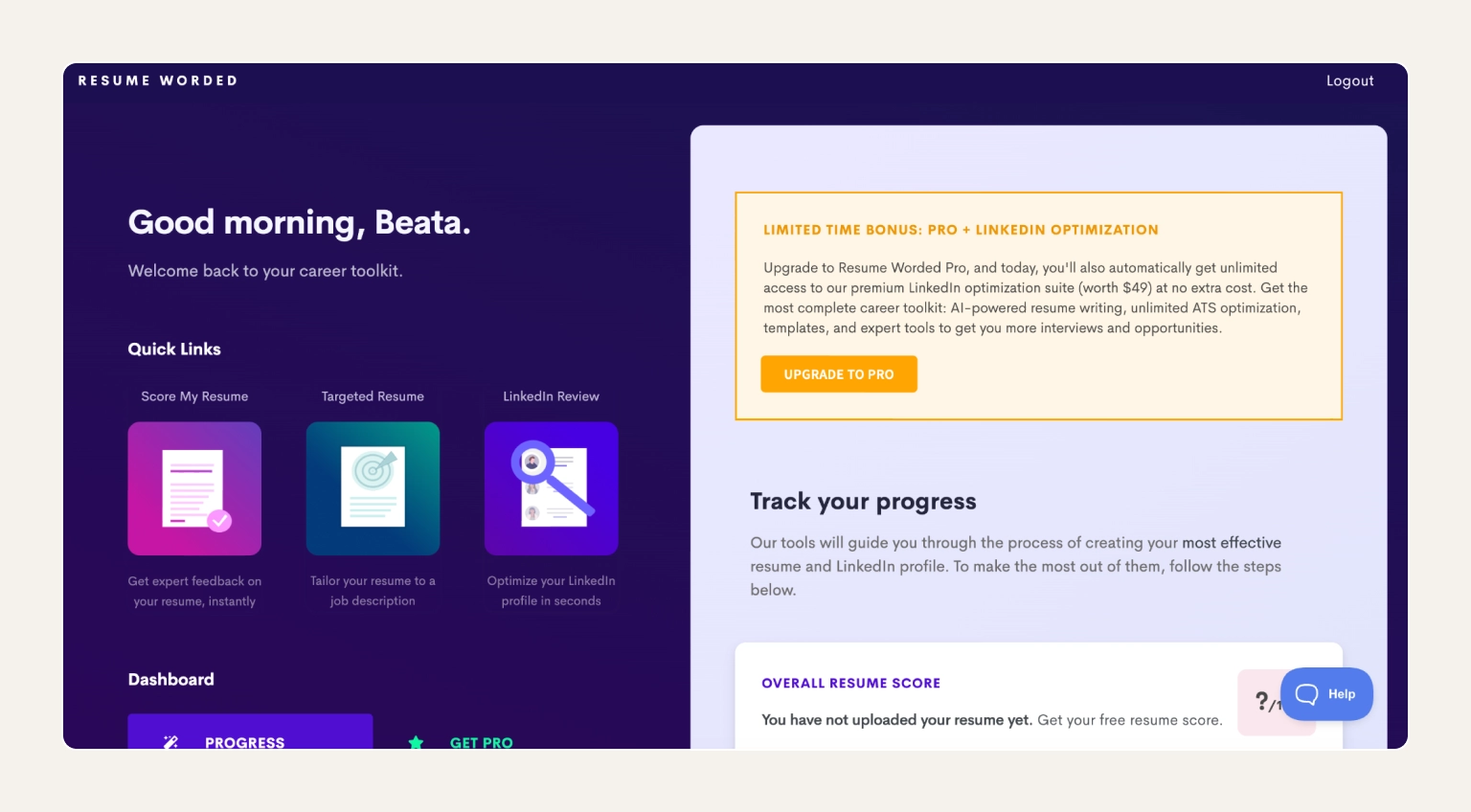
Resume Worded is a resume grader that gives instant, line-by-line feedback on both your resume and LinkedIn profile. Its Targeted Resume feature grades your document against a specific job description and suggests exact keyword additions, while the LinkedIn grader scores your profile on over 30 different criteria. This system is best for experienced professionals polishing an existing resume rather than starting a new one from scratch.
Resume Worded is rather a grader where you upload your resume and the AI scores it out of 100 with line-by-line suggestions for stronger impact bullets. It's a strong companion tool to any builder on this list.
Pros:
Cons:
Pricing:
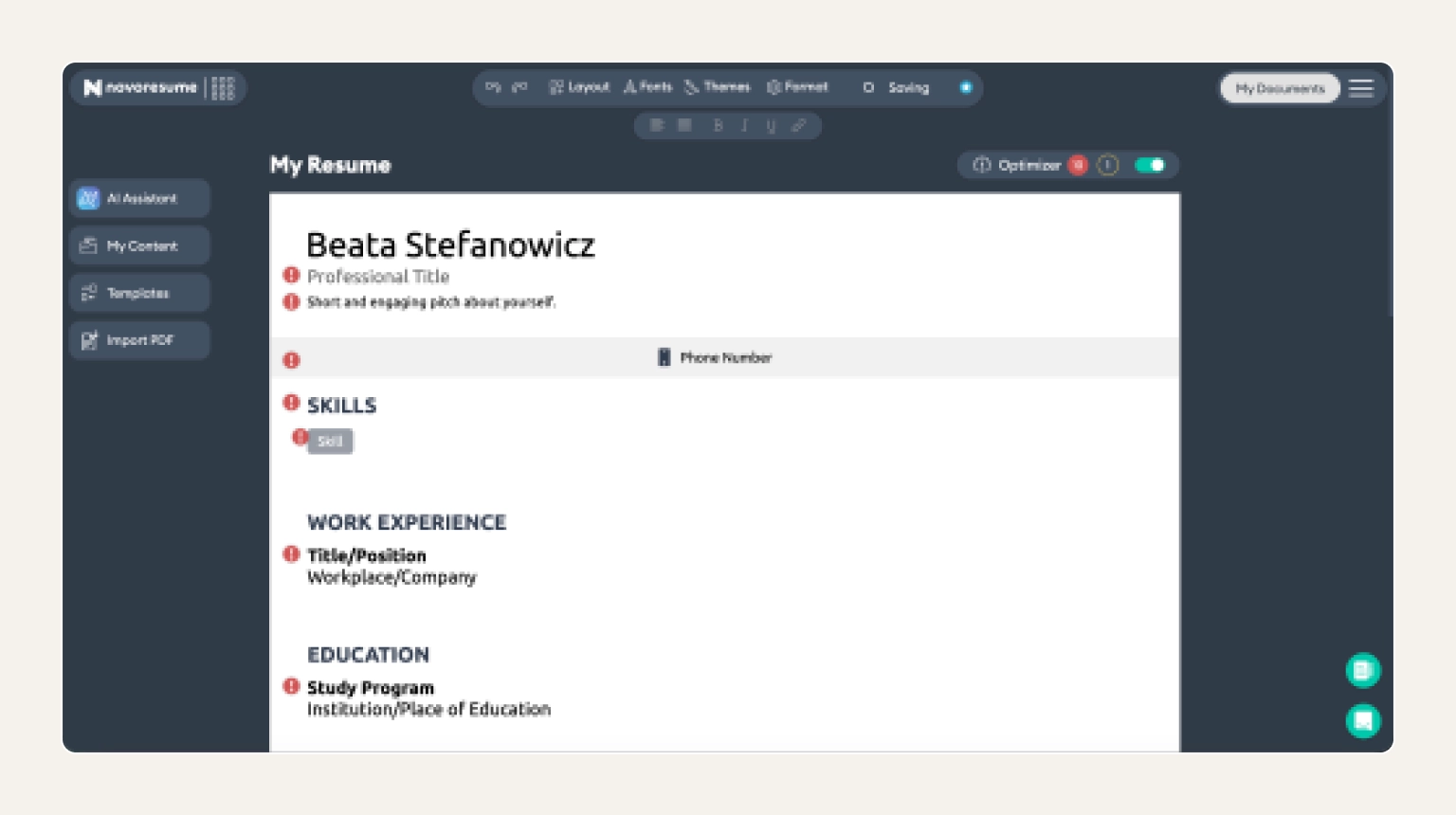
Novoresume offers modern, ATS-optimized resume templates and a guided editor. The layouts have clean typography and subtle use of color, which recruiters actually like reading. No wizard, no AI content generator, just a well-designed interface with a formatting error checker built in. It’s best for mid-level and senior professionals who want a contemporary design.
Novoresume's templates strike a strong modern-vs-ATS balance making them one of the cleanest design-to-compatibility ratios on the list. The editor also lets you build your CV with no mid-edit upsells.
Pros:
Cons:
Pricing:
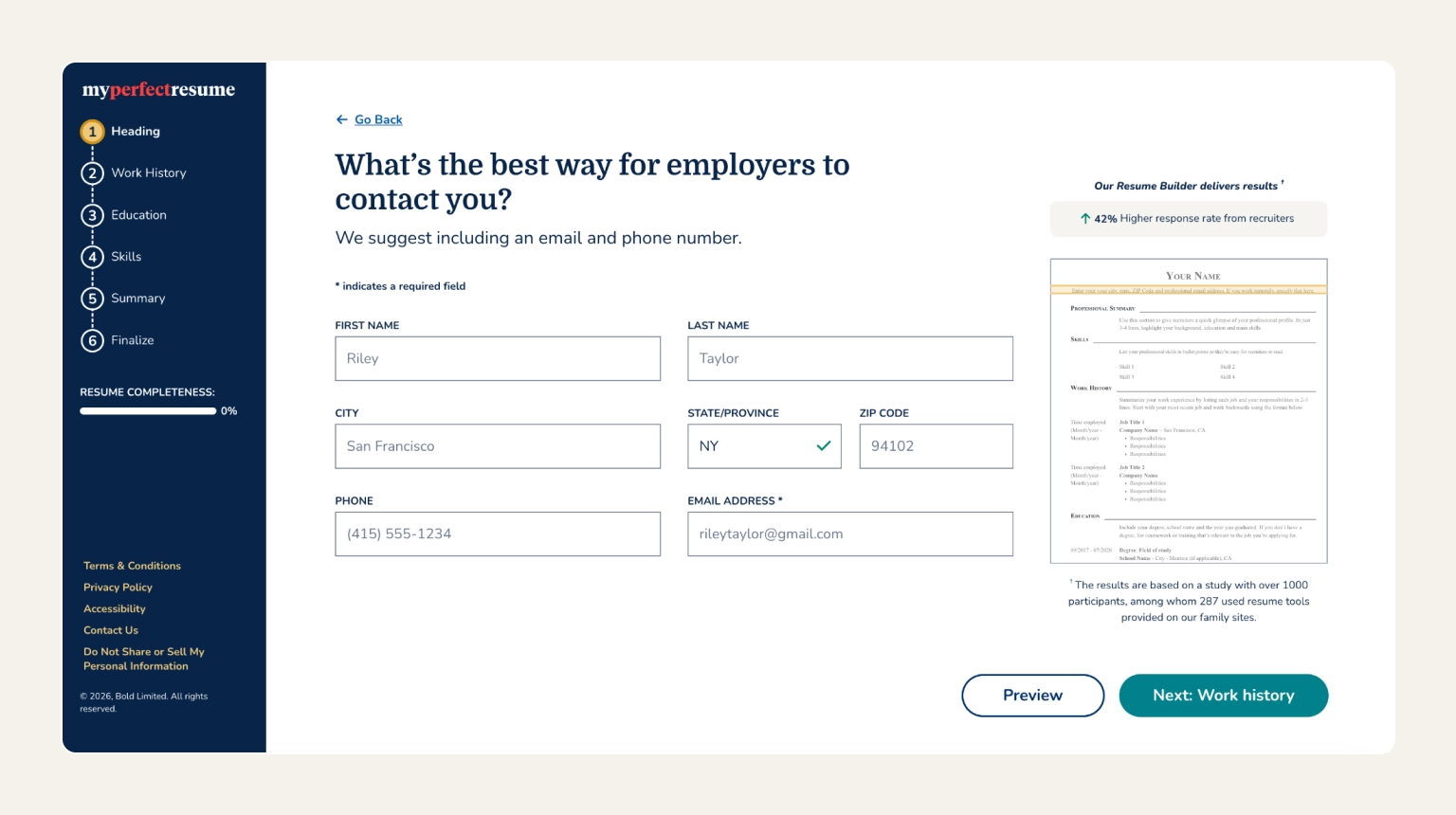
MyPerfectResume is a guided resume builder with one of the largest pre-written content libraries covering hundreds of industries and job titles. You can pick your role, and the builder suggests ready-to-use phrasing for every section, backed by a wizard that reduces decision fatigue. It’s a good choice for job seekers who want industry-specific phrasing dropped straight into their resume.
MyPerfectResume's strength is the sheer volume of pre-written bullet points. Also, the templates are professional and ATS-safe by default.
Pros:
Cons:
Pricing:
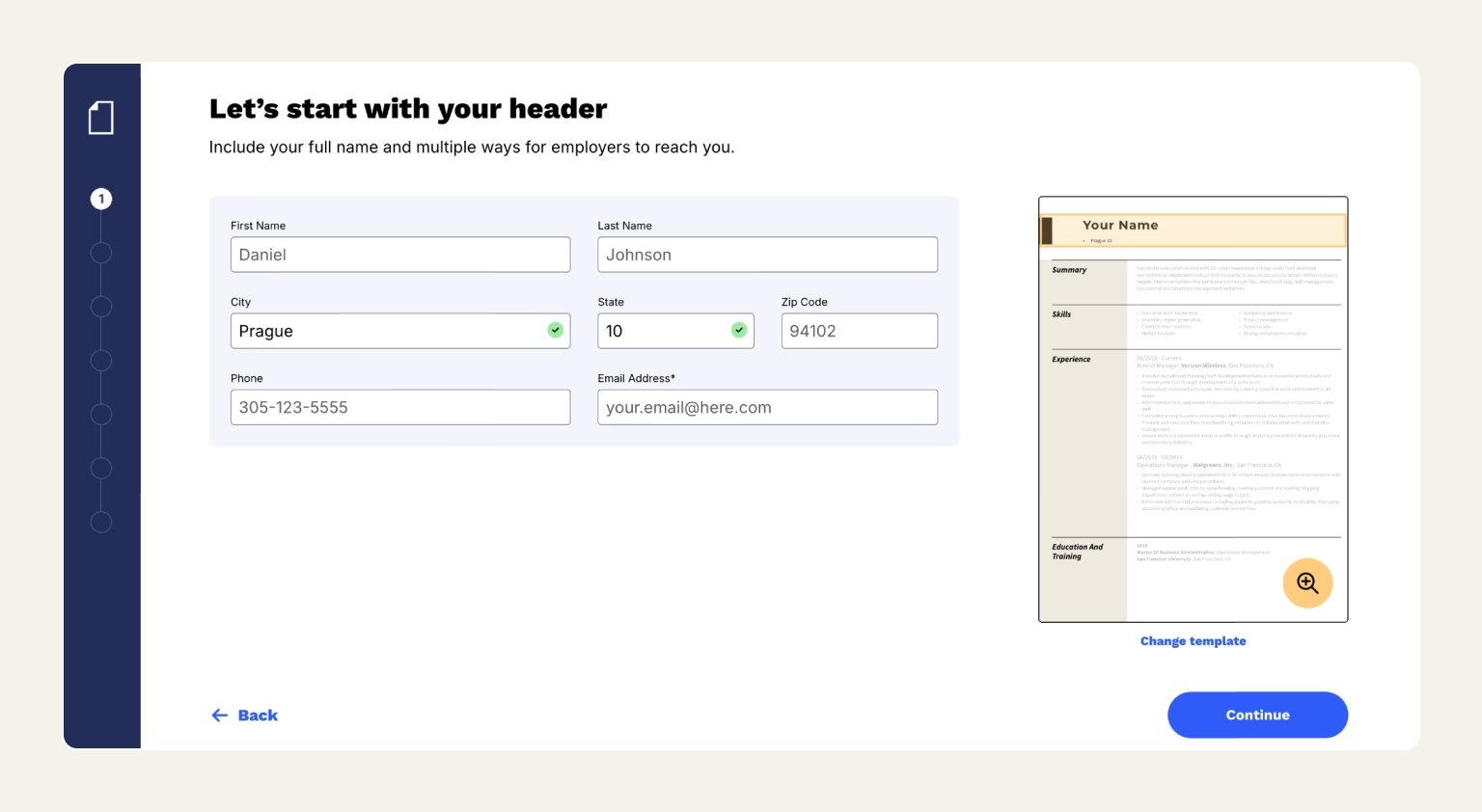
Resume Now is a fast, beginner-friendly resume builder with a guided wizard and pre-written bullet points for more than 300 professions. It walks you through every section, autofills suggested content based on your target role, and formats the whole thing as you type. It’s best for job seekers who've never written a resume before and want a guided experience.
Resume Now is an easy, quick resume builder. It offers the lowest-effort way to get a professional result if you're starting from zero. Keep in mind that quality depends on how much detail you feed in.
Pros:
Cons:
Pricing:
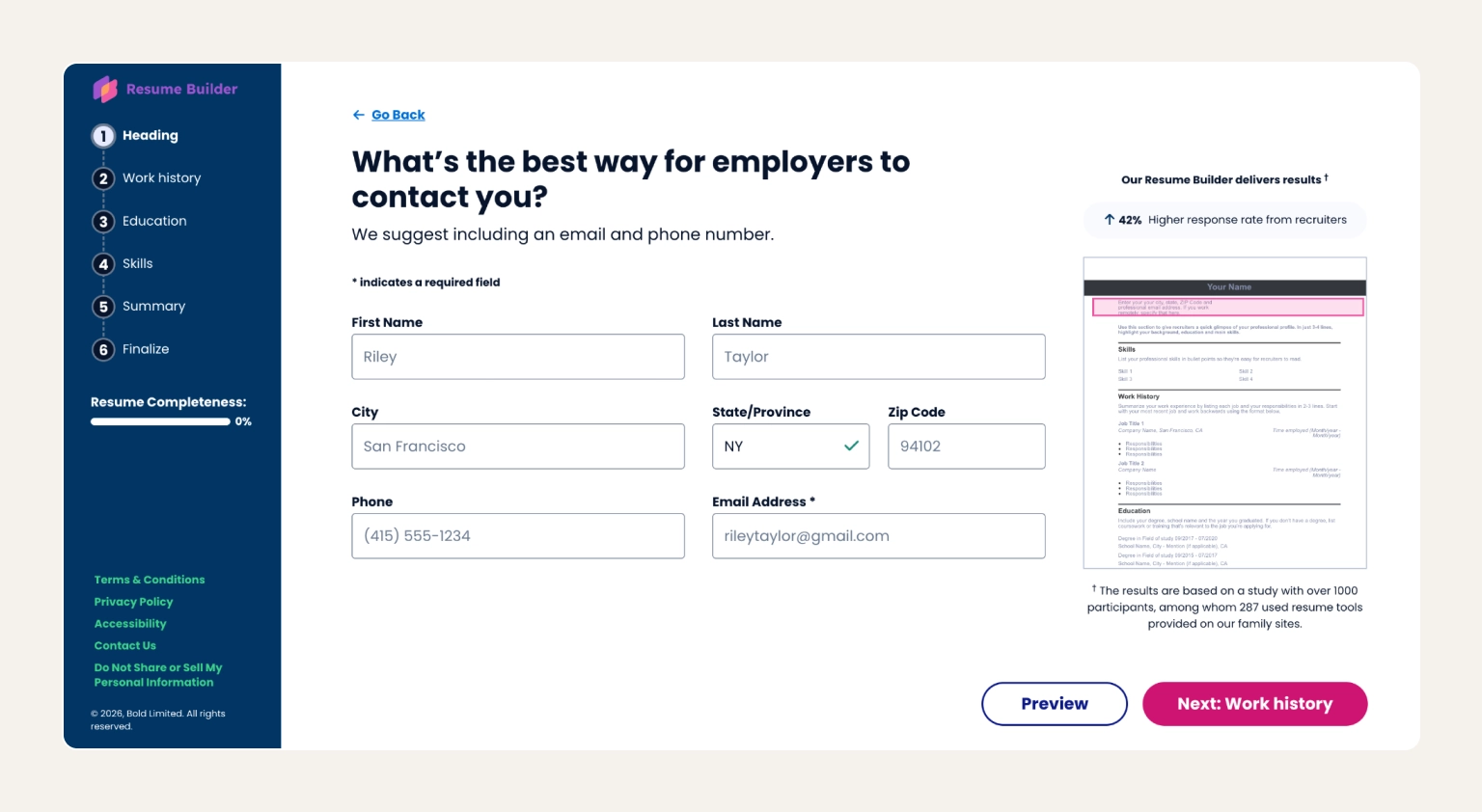
ResumeBuilder.com is a simple, low-learning-curve resume builder with a clean wizard and basic templates, built for job seekers who want a functional resume fast. The site also publishes regular survey data about hiring managers, ATS usage, etc. that can help you discover the current trends. This is a great platform for people who want a straightforward, no-surprise tool without paying for advanced features they don't need.
ResumeBuilder.com is the most generic-sounding option on the list, and it lives up to the name. It offers a straightforward wizard and simple templates. You won't get advanced AI or creative templates.
Pros:
Cons:
Pricing:
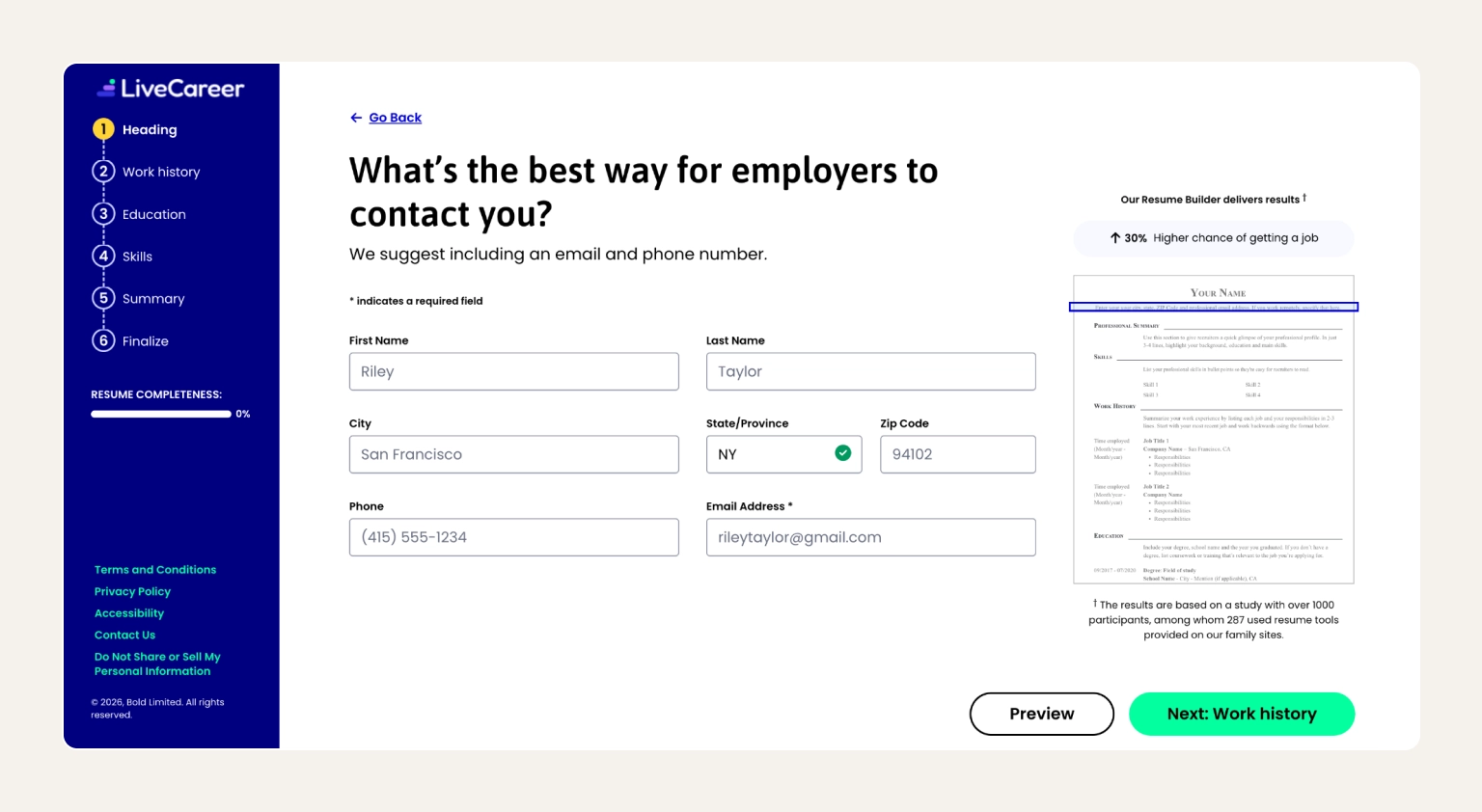
LiveCareer is one of the most established resume builders on the market, with a huge library of templates and pre-written examples across every major industry. Content suggestions are written by HR professionals, and the example library covers niche roles (e.g., airline ground crew, pharmacy technician, etc.) that smaller builders skip. It’s best-suited for job seekers who want maximum template variety and ready-made industry examples.
LiveCareer has been around for over 20 years, and the template and example libraries reflect that longevity. It's a solid pick if your industry is underserved by newer tools.
Pros:
Cons:
Pricing:
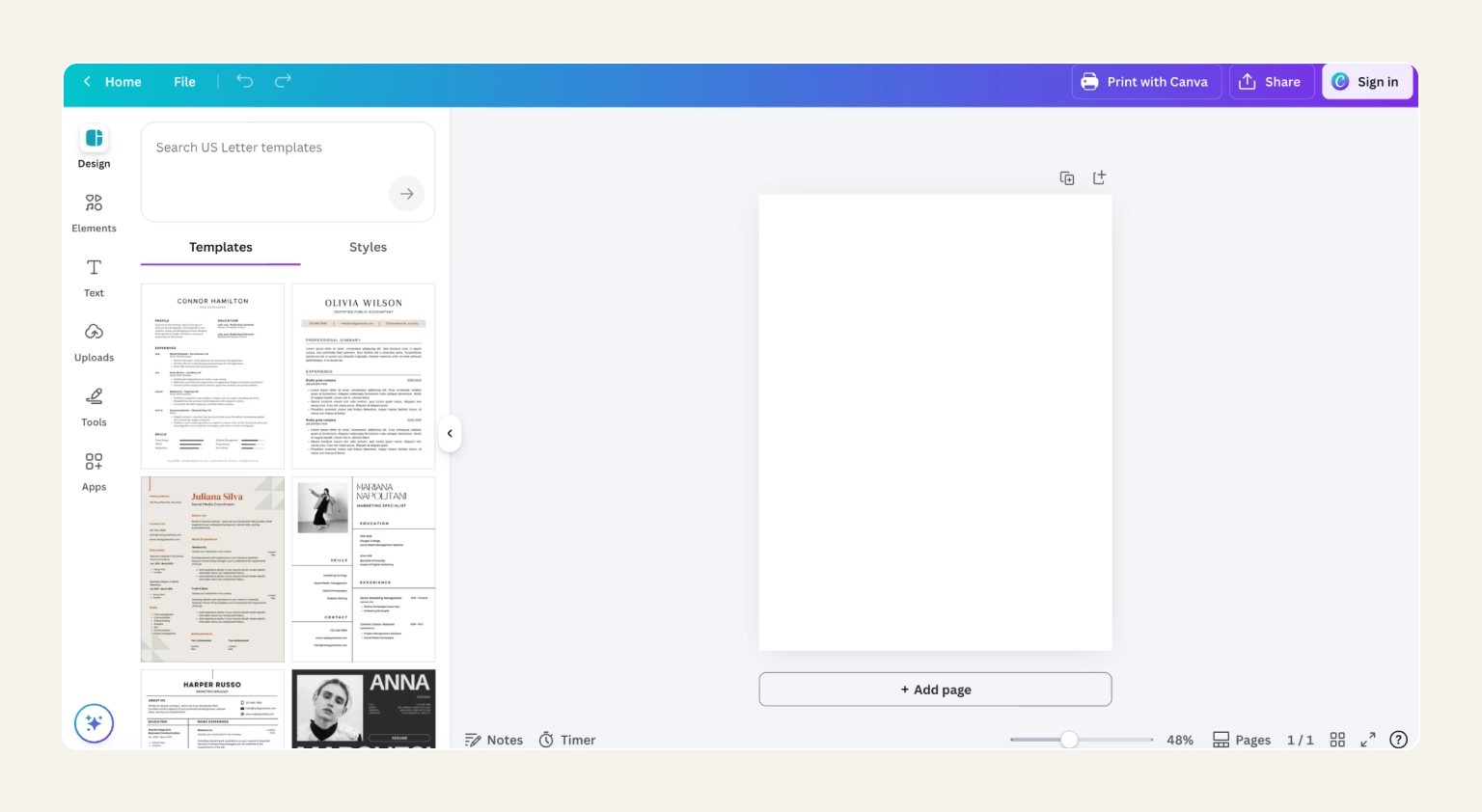
Canva is a design-first resume builder with hundreds of creative templates, drag-and-drop editing, and AI writing help via Magic Write. It lets you share your resume with collaborators via a direct link. This is a good choice for creative roles, like design or media, where visual polish matters as much as content.
Canva wins on design freedom. It provides the biggest template library in the category, the easiest editor to learn, and a generous free plan that isn't a teaser. Canva also lets you save a plain Word version for ATS-heavy applications.
Pros:
Cons:
Pricing:
Watch out
Before submitting a Canva resume to a large company, save it as a plain-text Word version for backup. Some ATS systems strip formatting and misread multi-column layouts, which can make a beautiful Canva resume come out the other side as unreadable gibberish.
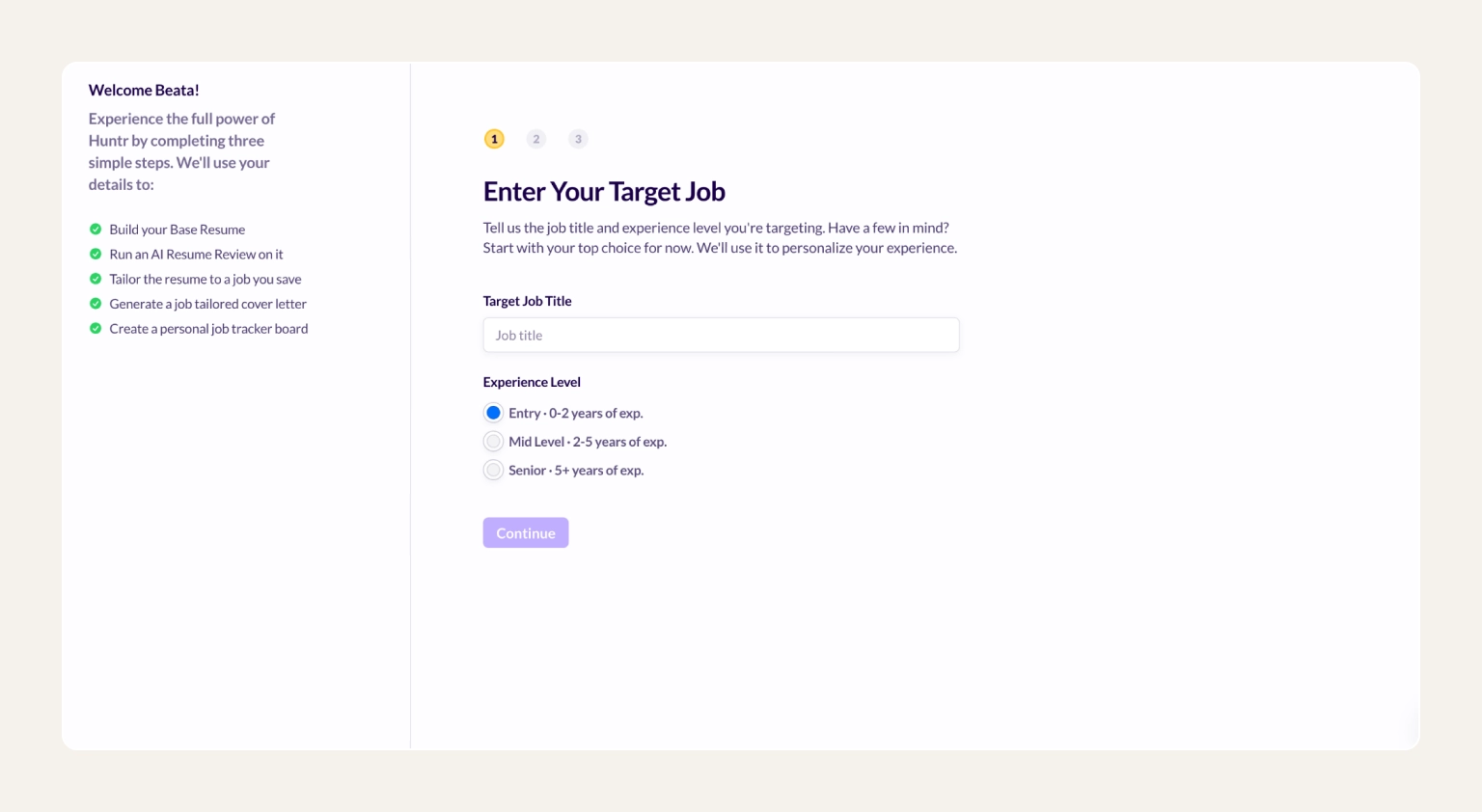
Huntr is a resume builder and job application tracker in one. Paste a job description, and its AI auto-adjusts your existing resume to match, including keywords and order. This happens while a Kanban-style board tracks every application from saved to offer. It’s best for people applying to over 20 roles at once who want a visual pipeline to track them all.
Huntr sits at the intersection of a resume tool and job tracker. It’s best to pair it with a stronger builder for the base resume that you then tailor inside Huntr. Moreover, a Chrome extension saves jobs from any board.
Pros:
Cons:
Pricing:
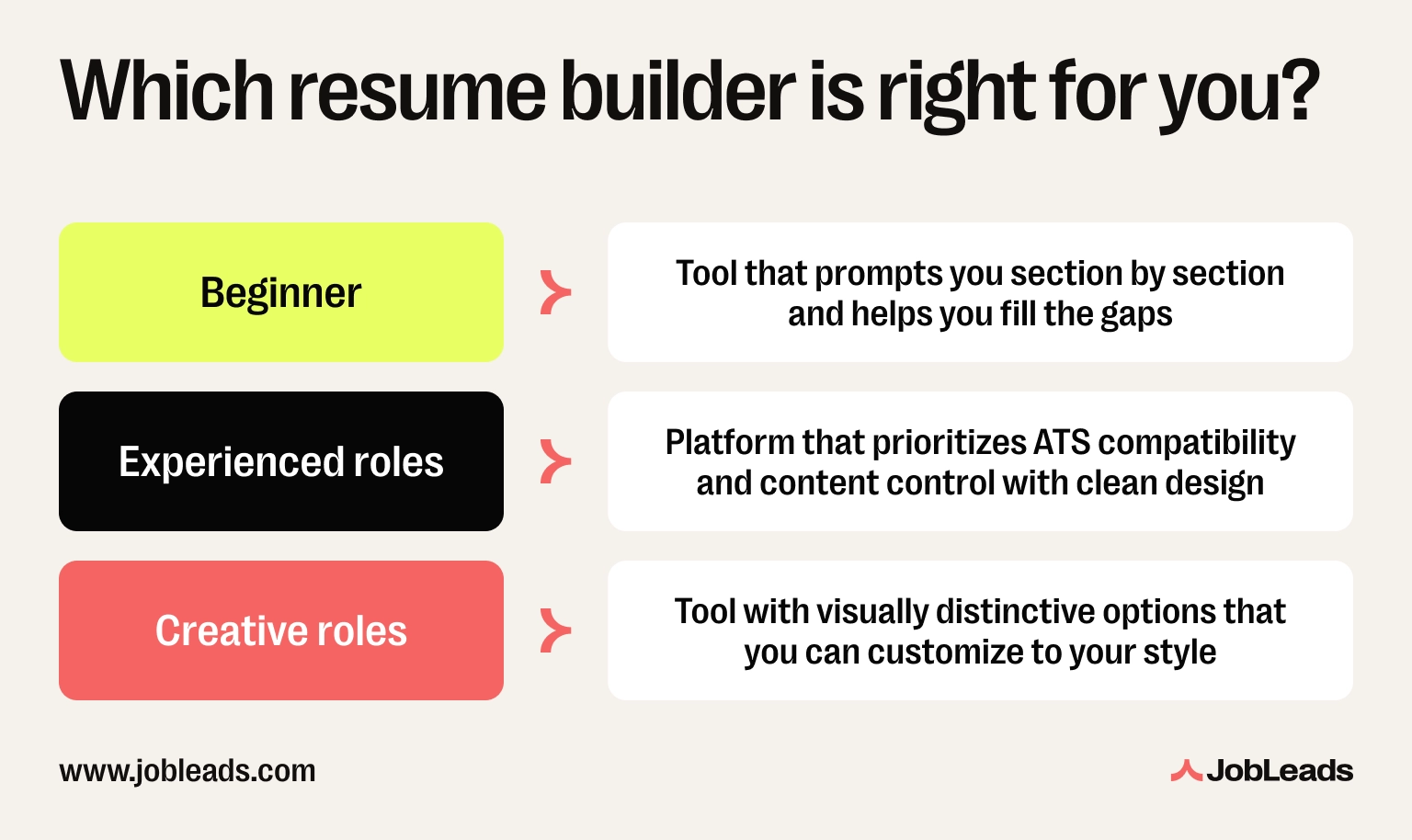
The perfect resume builder for you depends on where you are in your career, the industry you're in, and the kind of jobs you're applying for. Here's how to narrow it down.
Did you know that…
In a JobLeads LinkedIn poll, 45% of job seekers said their biggest job search mistake was underselling themselves in interviews.
Before you sign up for any builder, check it against these five things. A free plan doesn't matter if the tool fails on the basics.
Read more: ResumeGo found that 71% of hiring professionals “almost always” or “often” skim resumes rather than read them in full. Check out these tips from recruiters to know what they're actually looking for in that 30-second scan.
The right resume builder depends on what you need. For creative flexibility and massive template variety, it's Canva. For pure ATS specialization, Rezi or Jobscan. For beginners who want some more hand-holding, Zety or Resume Now.
For active job seekers who want the best online resume builder tied to real career outcomes like job matches and expert reviews in one account, JobLeads is the pick. It's the only tool on this list that treats your resume as step one of a bigger job search process, not the finish line.

Content & Insight Writer
Beata creates content that puts job seekers first. From practical blog advice to first-hand research studies, her writing is designed to give people the clarity and confidence to find the role they deserve.
Cover LetterLearn how to create effective cover letters effortlessly using AI chatbots like ChatGPT. Follow our simple steps to streamline your job applications and stand out.
 Job Interviews
Learn what an elevator pitch is, how to create one, and how it can land you great jobs. Find tips, examples, and templates for crafting your perfect pitch!
 Job Interviews
Master the Tell Me About Yourself question in job interviews. Discover 6 reasons why professionals struggle with it and get insights along with 5 sample answers to excel in interviews.