
 Cover Letter
March 25, 2024
How to Use ChatGPT to Write The Perfect Cover Letter
Learn how to create effective cover letters effortlessly using AI chatbots like ChatGPT. Follow our simple steps to streamline your job applications and stand out.


According to ResumeGo, as many as 81% of hiring professionals spend a minute or less on your resume in the first pass.
And it's not just humans skimming. ResumeBuilder study shows that 82% of companies now use AI to screen resumes, with around 70% allowing AI to reject candidates with minimal human review.
To help you pass these screenings on a budget, JobLeads tested the most popular free resume builders to find which of them are worth your time.
But before we dive in, let's look at the methodology.
JobLeads evaluated each of the 15 free resume builders on five criteria. These include what the free plan actually includes, free download availability, template quality, ATS compatibility, and editor ease of use.
Vendor documentation, current pricing pages, ATS parsing behavior data, and third-party Trustpilot reviews were reviewed to evaluate each tool. Pricing and ratings were verified the week of publishing.
Here's a table of the free resume generators for a quick comparison:
| Platform | Pricing starts at | Best for |
|---|---|---|
| JobLeads | $2.99 (14 days Premium trial) | All-in-one career platform |
| Teal (TealHQ) | $13/week (Teal+) | Job tracking |
| Upplai | $29 (one-time, Boost) | Transparent AI edits |
| Kickresume | $24/month | Realistic AI-generated resume content |
| Rezi | $29/month | AI-driven ATS optimization |
| Resume.io | $2.95 (7 days trial) | Clean, professional design |
| Zety | $1.95 (14 days trial) | Guided writing with HR-approved templates |
| Enhancv | $59/3 months (Pro) | Creative and ATS-friendly templates |
| Jobscan | $29.98/month (billed quarterly) | ATS scanning and keyword optimization |
| Resume Worded | $49/month (Pro monthly) | AI resume scoring and LinkedIn optimization |
| Novoresume | $21.99/month (Premium monthly) | Modern, ATS-friendly templates |
| Resume Now | $2.45 (14 days trial) | Speed and simplicity |
| ResumeBuilder | $2.95 (14 days trial) | Straightforward, no-frills building |
| Canva | $18/month (Individuals Pro) | Design-forward and creative resumes |
| Huntr | $40/month (Pro) | Tailoring and application tracking |
Let's have a closer look at each of the platforms.
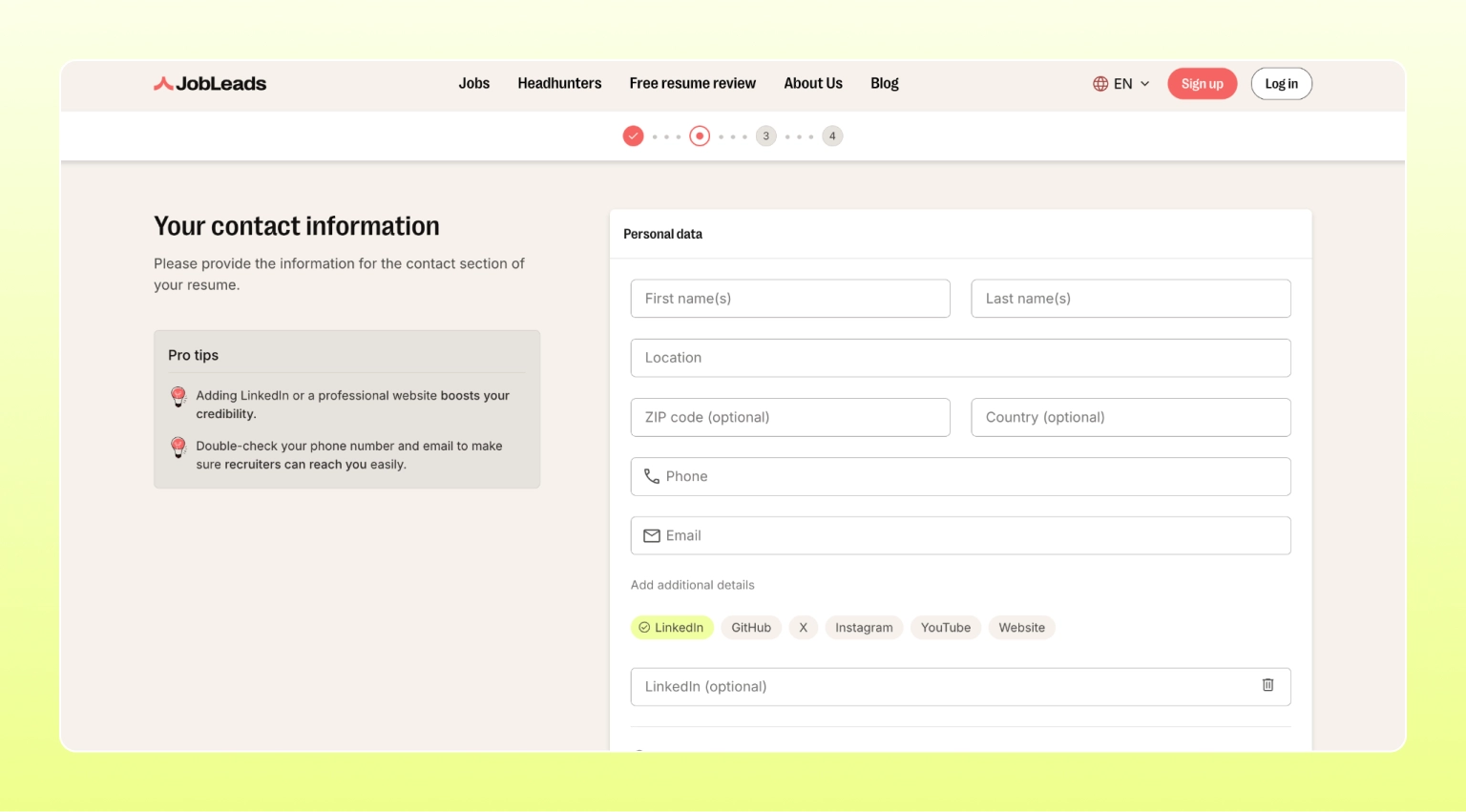
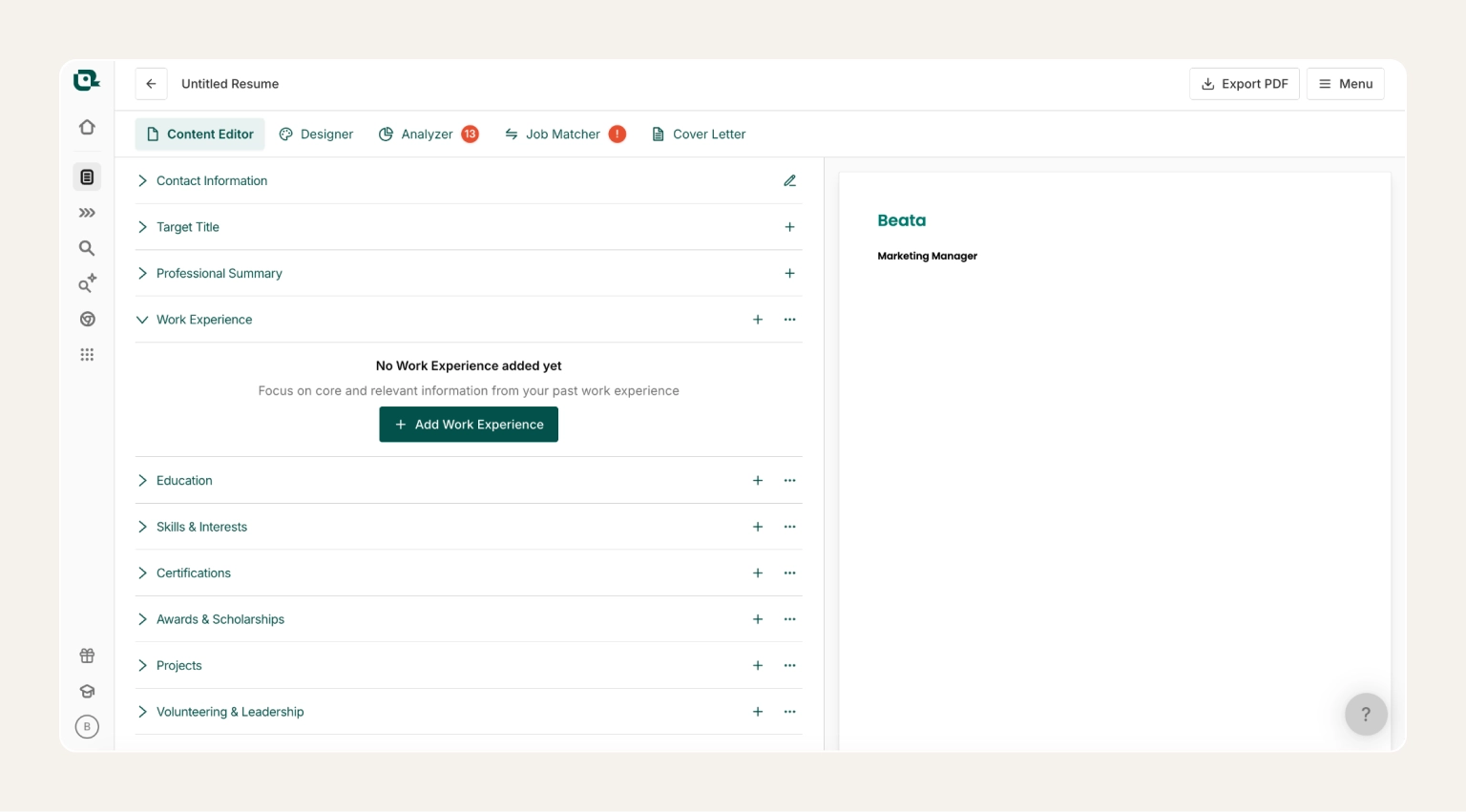
Okay, yes. This is our own platform–but we promise not to toot our own horn in this review. JobLeads is a free online resume builder that combines a professional resume editor, cover letter writer, ATS keyword optimization, and personalized job matching. Think of it as a free resume maker and career co-pilot rolled into one. It's best for active job seekers who want a full system to land interviews faster instead of just creating a one-off resume.
JobLeads is the only tool on this list that treats your resume as part of a wider career solution. The free resume editor sits alongside ATS-friendly templates, curated job matches, and expert career advice, so you can create a free resume and apply from one place. For senior professionals, that could be the difference between a nice-looking PDF and an actual interview.
Main features:
Free plan includes: full editor access, ATS-friendly templates, matching cover letter builder, and curated job recommendations tied to your resume
Pricing:
Info
In a JobLeads survey, 51% of job seekers said they apply reactively with no structured job search strategy, and only 14% had a detailed daily plan. The payoff for fixing that is real: job seekers confident in their resume applied to 47% of jobs they clicked on (vs. just 22% for those without a ready resume) and browsed roles paying $13,428 more on average.
Teal pairs a free AI resume builder with a job application tracker in a single dashboard. As you build, it scores your resume against any job description in real time and generates tailored content to match. Also, a Chrome extension clips jobs from any site while you browse. The platform suits organized job seekers who run many applications at once and want everything in one place.
What makes Teal stand out is how much sits on the free plan. The unlimited resume versions, basic AI suggestions, and a full job tracker are all in one interface. Moreover, the real-time match score is one of the strongest free features in the category, and you do not need to enter a card to use it.
Pros:
Cons:
Free plan includes: unlimited resume versions, basic AI content suggestions, and a full job application tracker
Pricing:
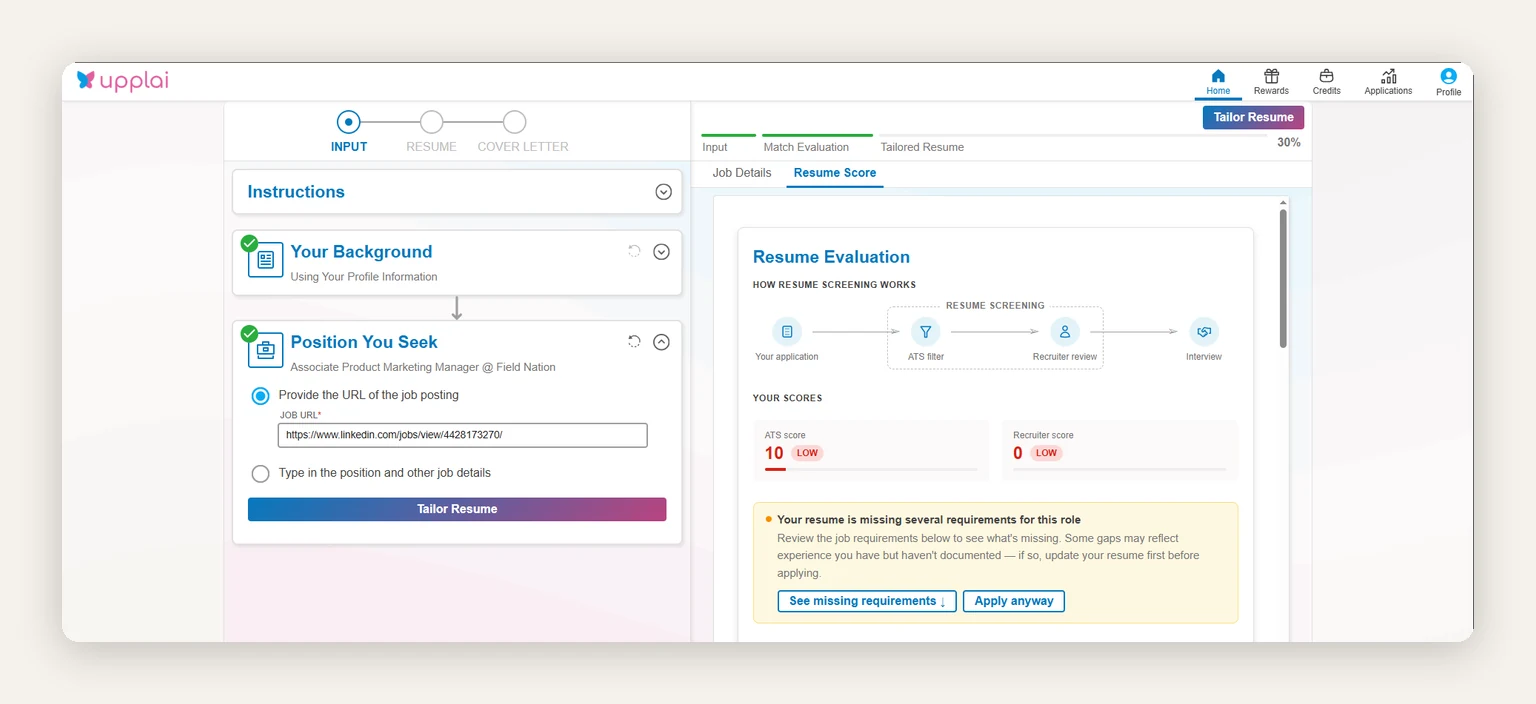
Most AI resume tools hand back a rewritten document and leave you guessing at what changed. Upplai does the opposite. You upload your resume, paste a job description or job URL, and every edit comes back highlighted with a plain-language explanation of why it improves your chances. You approve or reject each suggestion individually, so nothing reaches your resume that you didn't sign off on. That's a real guardrail if you've ever caught an AI tool inventing an achievement you never had.
The free tier covers three tailored resumes a month with matching cover letters and 200 ATS scans, and downloads in PDF, DOCX, and TXT are not paywalled. When you need more, you buy credits once and stop paying the moment your search ends.
Pros:
Cons:
Free plan includes: 3 tailored resumes with matching cover letters per month, 200 ATS and recruiter scans, unlimited PDF/DOCX/TXT downloads, job application tracker, and up to 5 saved master resumes
Pricing:
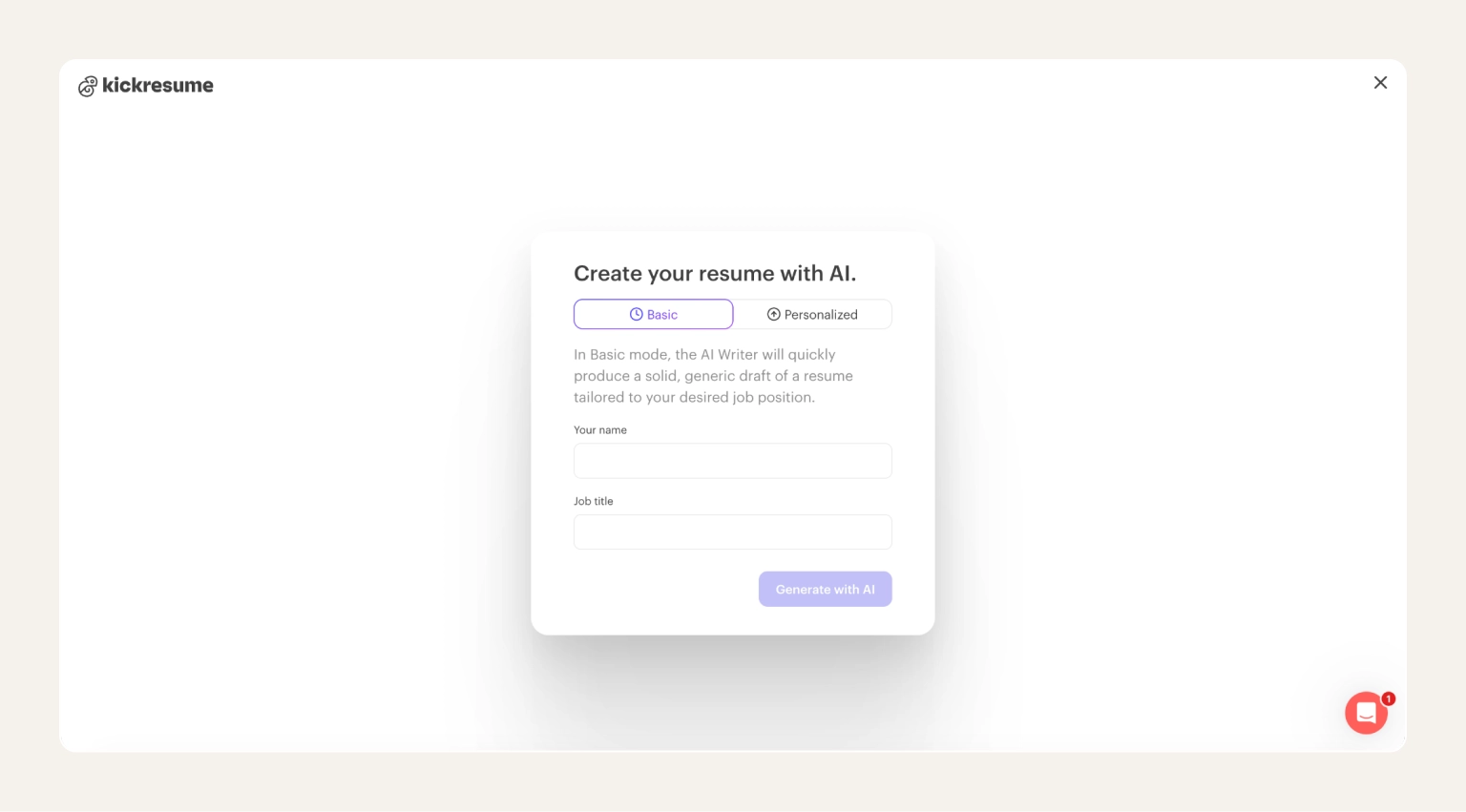
Kickresume leans hard on AI with its GPT-4 writer that drafts full resumes (or just a stubborn section) using nothing but your job title and seniority as input. Where it really earns its keep is in phrasing. The bullet points come back sounding like a person wrote them, not a template. That makes it a good fit for anyone who has done the work but can't quite turn it into a quantified, recruiter-ready line.
Moreover, there is a library with thousands of real resumes from candidates who landed roles at the likes of Google, Tesla, SpaceX, and Spotify. This helps you see how a marketing lead at Netflix framed a campaign launch, or how a backend engineer at Stripe described a system migration. Combine that reference layer with the GPT-4 writer underneath, and your draft starts from "what already works" rather than a blank page.
Pros:
Cons:
Free plan includes: four basic resume templates, resume examples from top-company hires, and LinkedIn-to-resume import
Pricing:
Info
AI cuts both ways in a job search. In a JobLeads survey, 53% said they'd opt out of AI resume screening to get human eyes on their application. Trust in the tech is still shaky, yet a ResumeBuilder survey found 78% of job seekers who used ChatGPT to draft their resume or cover letter landed an interview, and 59% were ultimately hired.
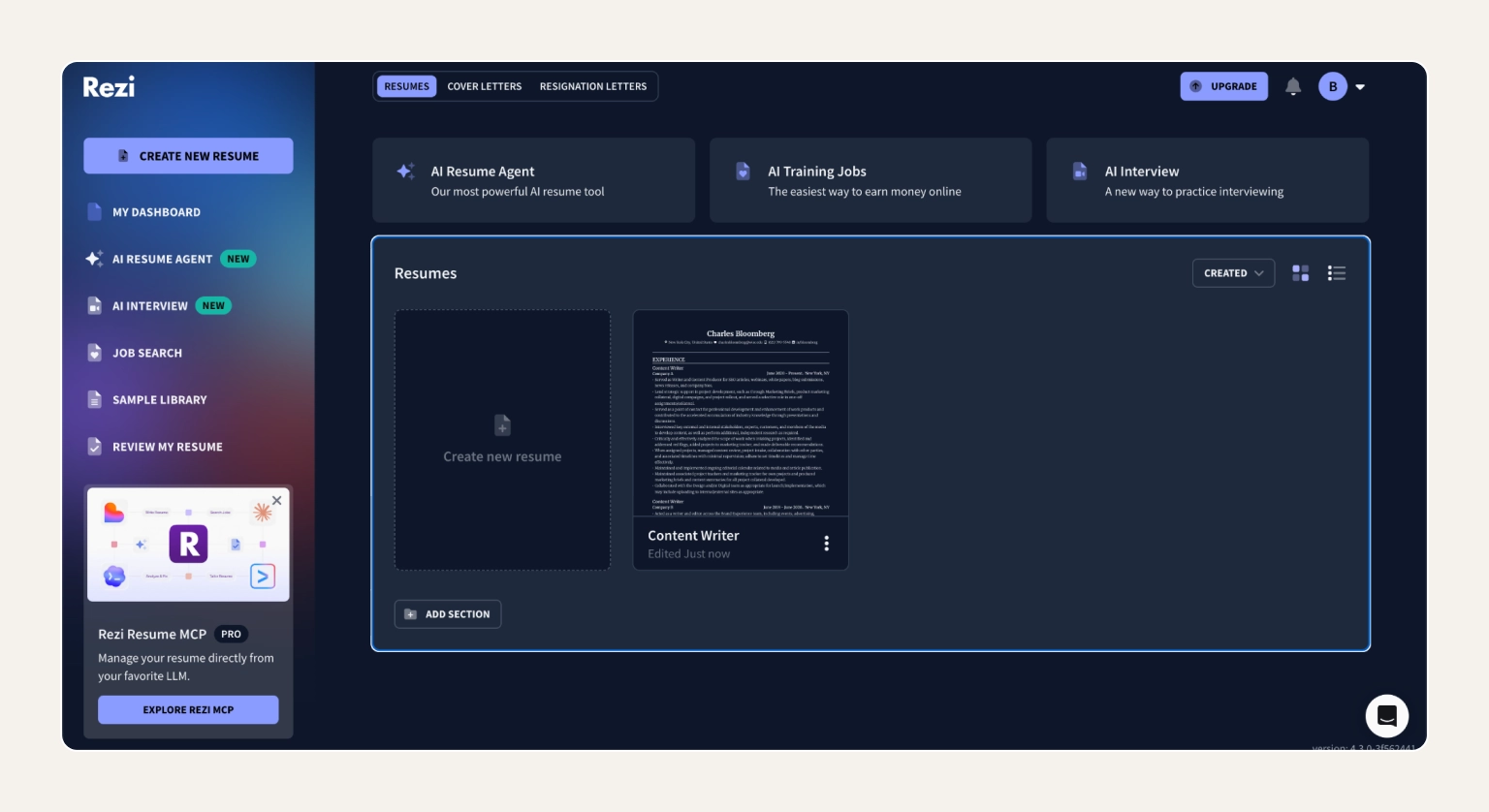
Rezi's main mission is getting your resume through an Applicant Tracking System and in front of a recruiter. The platform grades every line you write in real time, flagging anything that does not line up with the job description you paste in. Designs stay deliberately plain with a single column, no icons, and no sidebars, because that's what parses cleanly.
The free plan is the surprise here. Three formatted PDF downloads a month and access to the same ATS scoring engine paid users get. All without entering your card info. However, AI writing credits are limited, and you can only keep one resume in your account, but for a job seeker running a focused, ATS-heavy search, that's often enough.
Pros:
Cons:
Free plan includes: resume builder with templates, limited AI content credits, live ATS content scoring
Pricing:
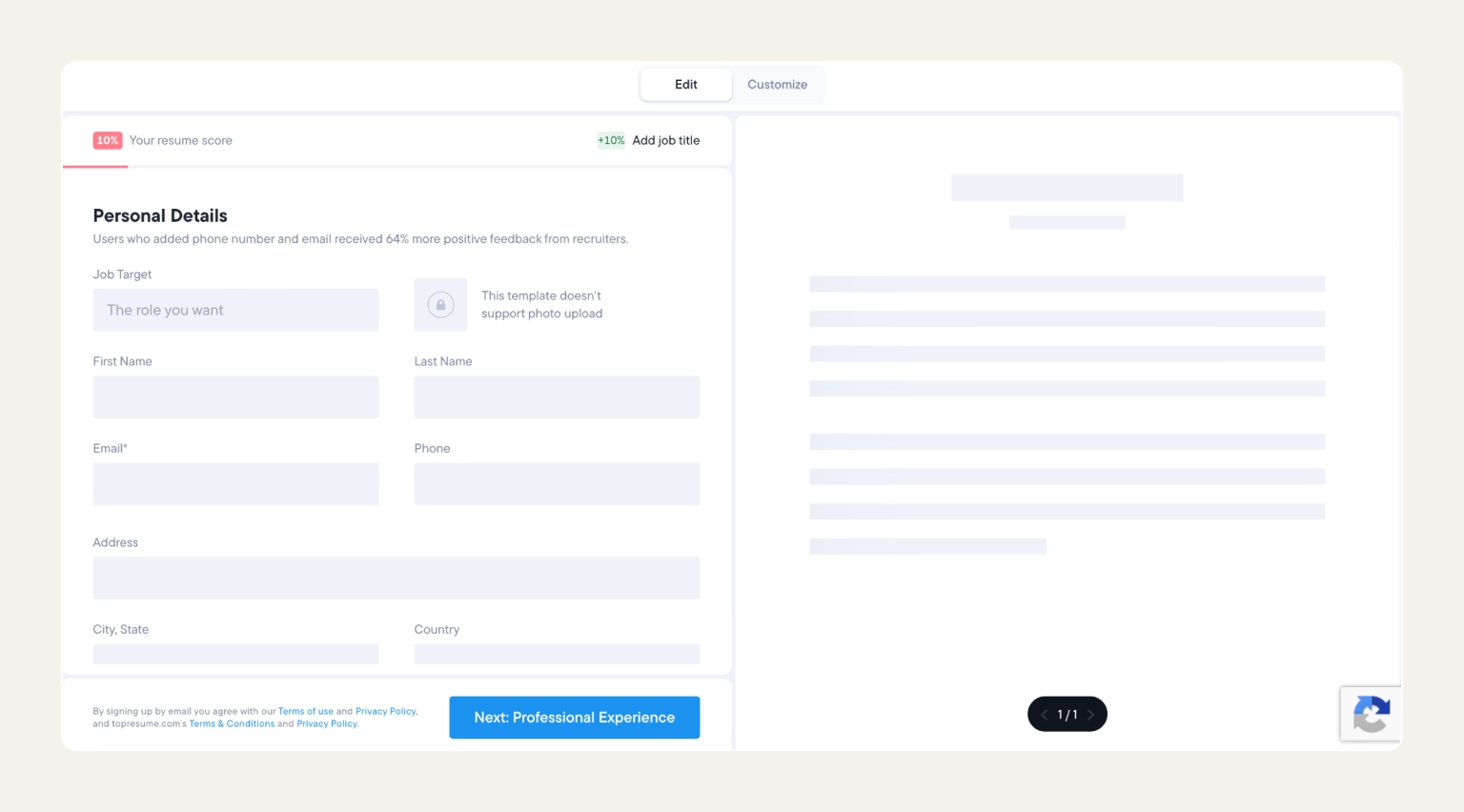
Resume.io packages over 30 recruiter-tested designs into a no-fuss editor that handles the formatting decisions for you. Pick a template, drop in your details, and the layout adjusts itself. Also, a matching cover letter builder runs alongside the free resume builder, so the two documents leave your hands looking like they were made for each other.
Here's where the "free" label gets slippery. Resume.io is not a true free resume builder as it lets you build and preview at no cost, but the only export available without paying is a stripped-down .txt file. To download a formatted PDF or Word version, you have to become a paying customer.
Pros:
Cons:
Free plan includes: full editor access, preview of your resume in any template, matching cover letter editor
Pricing:
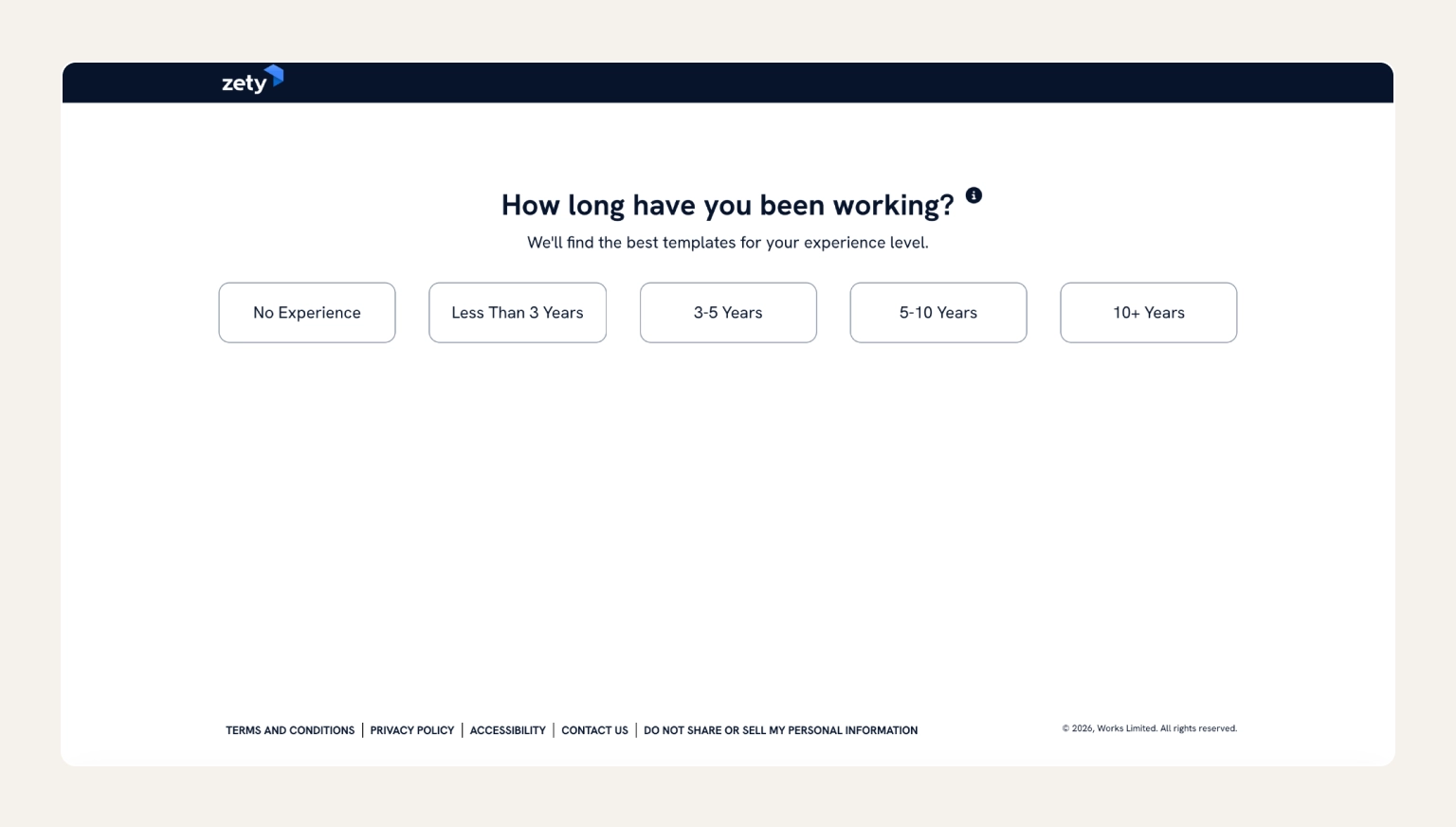
If filling out forms is more your speed than wrestling with a blank document, Zety is built for you. The platform leads you through your resume one section at a time, dropping in suggested phrasing for each job title so you're editing a copy rather than inventing it. The templates are designed by HR specialists, and a live scoring panel flags weak areas as you write. It's a comfortable starting point for anyone new to resume writing or pivoting careers after years in the same role.
The trade-off is the download paywall. Zety follows the same playbook as Resume.io. You can build your entire resume on the free plan and preview the final result, but actually exporting the PDF requires a subscription.
Pros:
Cons:
Free plan includes: full guided wizard, pre-written content suggestions, resume score with improvement tips
Pricing:
Tip
Set a calendar reminder the day after you sign up. Many platforms, including Zety, Resume.io, Resume Now, MyPerfectResume, and LiveCareer all auto-renew at the standard rate once the intro period ends. Even if these platforms send you a reminder email, it's safer to have it in your calendar just in case.
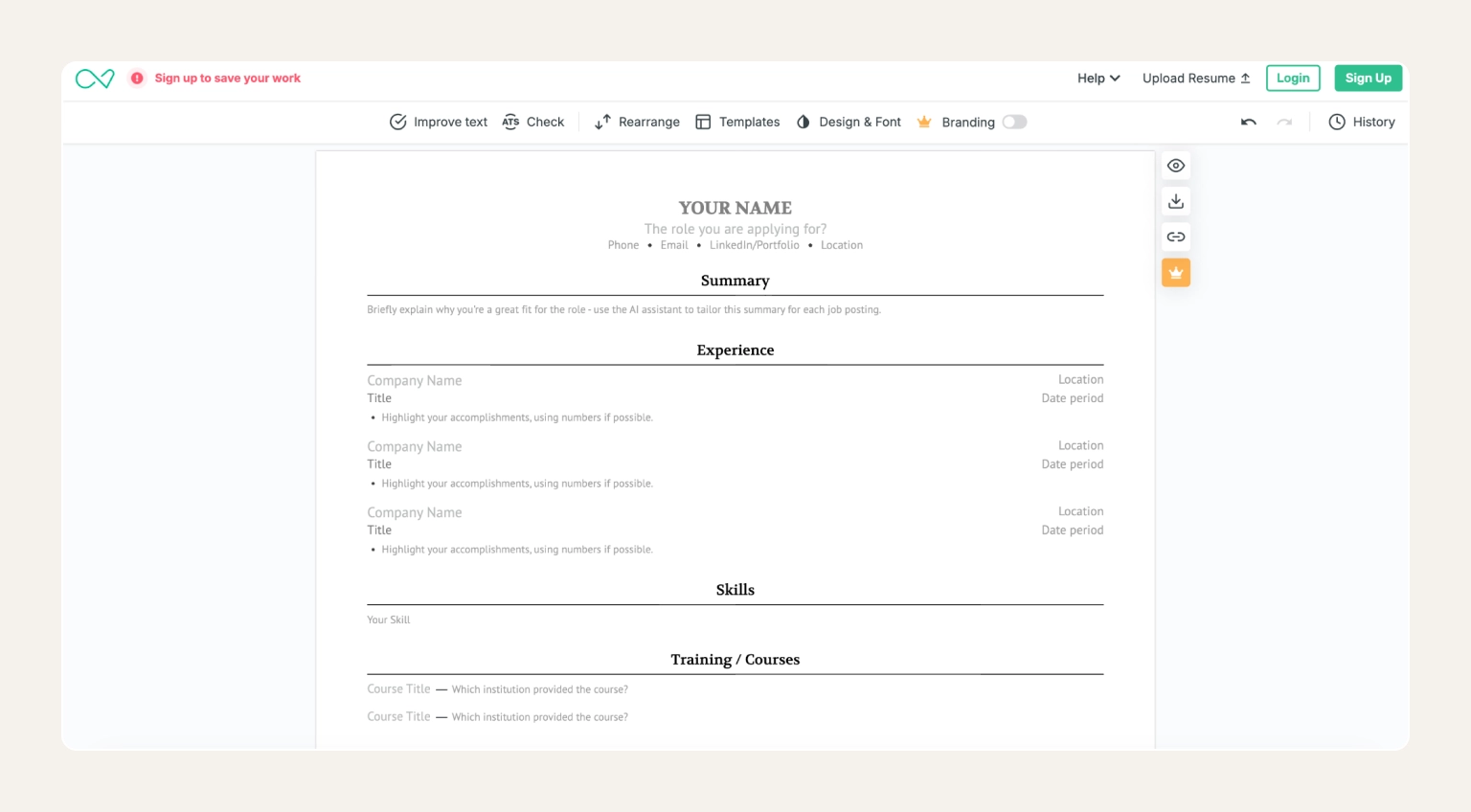
Enhancv builds resumes that don't look like everyone else's. The template gallery leans on design choices most builders avoid, like accent colours, skills meters, custom section orders. But it ensures to stay within the layout rules ATS parsers can read. Underneath the visual layer, a content analyzer reads your draft as you write, flagging missing sections and bullets that fail to quantify impact.
The Harvard-inspired templates are the headline draw–a recognizable, recruiter-friendly format dressed up in modern typography. Worth noting before you start: the free plan lets you build and preview a full resume, and the seven-day trial unlocks downloads, but once that window closes the export gate slams shut until you upgrade.
Pros:
Cons:
Free plan includes: full builder access, real-time content analyzer, access to creative and ATS-friendly templates
Pricing:
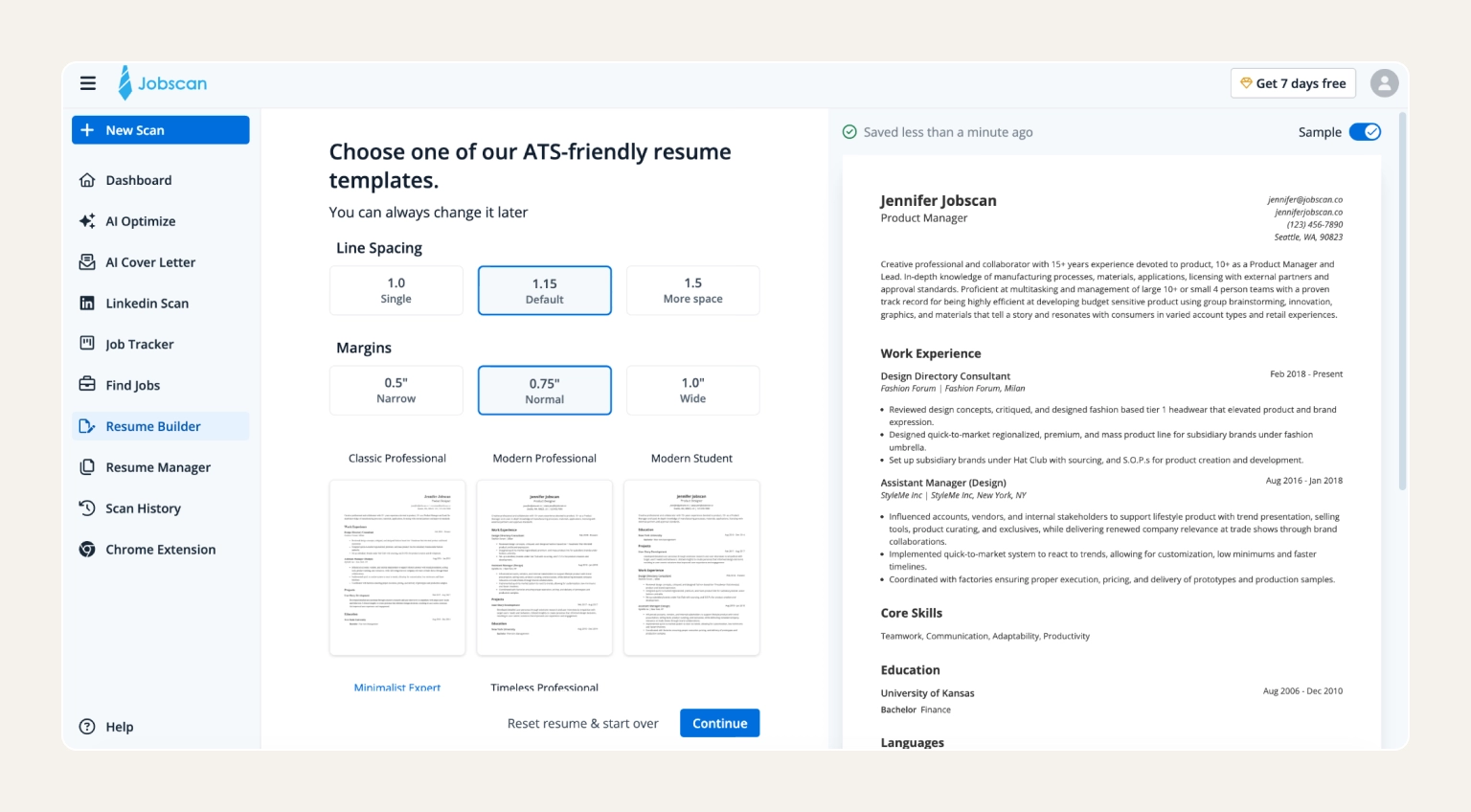
Jobscan does one thing exceptionally well: it tells you whether your resume will survive an Applicant Tracking System. Drop in your current resume, paste the job description you're chasing, and the tool returns a percentage match alongside the exact keywords and phrasing your resume is missing. The underlying database is mapped against how real ATS platforms (Taleo, Lever, Greenhouse, iCIMS) actually parse documents. This means that the score reflects real-world behaviour.
Think of Jobscan as the QA layer for whichever free resume builder you've used to write the document. The free plan gives you five resume-to-job scans a month, which is enough to dial in two or three priority applications but not enough to run through a high-volume search.
Pros:
Cons:
Free plan includes: 5 resume-to-job-description scans per month, keyword gap analysis, light resume builder
Pricing:
Info
Job search mistakes compound. A TopResume survey found only 29% of job seekers tailor their resume for every application, a JobLeads survey found 45% say their biggest mistake was underselling themselves, and almost a quarter (23%) had submitted 100+ applications without a single response–not even an automated rejection.
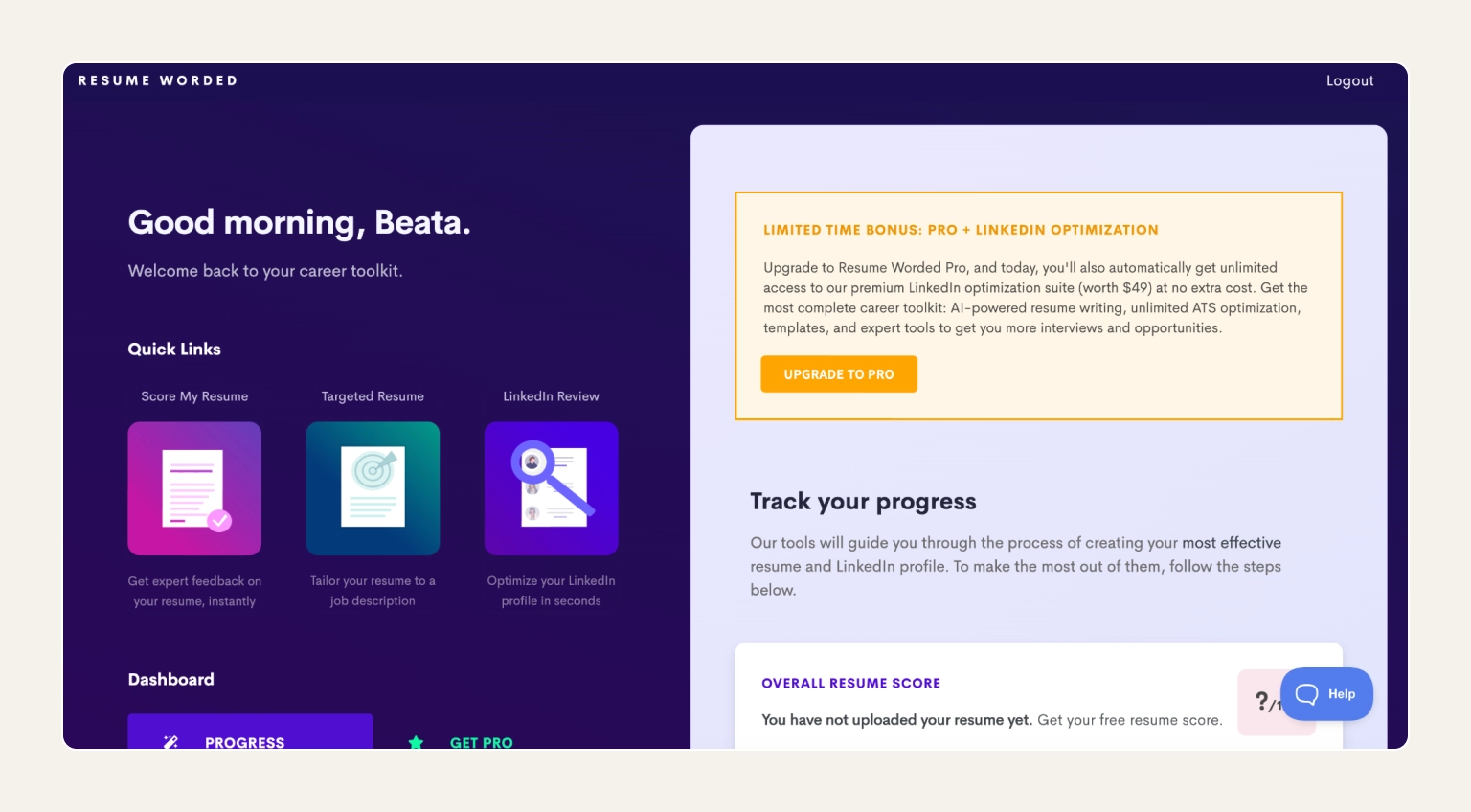
Resume Worded takes a bit of a different approach to AI resume writing. Instead of giving you a blank editor, it grades whatever resume you already have. You can upload your file and the AI will score it out of 100, then analyze what's pulling the score down line by line. This can include missing metrics on bullets, vague action verbs, weak summary phrasing, gaps where a recruiter would expect impact. Moreover, a separate LinkedIn grader runs the same kind of audit on your public profile, scoring it against over 30 criteria recruiters search for.
But it's worth noting that this isn't a free resume creator–it's a free second opinion. It's best to pair this tool with whichever builder you used for the original draft (for example, JobLeads or Kickresume). For experienced professionals with a working resume that just isn't landing, Resume Worded surfaces the small fixes that compound into more interviews.
Pros:
Cons:
Free plan includes: limited free resume scores, basic line-by-line feedback, and limited LinkedIn profile grader
Pricing:
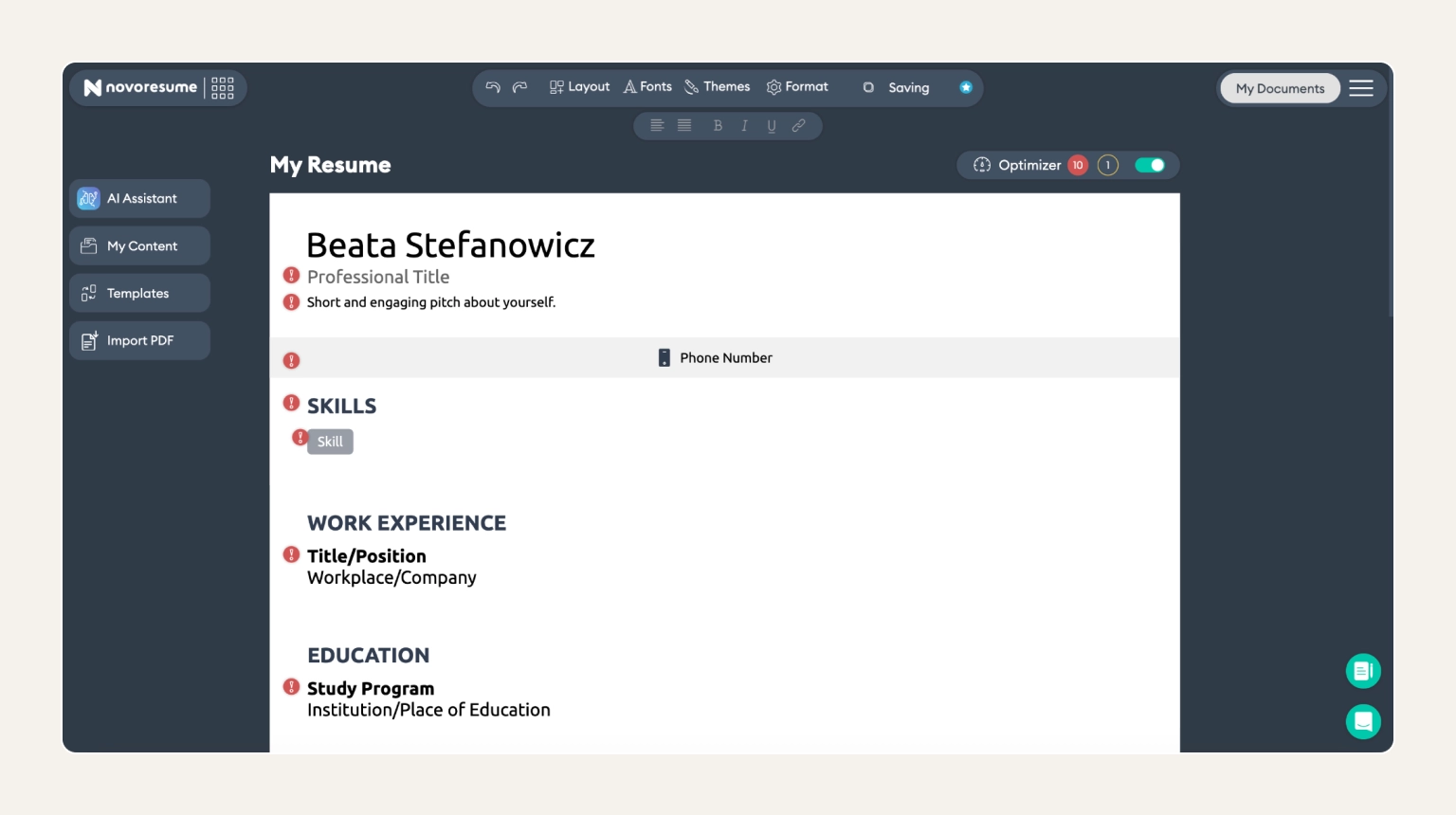
Novoresume is what you pick when you want the resume to look like it belongs in 2026 without sacrificing parseability. The template library leans into modern editorial design with every layout built to clear ATS parsing. There's no wizard hand-holding you through each section and no AI rewriting your bullets. What you get is a clean canvas, a formatting error checker, and full control over how the final document reads.
The free plan delivers a real downloadable resume but keep in mind that it's one page and has a small Novoresume mark in the corner. For executive-length careers that need more than a page, you'll outgrow the free tier quickly, but for tightly edited CVs it's a viable long-term option without paying.
Pros:
Cons:
Free plan includes: build and download a one-page resume, Novoresume branding on free downloads, modern, ATS-friendly template library
Pricing:
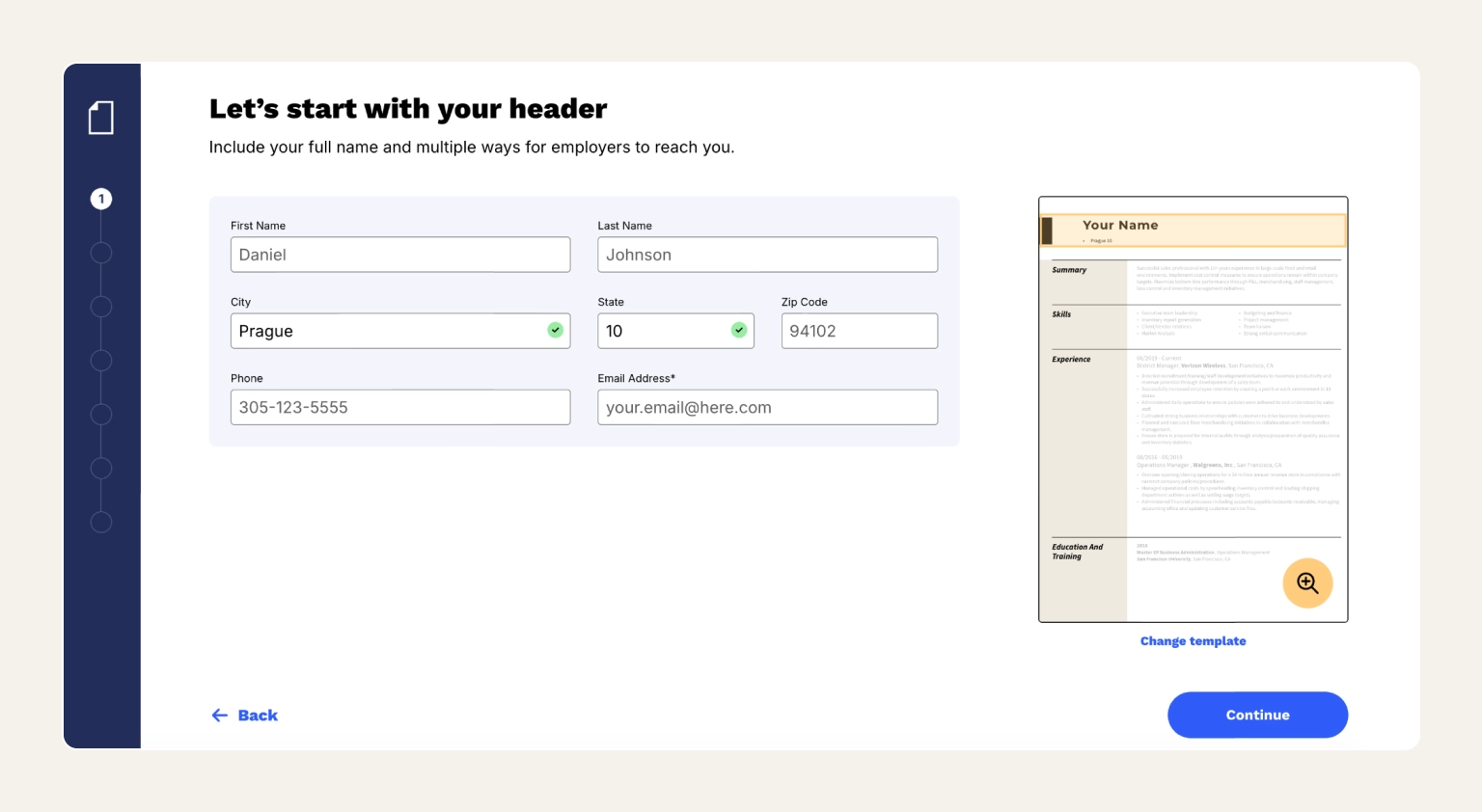
If you've never built a resume before, Resume Now does most of the thinking for you. The wizard asks simple questions and uses your answers to autofill suggested bullet points drawn from a library covering hundreds of professions. Also, formatting happens automatically as you type, so you never see the underlying layout decisions.
Worth knowing before you sign up: Resume Now follows the same playbook as Zety and Resume.io. The build is free, but the download is not. To export your finished PDF you need to start a subscription. The output is genuinely solid, so if you're prepared to pay the trial fee and set a calendar reminder, the value-for-money is decent.
Pros:
Cons:
Free plan includes: full guided wizard, pre-written content for hundreds of professions, resume preview only–no free PDF export
Pricing:
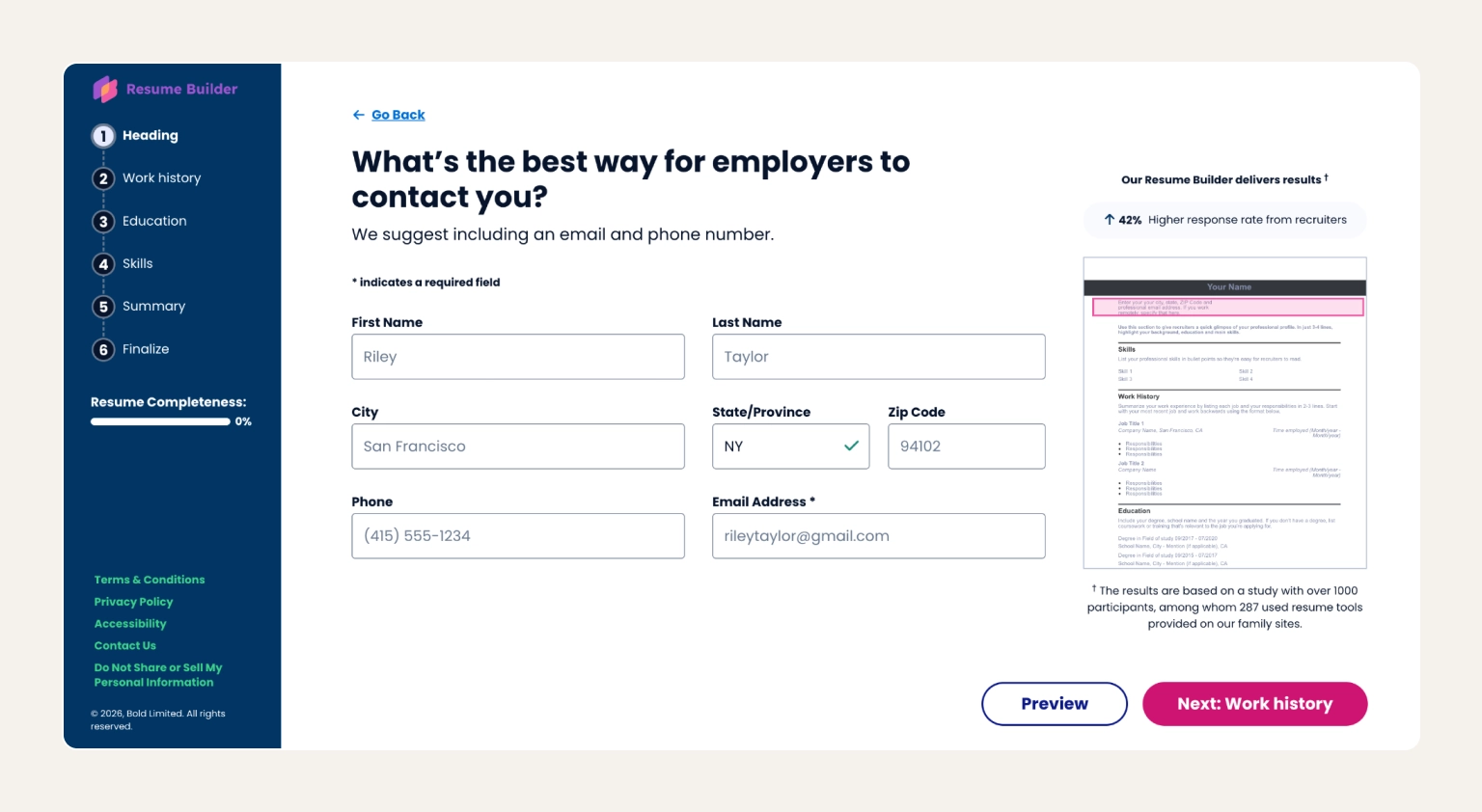
ResumeBuilder strips the resume-creation process back to its essentials. A short wizard, a small set of clean templates, and a no-frills editor. All you need to do is pick a layout, fill in the fields, and you're done. There's no AI writer to second-guess your phrasing and no scoring engine.
What sets this platform apart from other budget builders is its data. The team publishes regular surveys on hiring trends, ATS adoption, and recruiter behavior, which is useful background reading regardless of which builder you settle on.
Pros:
Cons:
Free plan includes: resume builder with basic templates, wizard-guided sections, free .txt export only
Pricing:
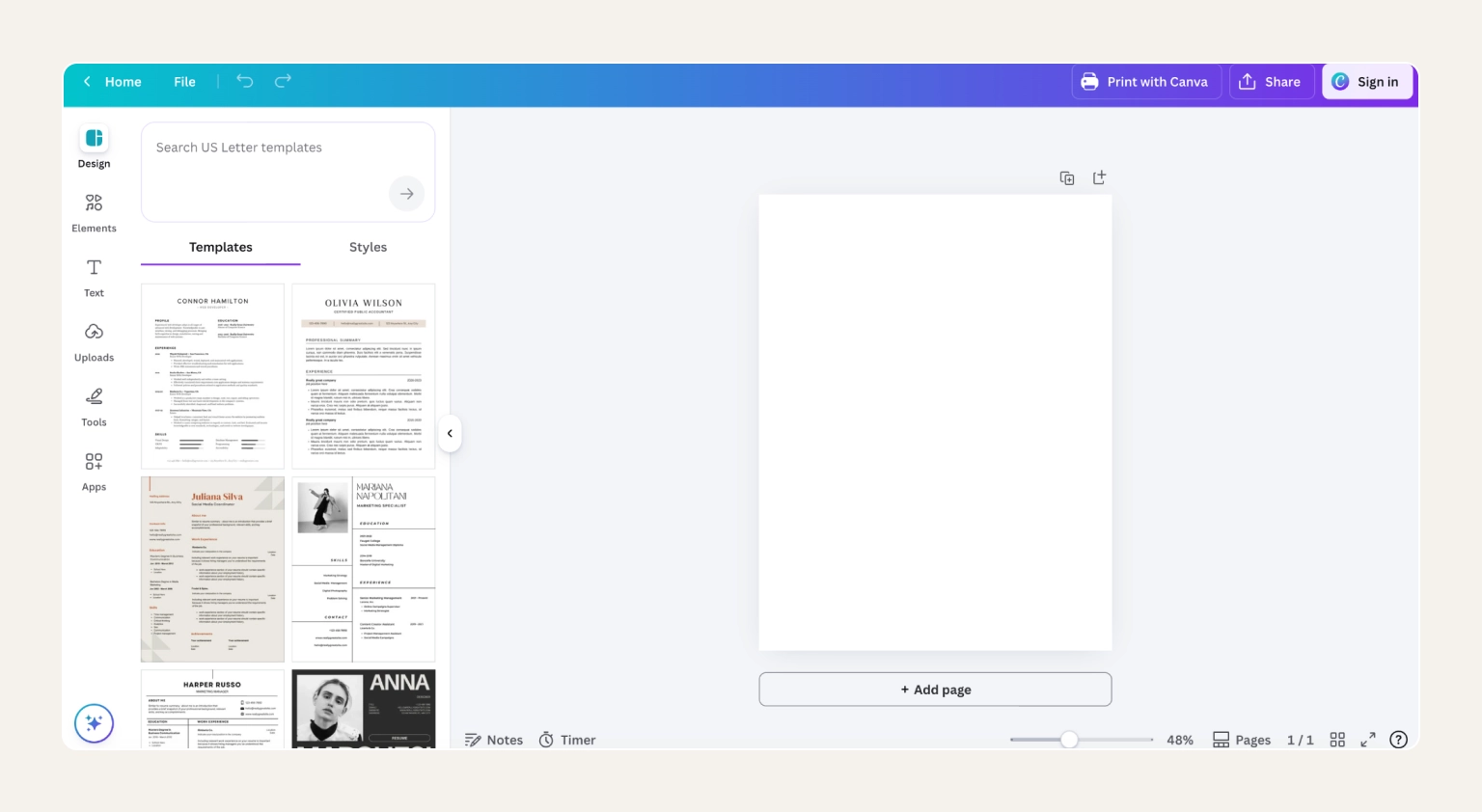
Canva approaches resumes the way it approaches every other document–as a design problem first, with content slotted into a visually-led layout. It offers a free template library that runs into the hundreds and a drag-and-drop editor that is the most intuitive in this list (you can teach yourself in five minutes). Moreover, you can use Magic Write for when you need help phrasing a bullet.
Canva's biggest advantage is also its biggest risk. Because it's not built specifically as a free resume builder, the design freedom that makes it brilliant for creative roles is exactly what trips it up at ATS. A safe move would be to save a stripped-down Word version alongside the designed PDF every time you finish a Canva resume.
Pros:
Cons:
Free plan includes: full editor and most templates, free PDF and Word downloads, Magic Write AI (limited credits)
Pricing:
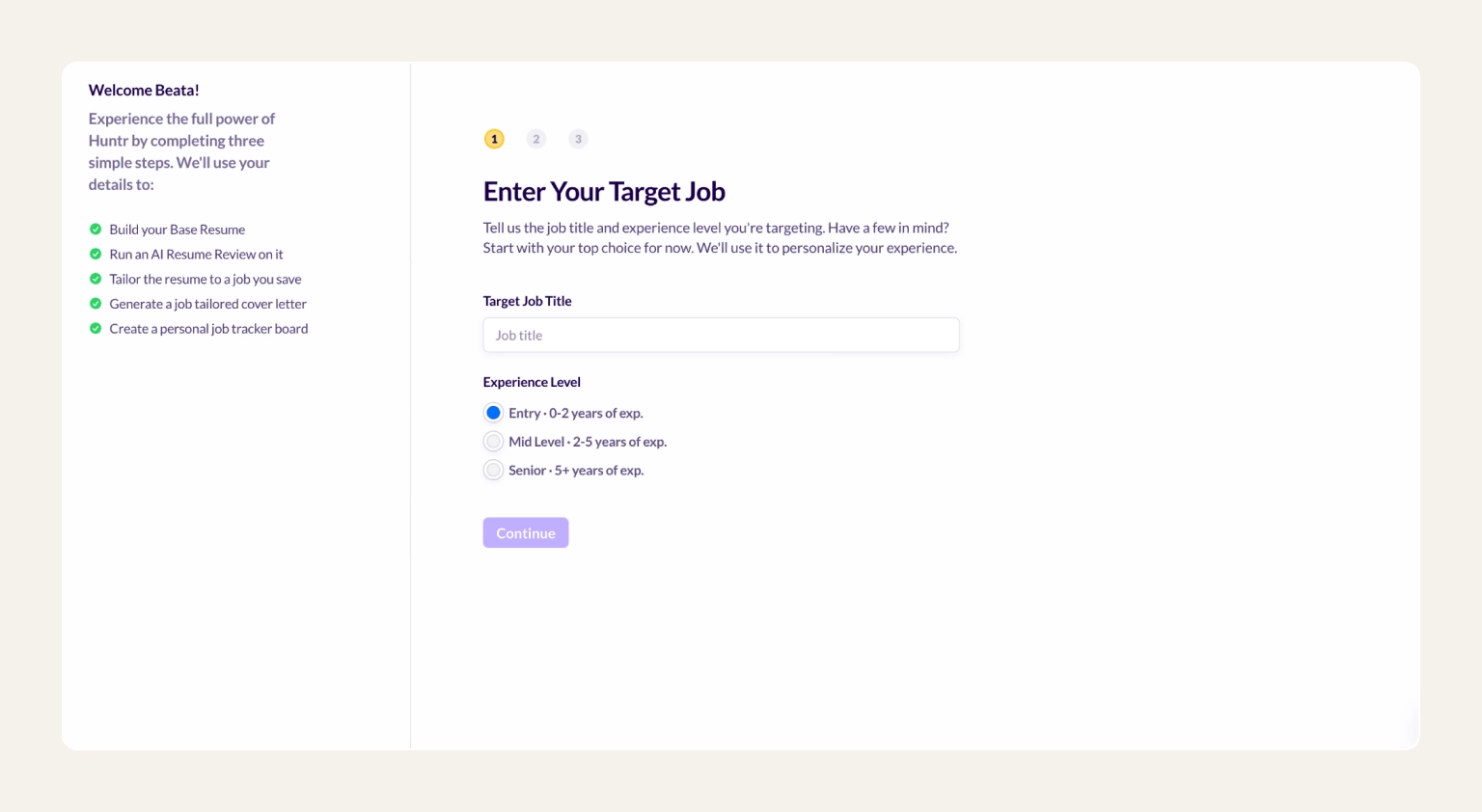
Huntr is built around a different question than most tools on this list. Instead of "how do I write a resume?", it asks "how do I keep 30 applications without losing my mind?". The platform combines a lightweight resume editor with a Kanban-style application pipeline. This free resume builder lets you paste a job description into any application card and the AI rewrites your base resume to match, swapping in role-specific keywords and reordering bullets to lead with what that posting cares about.
Treat Huntr as the tailoring and tracking layer of your workflow rather than the place you write the first draft. Build the foundation in JobLeads, Kickresume, or another free resume builder with stronger content generation, then move into Huntr for the per-application customization and the application management side.
Pros:
Cons:
Free plan includes: unlimited base resumes, basic resume scoring and AI tailoring, job application tracker (up to 100 jobs)
Pricing:
Read more: See JobLeads' guide on how to optimize your resume for ATS to maximize your chances of getting past automated screening.
If you'd rather build a resume yourself, Word and Google Docs both offer free resume templates with no watermark and no sign-up trap. It's the cheapest route to a finished document and, for short resumes or one-off applications, often the right one. Keeping backup copies in cloud storage can also make it easier to access and update your resume from different devices.
The trade-off is that those templates aren't ATS-tested, and you're on your own for content, formatting, and keyword optimization with no scoring or AI help. For experienced and senior professionals applying to ATS-heavy roles, a dedicated free resume builder like JobLeads, Kickresume, or Novoresume will almost always outperform a Word or Google Docs template.
Read more: See JobLeads' full guide on how to write a resume that gets interviews.
The right free resume builder depends on your industry and how much help you need with the writing itself. Four quick personas to anchor the decision:
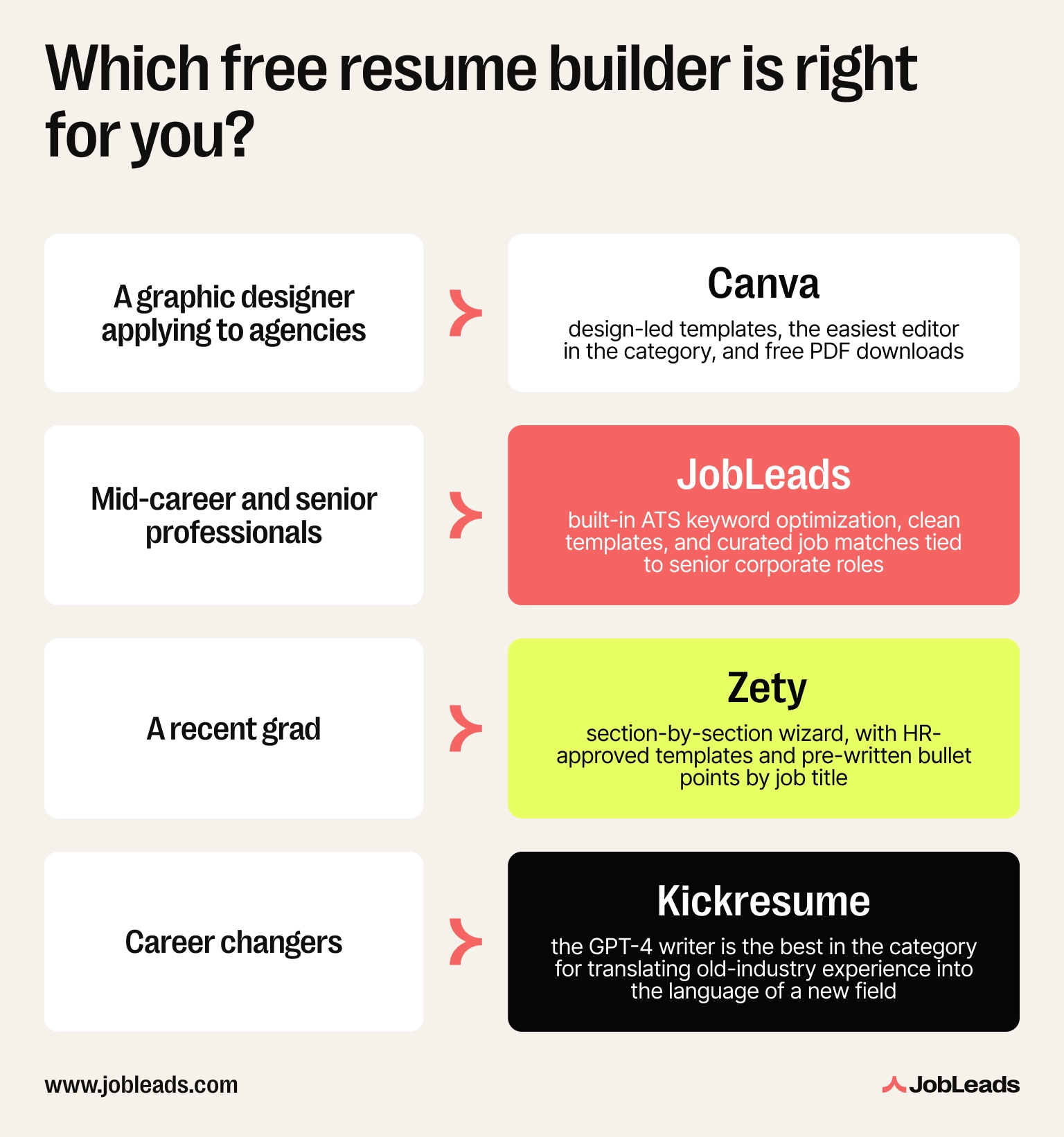
Whichever profile fits, work through these four features before you sign up:
Info
In a JobLeads survey, as many as 45% of job seekers said their biggest job search mistake was underselling themselves. A free resume builder with content suggestions helps you quantify wins you would otherwise leave off.
The right free resume builder depends on what you actually need. For creative flexibility and massive template variety, it's Canva. For pure ATS specialization on the free plan, Kickresume or Novoresume. For tailoring and tracking, Teal or Huntr.
And if you're an active job seeker who wants the best free online resume builder tied to curated job matches and expert resume review, JobLeads is the pick. It's the only tool on this list that treats your free resume as step one of a bigger job search process, not the finish line.

Content & Insight Writer
Beata creates content that puts job seekers first. From practical blog advice to first-hand research studies, her writing is designed to give people the clarity and confidence to find the role they deserve.
Cover LetterLearn how to create effective cover letters effortlessly using AI chatbots like ChatGPT. Follow our simple steps to streamline your job applications and stand out.
 Job Interviews
Learn what an elevator pitch is, how to create one, and how it can land you great jobs. Find tips, examples, and templates for crafting your perfect pitch!
 Resume
Learn how ATS works and what to prioritize. Follow the steps to optimize resume for ATS to make sure your CV wins over the algorithm and the recruiter.