
 Job Search
July 21, 2026
How to Find a Remote Job in 2026: A 7 Step-by-Step Guide
Learn how to find a remote job. Discover the best platforms, what to put on your resume, and how to apply with no experience to get a legit remote job.


Over 74% of professionals would take a fully remote role even at lower pay than the office position (JobLeads). Remote work is what most professionals actively prefer, even at a discount.
But wanting to work remotely and doing it well are different things. A distributed team can drown in scattered Slack threads, conflicting "source of truth" docs, and shared logins nobody can account for.
Remote work tools are the software platforms that keep distributed teams on the right track. Below, you will find the 10 best remote work tools across communication, task tracking, security, and scheduling.
Read more: Check out the biggest remote work benefits stated by the employees and employers.
| Tool | Category | Free plan | Starting price | Best for |
|---|---|---|---|---|
| Slack | Communication | Yes | $8.75 user/month | Written team communication |
| Zoom | Video meetings | Yes | $16.99/user/month | Video meetings and webinars |
| Jira | Task tracking | Yes | $7.91/user/month | Agile task and sprint tracking |
| Trello | Visual collaboration | Yes | $6/user/month | Kanban-style project boards |
| Loom | Async video | Yes | $18/user/month | Async video messaging |
| Notion | Docs & wiki | Yes | $12/user/month | Team documentation and wikis |
| 1Password | Security | No | $4.99/month | Password and access management |
| Toggl Track | Time tracking | Yes | $12/license/month | Time tracking and reporting |
| Calendly | Scheduling | Yes | $12/seat/month | Scheduling across time zones |
| Deel | Workforce management | No | $5/employee/month | Global payroll and compliance |
JobLeads survey asked remote professionals whether working from home makes it harder to build real relationships with colleagues. About 43% said no, distance doesn't matter, but 37% feel something gets lost without face time. The right tools are exactly what closes that gap.
Every tool below solves a specific problem remote and hybrid teams run into daily. Here's what each one does best, where it falls short, and what it costs.
G2 rating: 4.5/5⭐ (39,000+ reviews)
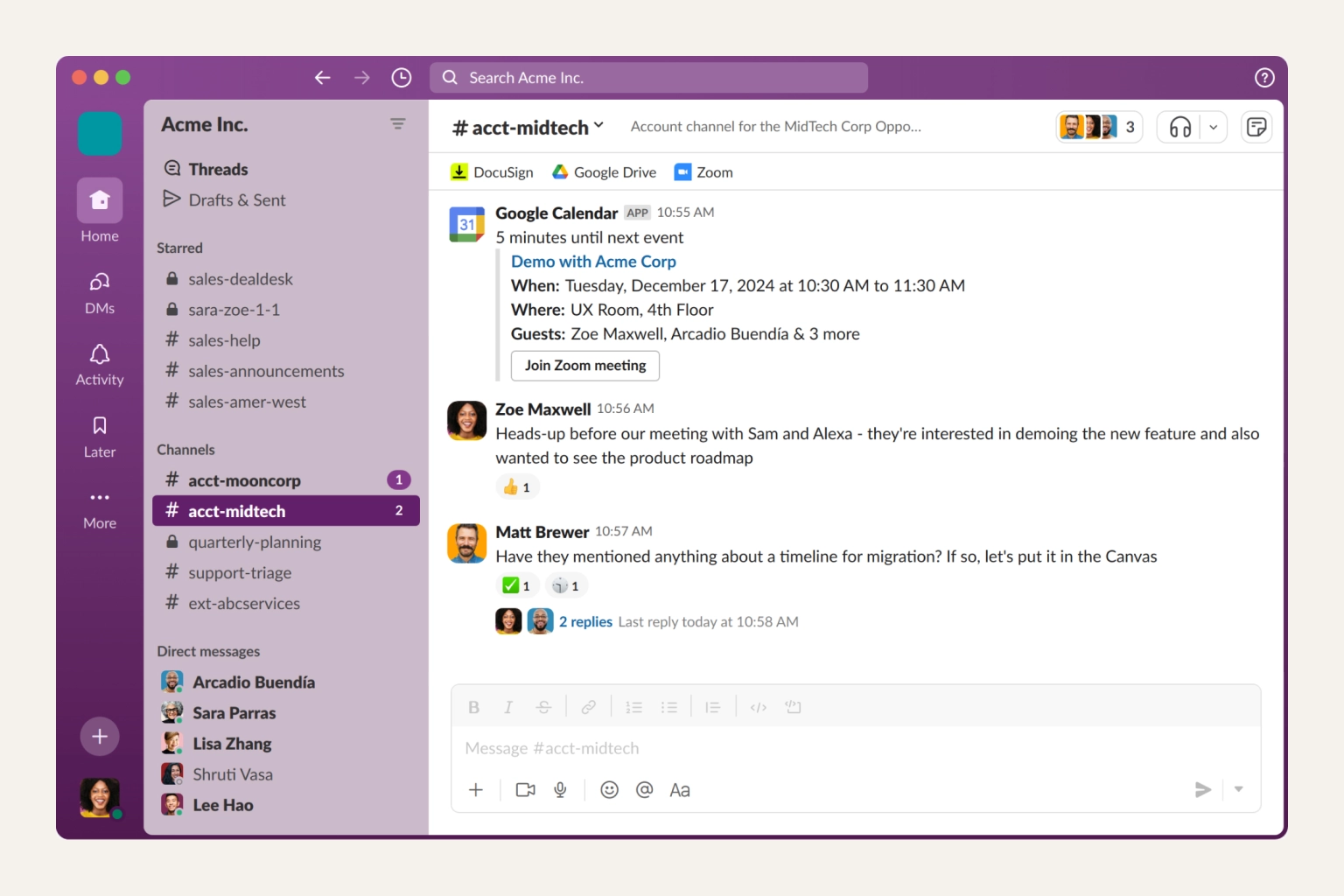
Slack is one of the most widely used remote work communication tools. It's a team messaging platform organized around channels, direct messages, and integrations with other work tools. This tool works best for distributed teams that need fast, searchable written communication instead of relying on email or endless meetings.
Slack replaced email as the default communication layer for most remote teams. Channels keep conversations organized by project or topic, and threads stop discussions from burying each other. Moreover, integrations with tools like Jira, Trello, and Zoom mean most work notifications land in one place.
Pros:
Cons:
Pricing:
G2 rating: 4.6/5⭐ (63,400+ reviews)
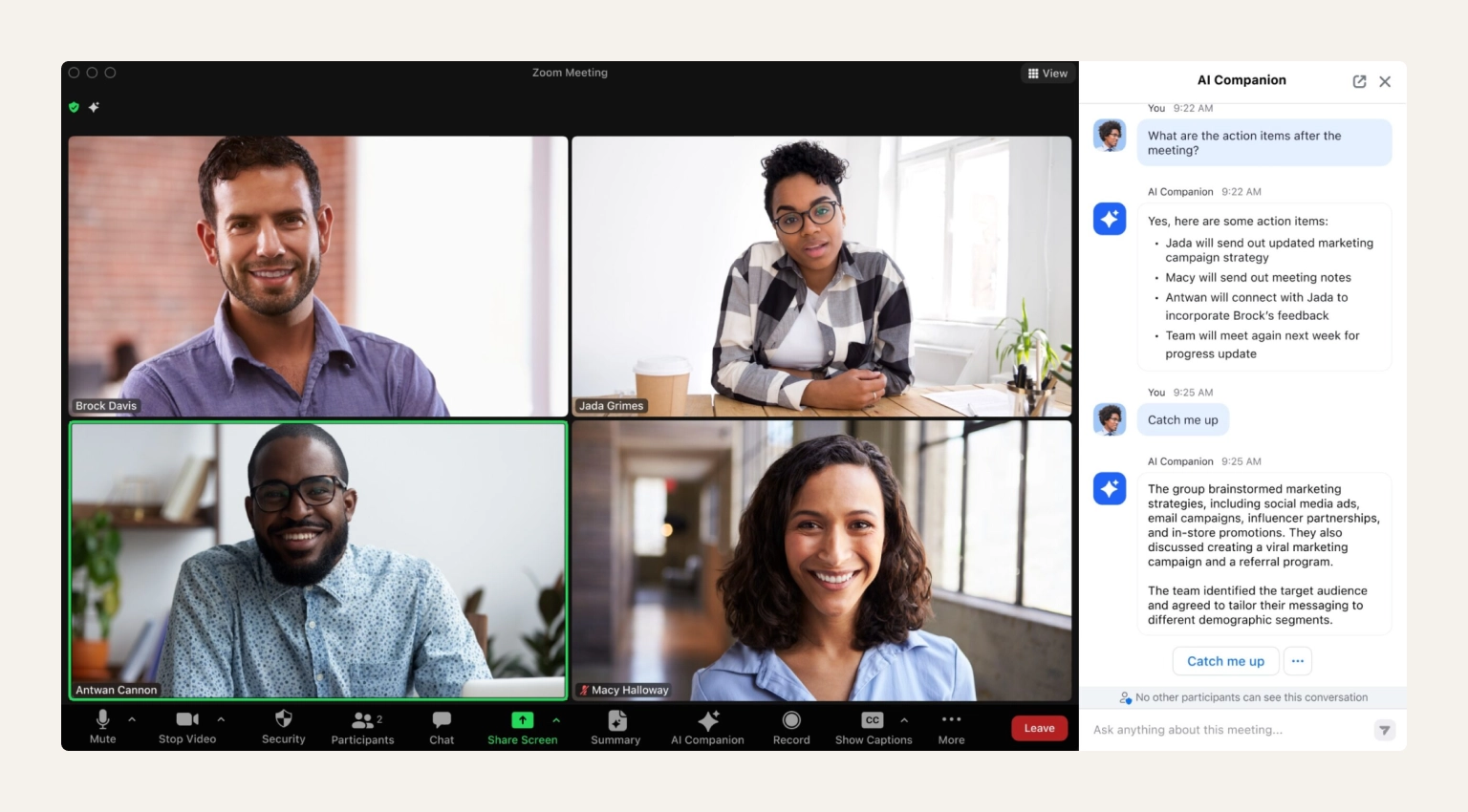
Zoom is a video conferencing platform used for remote interviews, team meetings, client calls, and webinars. It's best for remote teams that rely on face-to-face video calls to stay connected across locations.
Zoom became the default video layer for remote work because it's reliable at scale and easy for external participants to join without an account. On top of that, breakout rooms, recording, and virtual backgrounds cover most team meeting and client-call needs.
Pros:
Cons:
Pricing:
G2 rating: 4.3/5⭐ (7,900+ reviews)
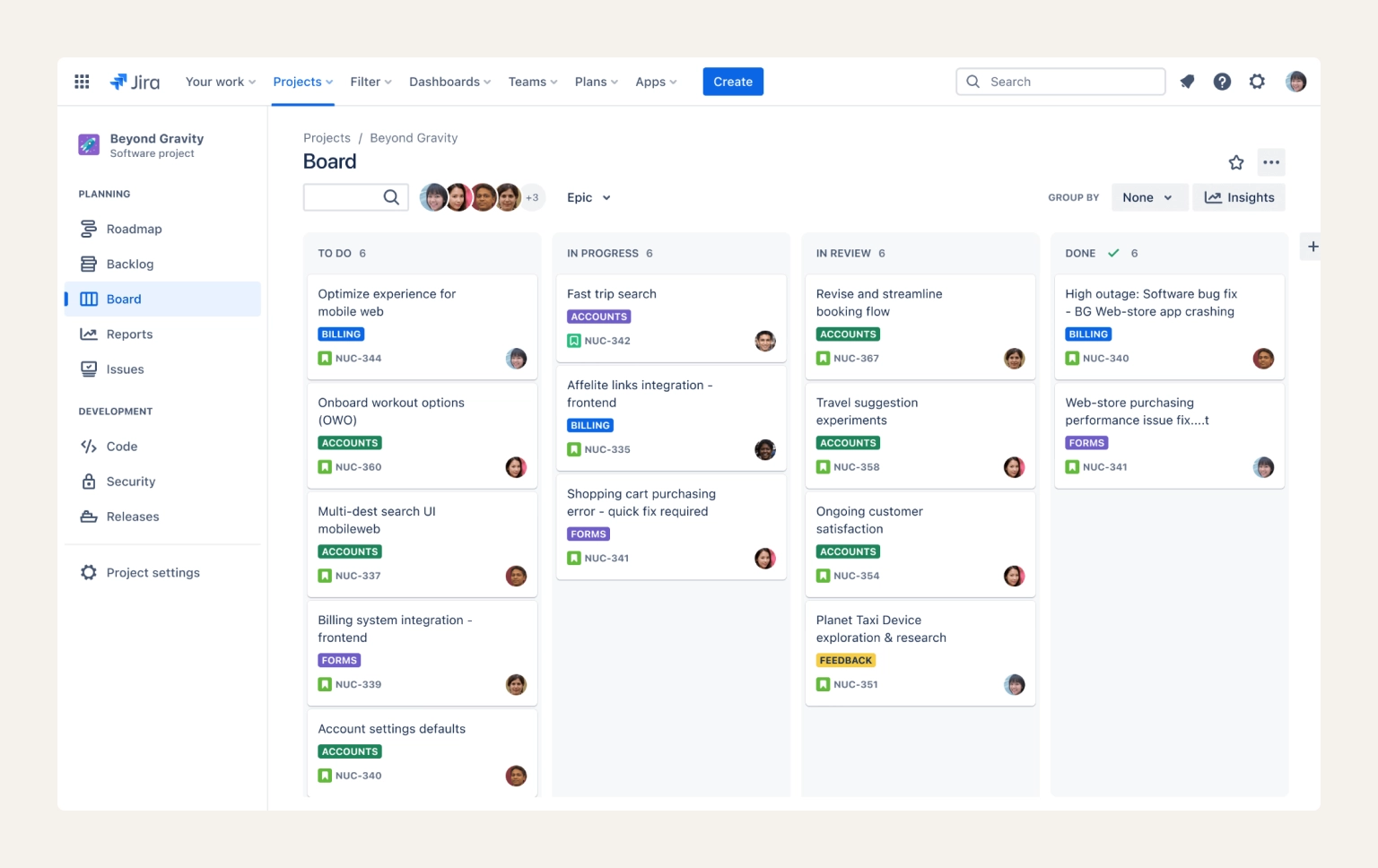
Jira is a project management tool built for agile teams to track tasks, sprints, and bugs. It's best for software and product teams that need detailed workflows and reporting, not just a simple to-do list.
Jira is the most detailed task-tracking tool on this list. It's built for teams that need sprints, backlogs, custom workflows, and reporting, not just a board. That depth makes it the standard for many teams, though it can be overkill for smaller teams that just need a shared to-do list.
Pros:
Cons:
Pricing:
G2 rating: 4.4/5⭐ (14,000+ reviews)
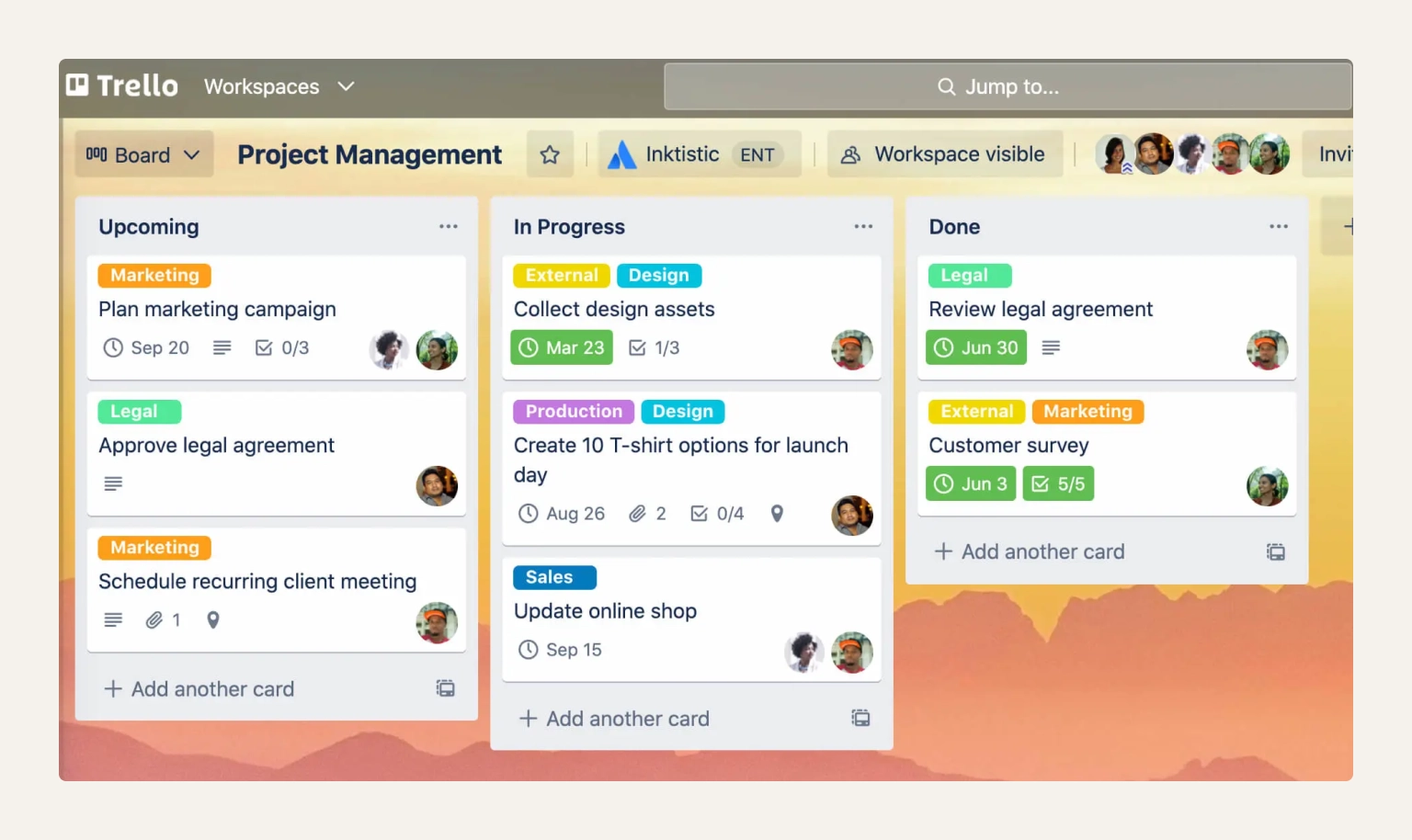
Trello is a kanban-style project management tool using drag-and-drop cards and boards. It's best for remote teams that want simple, visual remote work management software without Jira's complexity.
Trello's card-and-board layout is the easiest entry point into visual project management–anyone can understand a Trello board in under a minute. This matters especially for cross-functional remote teams where not everyone is technical. Power-ups extend it with automation and integrations as your team's needs grow.
Pros:
Cons:
Pricing:
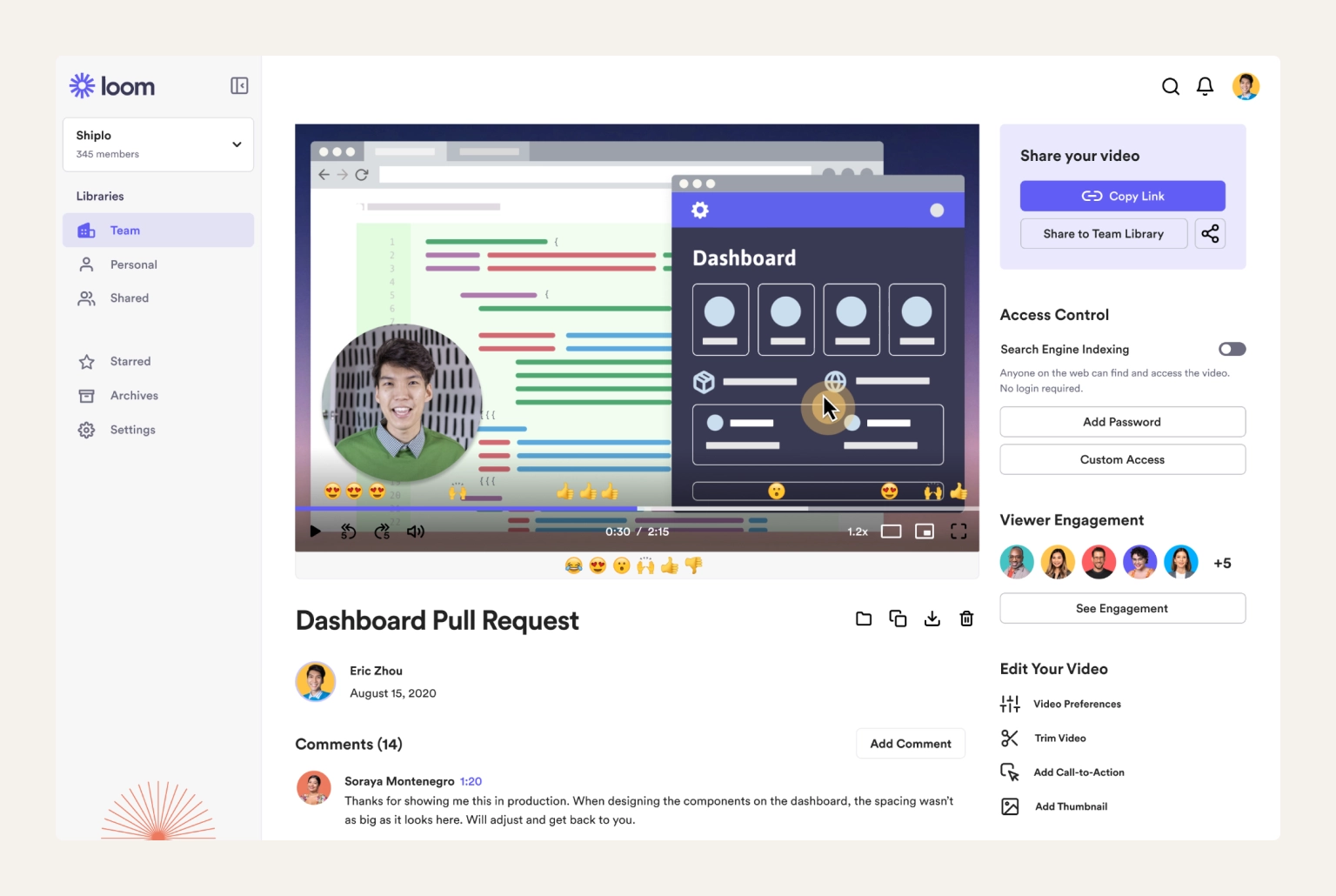
G2 rating: 4.7/5⭐ (2,400+ reviews)
Loom is a screen and video recording tool for sending async video messages instead of scheduling a meeting. It's best for remote teams spread across time zones who want to cut down on live calls.
Loom solves a problem video calls can't: time zone overlap. Record a screen-share walkthrough once, share the link, and teammates watch it whenever their day starts–no meeting required. It's become a default for product demos, feedback, and onboarding in distributed teams. As a remote working solution for the specific problem of time zone overlap, it's hard to beat.
Pros:
Cons:
Pricing:
Read more: Learn the most efficient remote onboarding process to get your team up and running in no time.
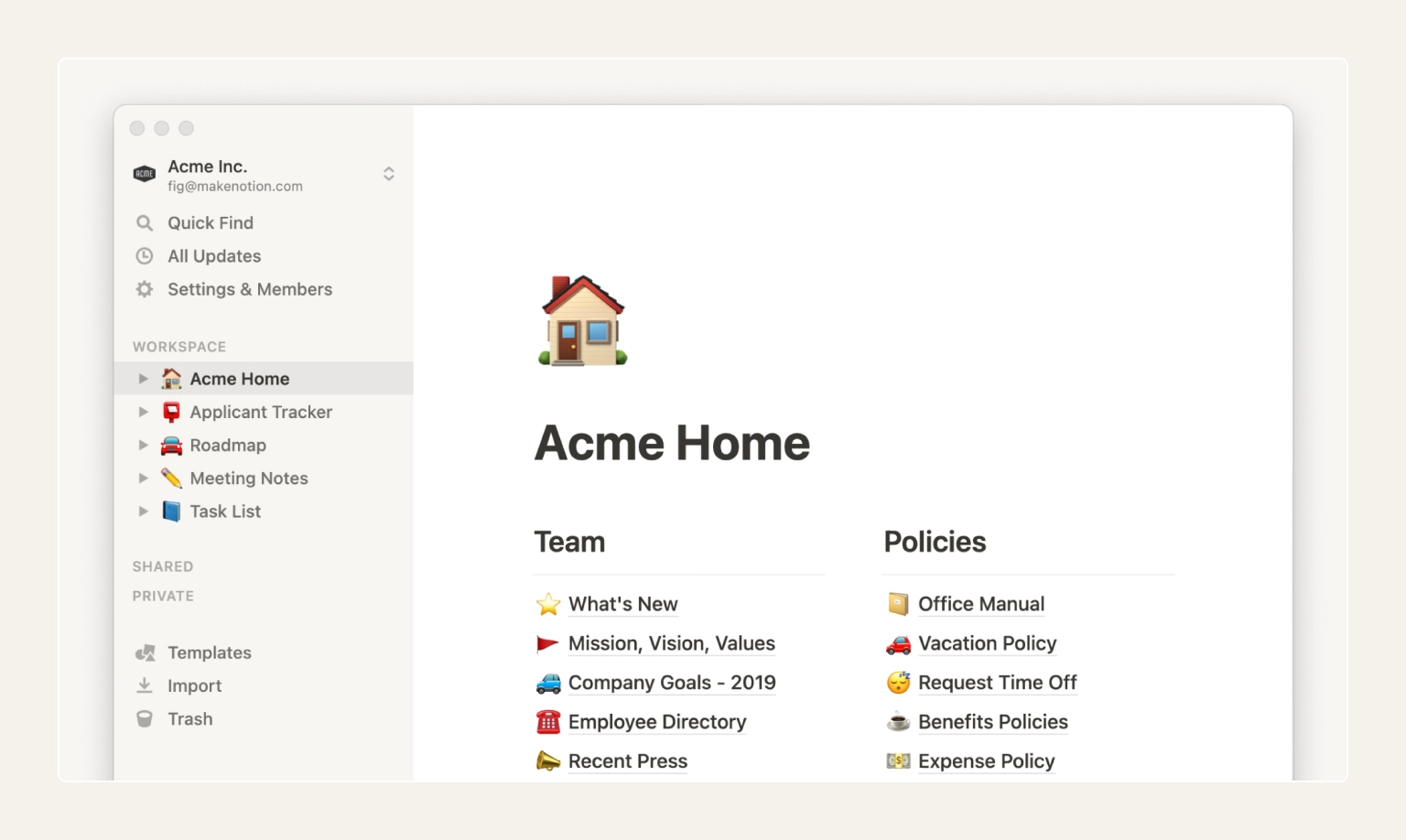
G2 rating: 4.6/5⭐ (13,700+ reviews)
Notion is an all-in-one workspace for documentation, wikis, and lightweight project tracking. It's best for remote teams that need a single source of truth for processes, notes, and onboarding material.
Pros:
Cons:
Pricing:
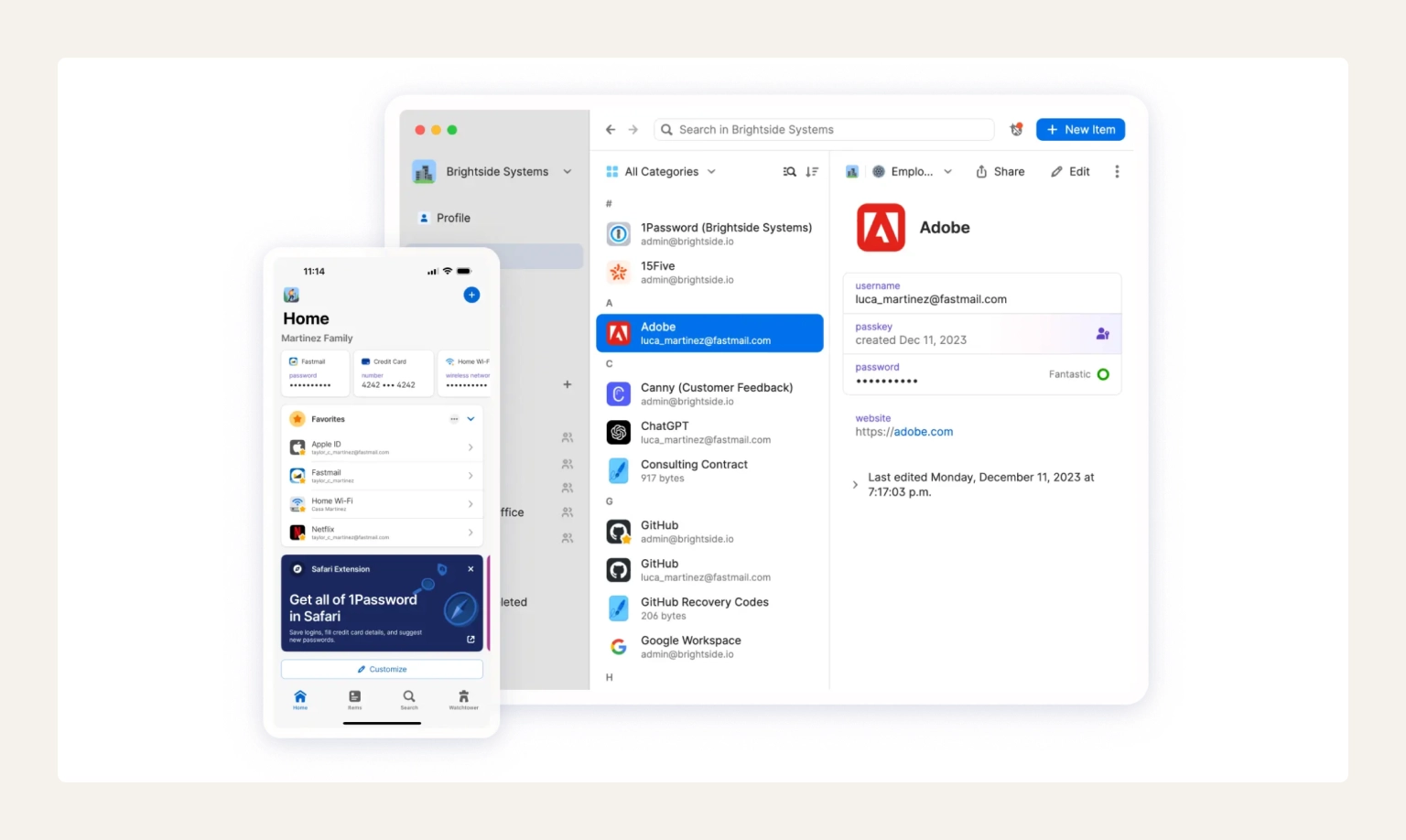
G2 rating: 4.6/5⭐ (1,800+ reviews)
1Password is a password manager built for teams, letting remote employees securely store and share logins without exposing them in chat or spreadsheets. It's best for any distributed team that shares access to accounts and tools.
Pros:
Cons:
Pricing:
Did you know that…
Keeper Security found that 62% of employees admit their teams have shared passwords through insecure methods like email or chat. Also, Verizon's report confirms credential theft remains a leading way attackers get in.
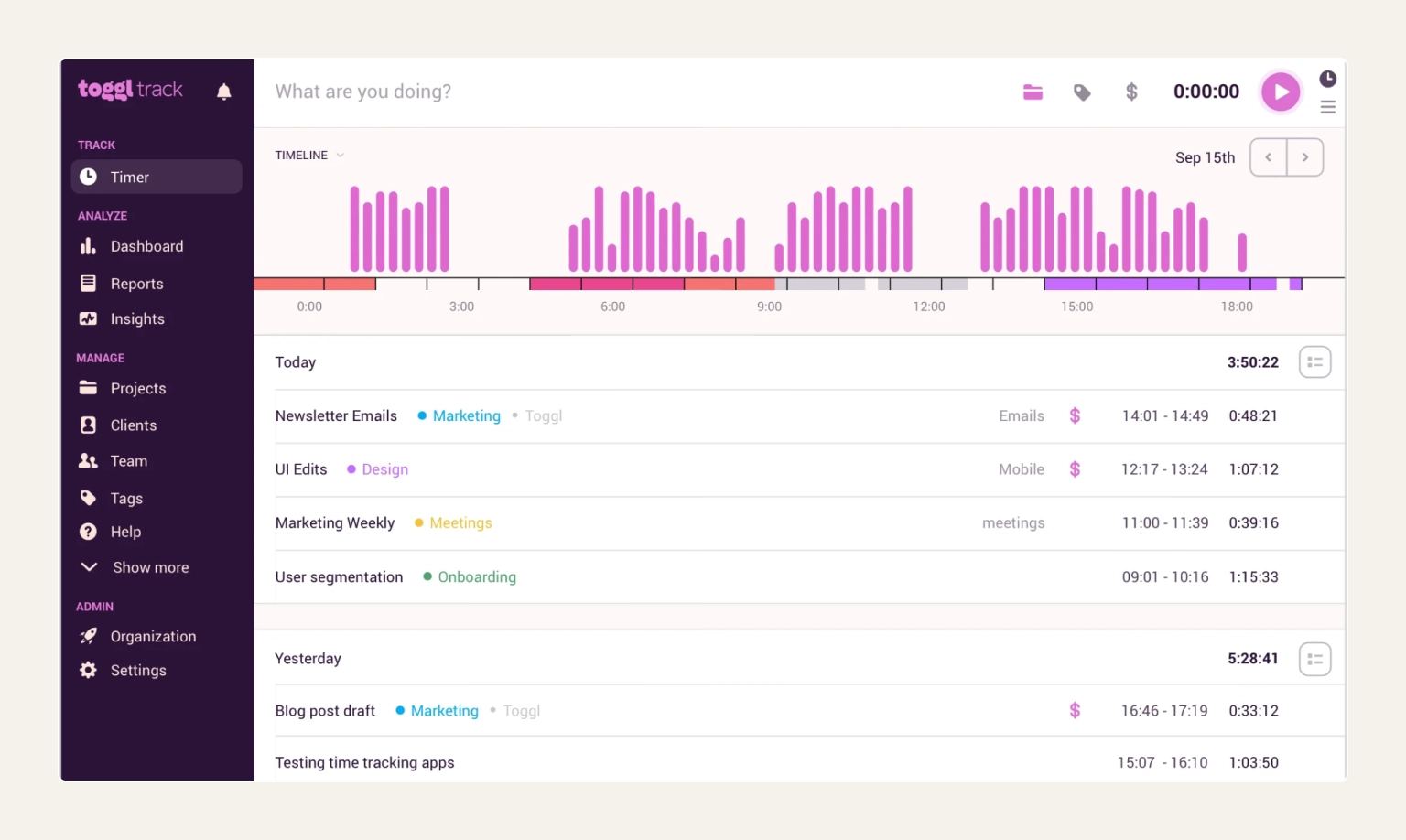
G2 rating: 4.6/5⭐ (1,500+ reviews)
Toggl Track is a time-tracking tool that logs hours across projects and clients with a single click. It's best for remote teams billing by the hour or managers who want visibility into how time is actually spent.
For remote teams working with freelancers, contractors, or hourly billing, Toggl Track gives a simple, low-friction way to log time without micromanaging. Reports break time down by project or client, which doubles as a useful check on where a team's hours are actually going. As software for remote teams goes, it stays deliberately narrow–a timer and a report, nothing else to manage.
Pros:
Cons:
Pricing:
Read more: If you're billing clients as a contractor rather than managing a team, our guide on how to start freelancing covers these parts of the transition.
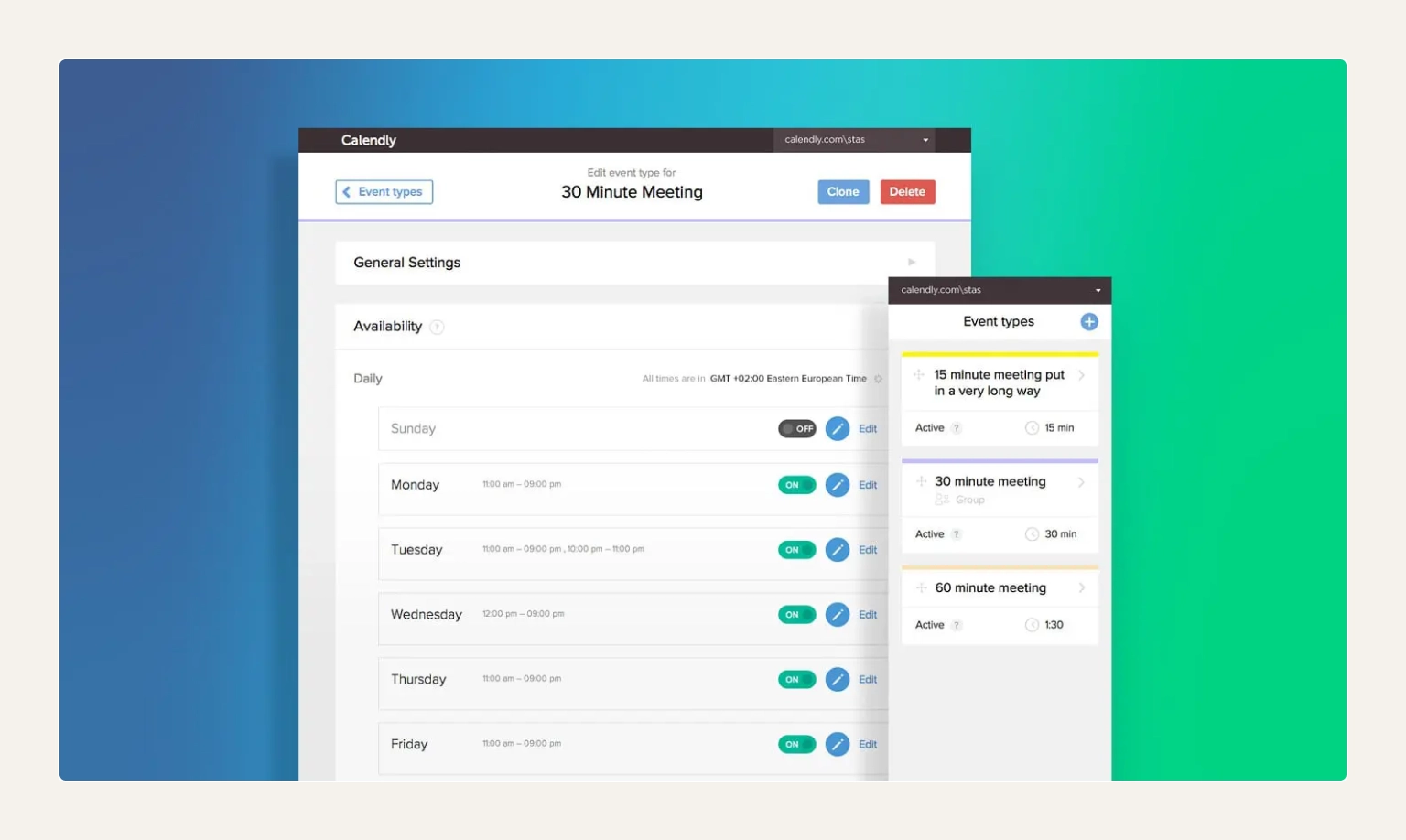
G2 rating: 4.7/5⭐ (2,600+ reviews)
Calendly is a scheduling tool that lets others book time on your calendar based on your real availability. It's best for remote teams coordinating meetings across multiple time zones without the back-and-forth.
The email chain to find a meeting time that works across three time zones is one of remote work's smaller but most common frustrations. Calendly removes it by syncing with your calendar and showing only real availability, automatically converted to the viewer's time zone. It's a small, focused solution for remote workers dealing with one specific pain point: booking meetings across zones.
Pros:
Cons:
Pricing:
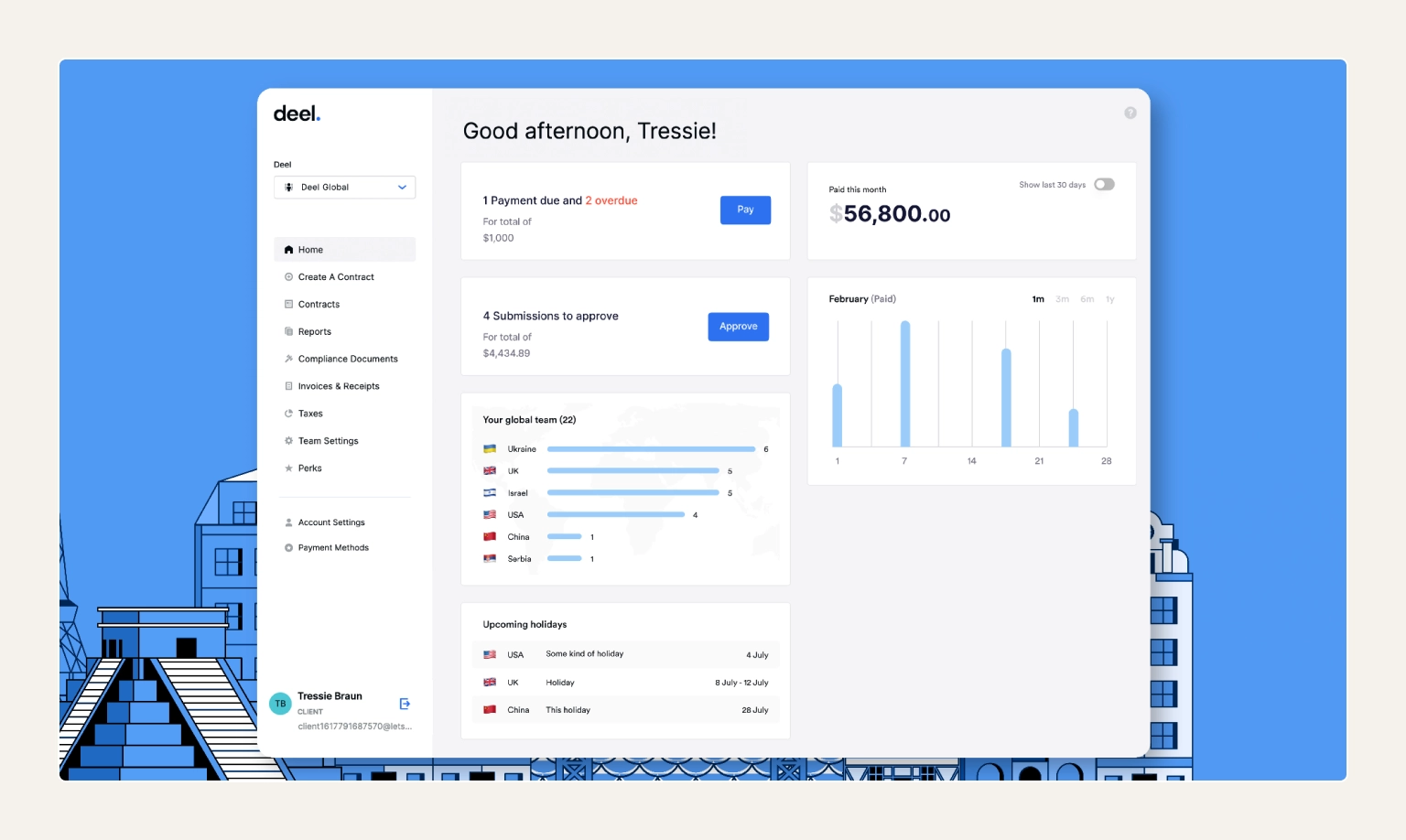
G2 rating: 4.8/5⭐ (14,600+ reviews)
Deel is a global payroll and compliance platform for hiring, paying, and managing remote employees and contractors across countries. It's best for companies scaling a distributed team without setting up local entities everywhere.
Once a remote team crosses borders, compliance becomes the hard part–different contracts, tax rules, and payment methods per country. Deel handles that layer directly, covering 150+ countries. It offers compliant contracts, global payroll, and contractor payments in one dashboard. That's why it's become a default remote workforce management system.
Pros:
Cons:
Pricing:
Read more: Before signing anything, our breakdown of employment contract clauses explains what to check in a cross-border contract.
Trustpilot rating: 4.5/5⭐ (22,000+ reviews)
If you're still searching for a remote opportunity rather than managing one, start here.
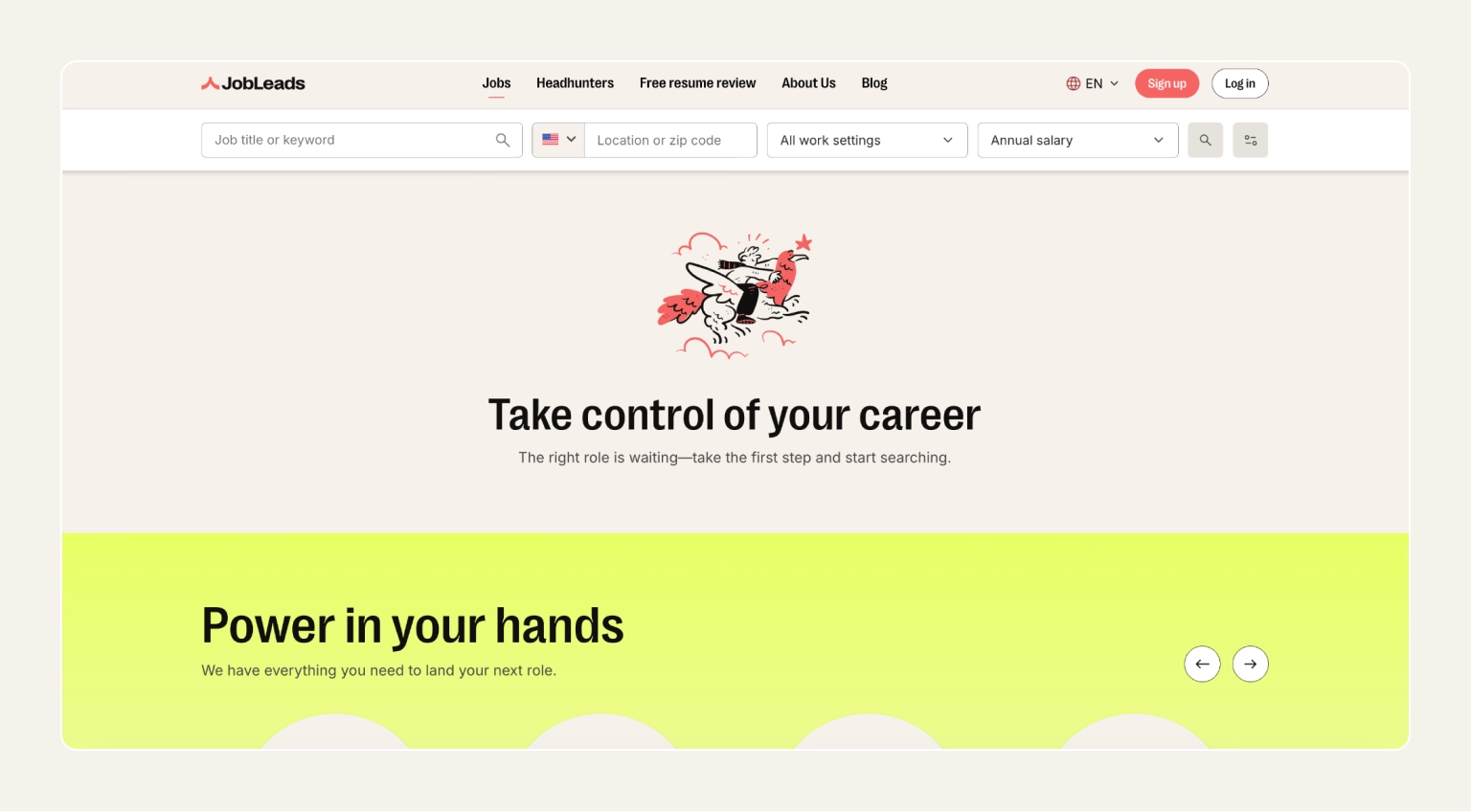
JobLeads has been built for job seekers, not employers, since 2007. This means no paid rankings pushing certain employers to the top, no listing counts padded with the same jobs posted on three other sites.
Most remote job search tools leave the deduplication work to the user. JobLeads pulls remote listings from over 400,000 sources including job boards, company career pages, and niche sites. Then, the platform removes the duplicates automatically and surfaces matches against your profile.
Main features:
Pricing:
Read more: Check out this guide on how to find a remote job.
Not every feature on a pricing page matters equally. Here's what actually separates dependable remote work systems from ones that just add friction, and what to check before you commit a budget to any tools for working remotely.
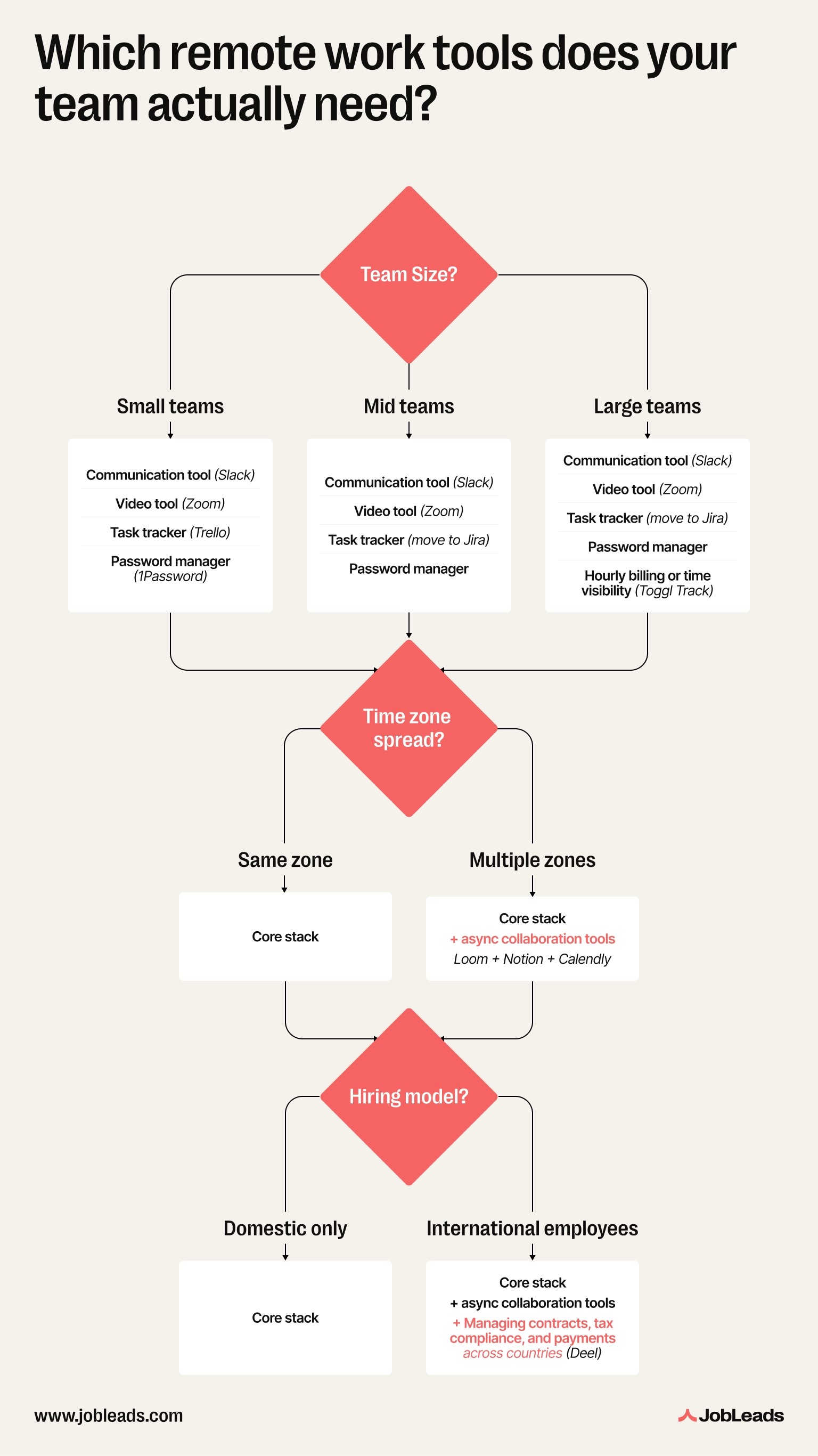
The right stack depends on team size, how spread out your team is across time zones, and whether you're managing employees or contractors internationally.
Pro-tip
Audit your stack every 6-12 months. It's easy to accumulate tools nobody fully uses–each one is a security surface and a subscription cost.
There's no single remote work tool that replaces a good stack.
Most distributed teams land on the same core set: one for communication, one for video, one for tasks, one for documentation, one for security, and one for payroll.
Start with what a 5-person team actually needs today, not what a 200-person company might need eventually. Add Notion before Jira. And use 1Password before you have an incident, not after.
Remember that the right remote work tools are the ones that quietly disappear into how your team already works, not the ones that make everyone learn a new system.

Content & Insight Writer
Beata creates content that puts job seekers first. From practical blog advice to first-hand research studies, her writing is designed to give people the clarity and confidence to find the role they deserve.
Job SearchLearn how to find a remote job. Discover the best platforms, what to put on your resume, and how to apply with no experience to get a legit remote job.
 Job Market Trends
JobLeads analyzed 21.5M US job postings to test whether "competitive salary" hides below-market pay–and what pay transparency laws actually deliver.
 Resume
Compare the 10 best resume review services in 2026. Check out the ratings, pricing, and expert picks to help you land more interviews.