
 Resume
May 12, 2026
How To Optimize Resume for ATS & Pass Resume Screening
Learn how ATS works and what to prioritize. Follow the steps to optimize resume for ATS to make sure your CV wins over the algorithm and the recruiter.


The Ladders research found that recruiters spend just 7 seconds on your resume. That's less time than it takes to tie a shoelace.
And before a human even sees your resume, it has to pass an ATS filter. Mind that a Jobscan study shows that nearly 98% of Fortune 500 companies use one.
No wonder job seekers are turning to AI for help.
An AI resume builder is a tool that uses AI to help you write, format, and tailor your resume to a specific job. It's faster than starting from scratch and helps you optimize for ATS scans.
Let’s go through the best AI resume writing tools available on the market.
Here's the thing–
In a JobLeads survey, nearly half (49%) of employees believe a mass layoff at their company is possible or very likely within the next six months. And only 33% feel stable.
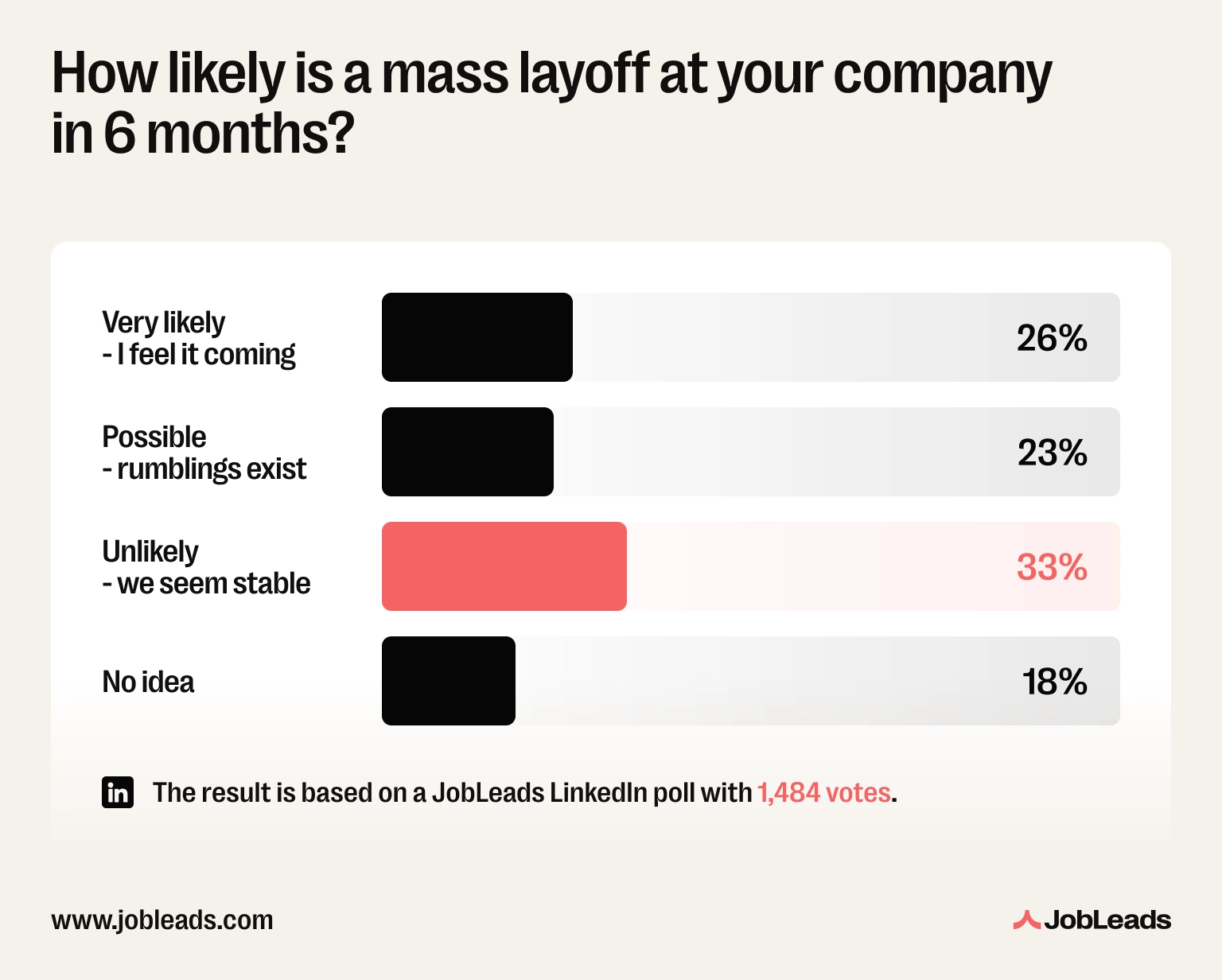
That's the real reason this article exists. A resume you haven't touched in two years won't save you when the email arrives on a Tuesday morning. AI resume tools cut the update time from days to an hour, so your CV is ready before you need it, not after.
We scored each tool on five aspects including AI writing quality, ease of use, ATS compatibility, free tier, and value for money.
Here’s what we found.
| Tool | Free plan / trial | Pricing starts at | ATS optimization | Best for | Trustpilot rating |
|---|---|---|---|---|---|
| JobLeads | ✅ | $2.99 for 14 days | ✅ | Active job seekers (all-in-one) | 4.5/5 ⭐ |
| Canva | ✅ | $18/month | ❌ | Design-forward resumes | 3.9/5 ⭐ |
| Resume.now | Free trial | $2.49 for 14 days | ✅ | Speed and simplicity | 4.5/5 ⭐ |
| Microsoft Copilot | Included in M365 | $9.99/month | ❌ | Microsoft 365 users | 1.7/5 ⭐ |
| Kickresume | ✅ | $24/month | ✅ | AI content quality | 4.6/5 ⭐ |
| Jobscan | Free (5 scans/mo) | $49.95/month | ✅ | ATS optimisation | 4.3/5 ⭐ |
| Zety | Free (build only) | $1.95 for 14 days | ✅ | Templates + AI writing | 4.3/5 ⭐ |
| Huntr | ✅ | $40/month | ❌ | Managing applications | 4.5/5 ⭐ |
| Rezi | ✅ | $29/month | ✅ | Real-time ATS feedback while writing | 4.7/5 ⭐ |
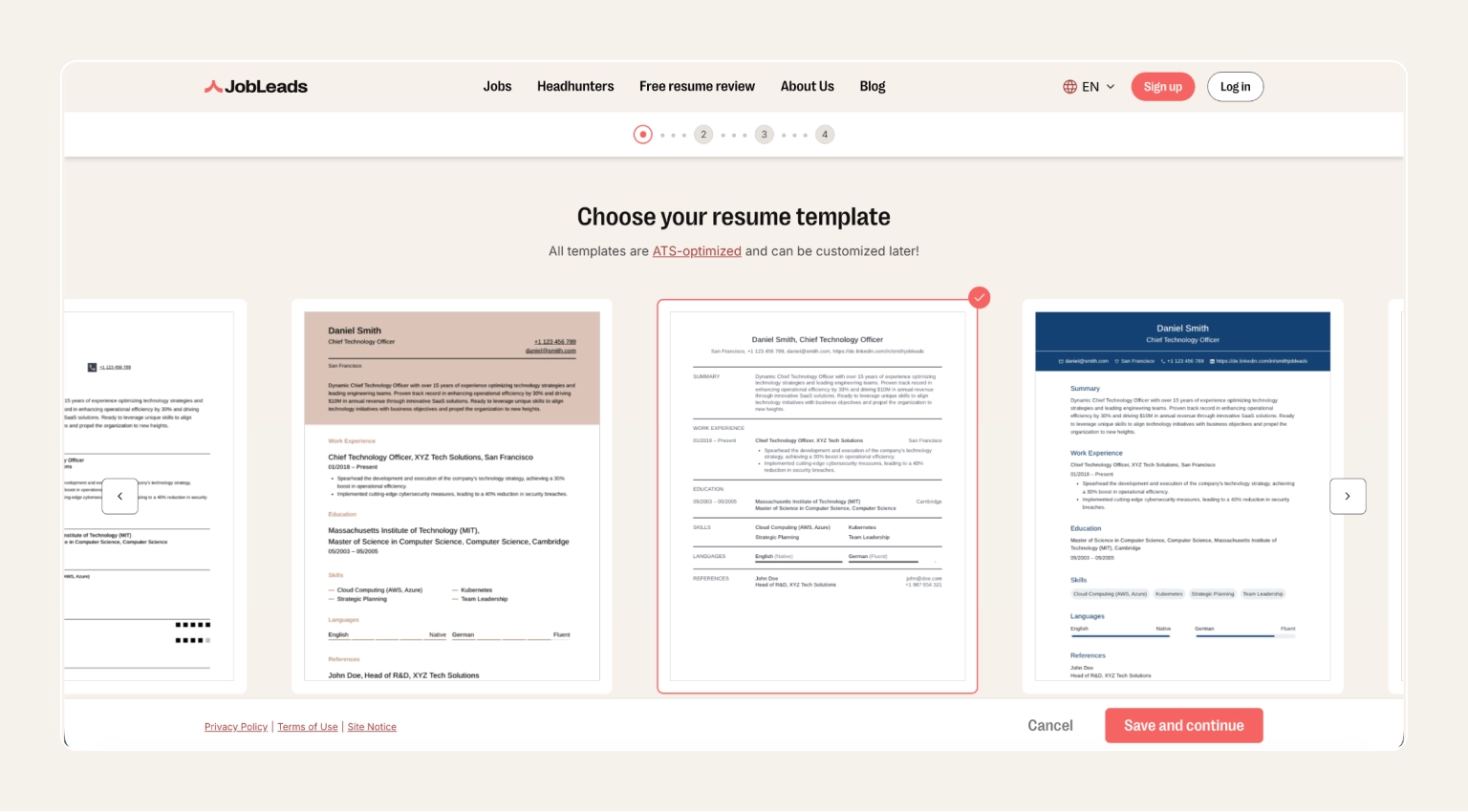
Here's the stat that will probably shock some: only 2% of resumes are “winning” resumes. The other 98% never make it past the screening software, or they land in front of a recruiter and get ignored. The JobLeads resume builder helps to put you in that 2%.
And we know this is our tool and you might look sceptical on this review, but we promise to be as objective as possible. This platform is a complete job search with AI resume writing, ATS optimization, and over 15 million live jobs to match against. One place to build your CV, apply to jobs, and track your applications.
So what makes it different? Firstly, it's built to beat the bots. The templates are tested against scanning systems to make sure your application gets through. It also tailors at scale: paste a job description, and the AI rewrites your resume to match the role. Lastly, your resume connects to the job search, the application tracker, and the cover letter generator. So, you can easily tailor it per role and track every application in one place.
The template library covers the five styles recruiters actually respond to–Modern, Classic, Professional, Simple, Creative–each city-named and designed to look polished in seconds.
Main features:
Pricing:
Pro-tip
Upload your existing resume and write down any new achievements instead of starting from scratch. The AI keeps your wins and rewrites the framing. This way, you get a polished, ATS-ready version in under ten minutes.
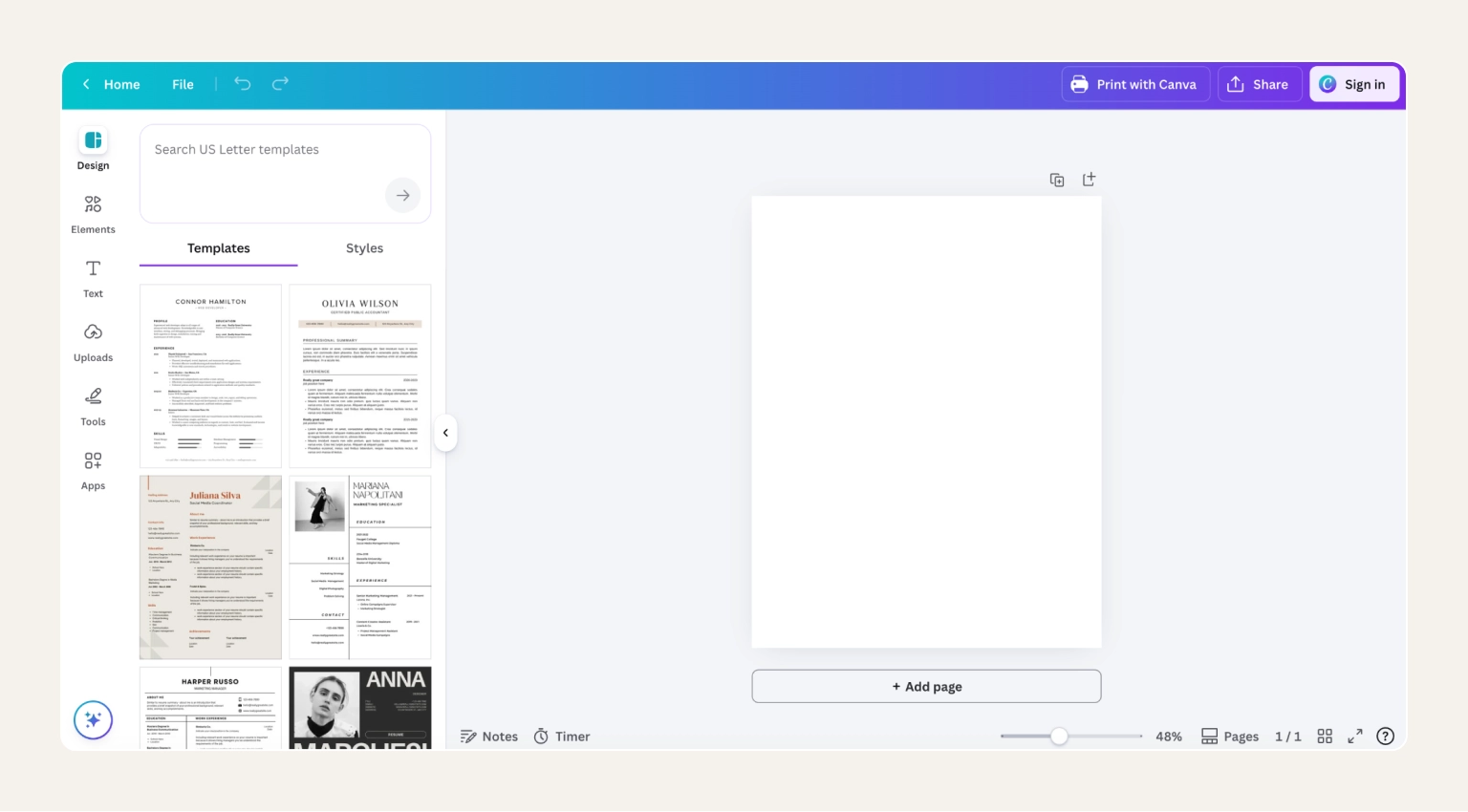
Canva is a visual design platform with AI-assisted resume templates. It's best for job seekers in creative fields who want a polished look with little design work. But keep in mind that ATS optimization is not the focus on this platform.
Canva's strength is visual polish. So it's a strong fit for roles where design matters like media or creative studios. If you’re applying to an ad agency, a plain Word doc just won't cut it.
Some of the features worth mentioning are the AI Magic Write feature that writes resume content on command and the template library has over 1,000 options across industries. Moreover, the drag-and-drop editing keeps the learning curve low even for new users.
Pros:
Cons:
Pricing:
Watch out
Canva resumes look great. But some ATS systems can't read columns and graphics. So, if you apply to big companies, save a plain-text version too.
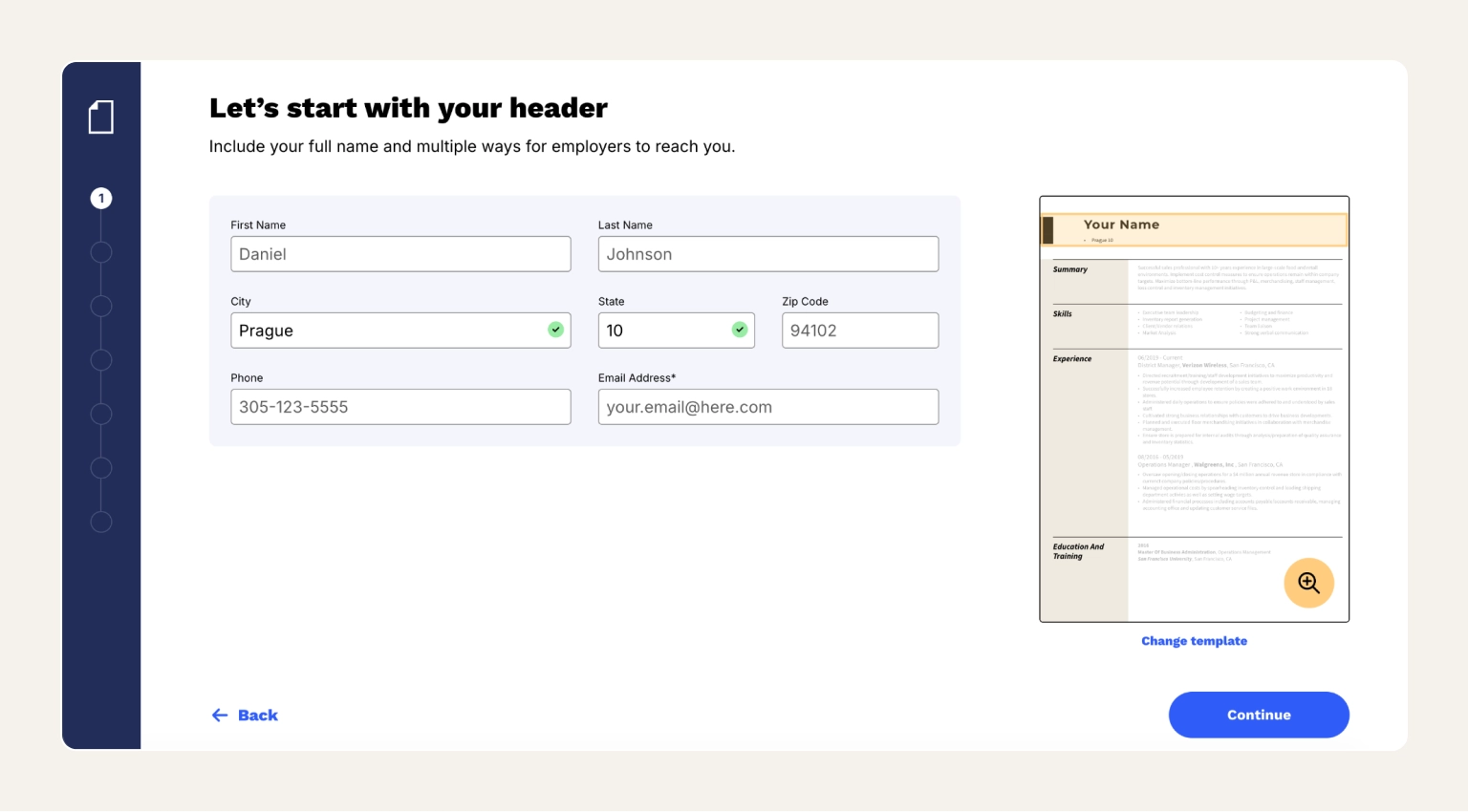
Resume.now is a fast, guided resume builder with AI writing tips. It’s the most beginner-friendly option on the list. The wizard format walks you through each section including contact, experience, education, and skills. Then, the AI fills in the gaps based on your job title. Running the draft through an AI writing detector can show you which lines still read as generic template text, so you know where to add your own specifics.
Here's where it earns the “fast” label. Type your job title, and the AI suggests pre-written bullet points tailored to that role. A marketing coordinator gets marketing bullets. A nurse gets nursing bullets. You tweak or delete, but you never stare at an empty box. For anyone writing their first resume, or pivoting industries after years out of the job market, that scaffolding is the whole game.
Output depends on input so the more you feed the AI about your specific wins and tools you've used, the stronger the result. So, for example “managed social media” gets you generic filler. But, “grew Instagram from 5k to 28k followers in 9 months” gets you a bullet point worth reading.
Pros:
Cons:
Pricing:
Did you know that…
Jobscan data shows resumes with the exact job title of the role they target are almost 11 times more likely to get an interview.
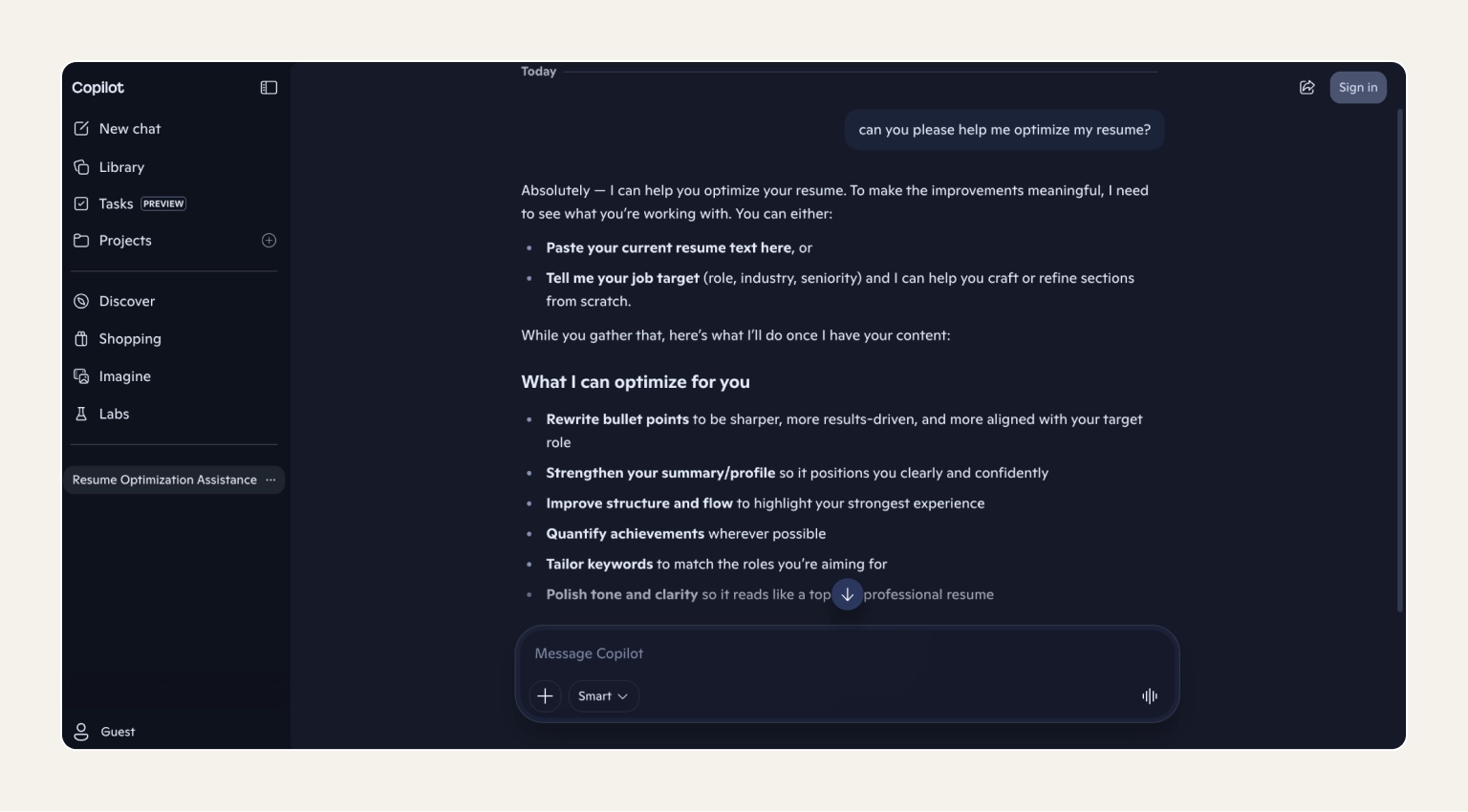
Microsoft Copilot puts AI resume writing right into Word. You can draft and improve a resume without leaving the tool. This platform is ideal if you already use the Microsoft suite.
The core win is a native Word integration. Copilot drafts full sections, while also tightening your content. Moreover, the tool reformats on command to give you the best chances possible. And the best part is that all this happens inside a suite you know.
But this isn’t a dedicated resume builder. Which means that there are no templates and no ATS scoring. So, MS Copilot is best for people who want AI help in their current workflow, not a new platform.
Pros:
Cons:
Pricing:
Pro-tip
Pick a clean Word resume template first. Then, let Copilot fill in and improve each section. It won't format a resume from scratch as well as dedicated tools. But it shines at improving what you've already started.
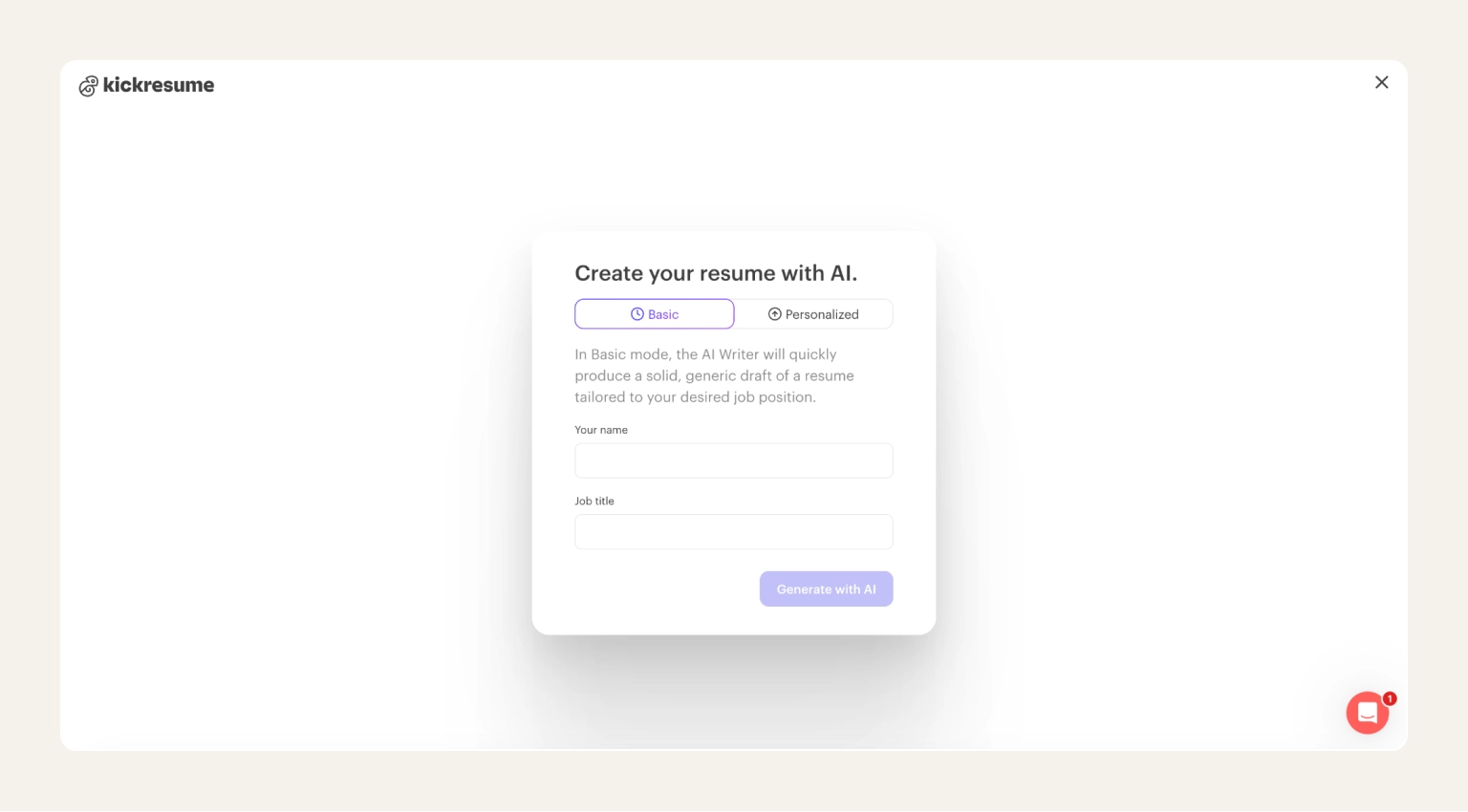
Kickresume uses GPT-4 to create full resume sections based on your job title and level. It's one of the strongest AI resume writers and AI resume generator options around.
The AI writer on this platform is the best in this group. It produces natural bullet points and summaries which are better than most rivals. This tool is good for people who know what they've done but struggle to put it on paper with real numbers and quantify the CV.
What sets Kickresume apart is the library of real resumes behind the AI. You can browse samples from job seekers who got hired at companies like Google, Spotify, Tesla, and Airbnb. This way, you can see how a data analyst at Meta phrased their wins, or how a product manager at Amazon structured their summary. Pair that with the GPT-4 writer, and you get bullet points modelled on what's already landed offers in your industry.
Pros:
Cons:
Pricing:
Did you know…
ResumeBuilder’s survey shows that about 78% of people who used ChatGPT to write their resume got an interview. Also, nearly 59% were hired, which suggests that strong AI writing, done right, works.
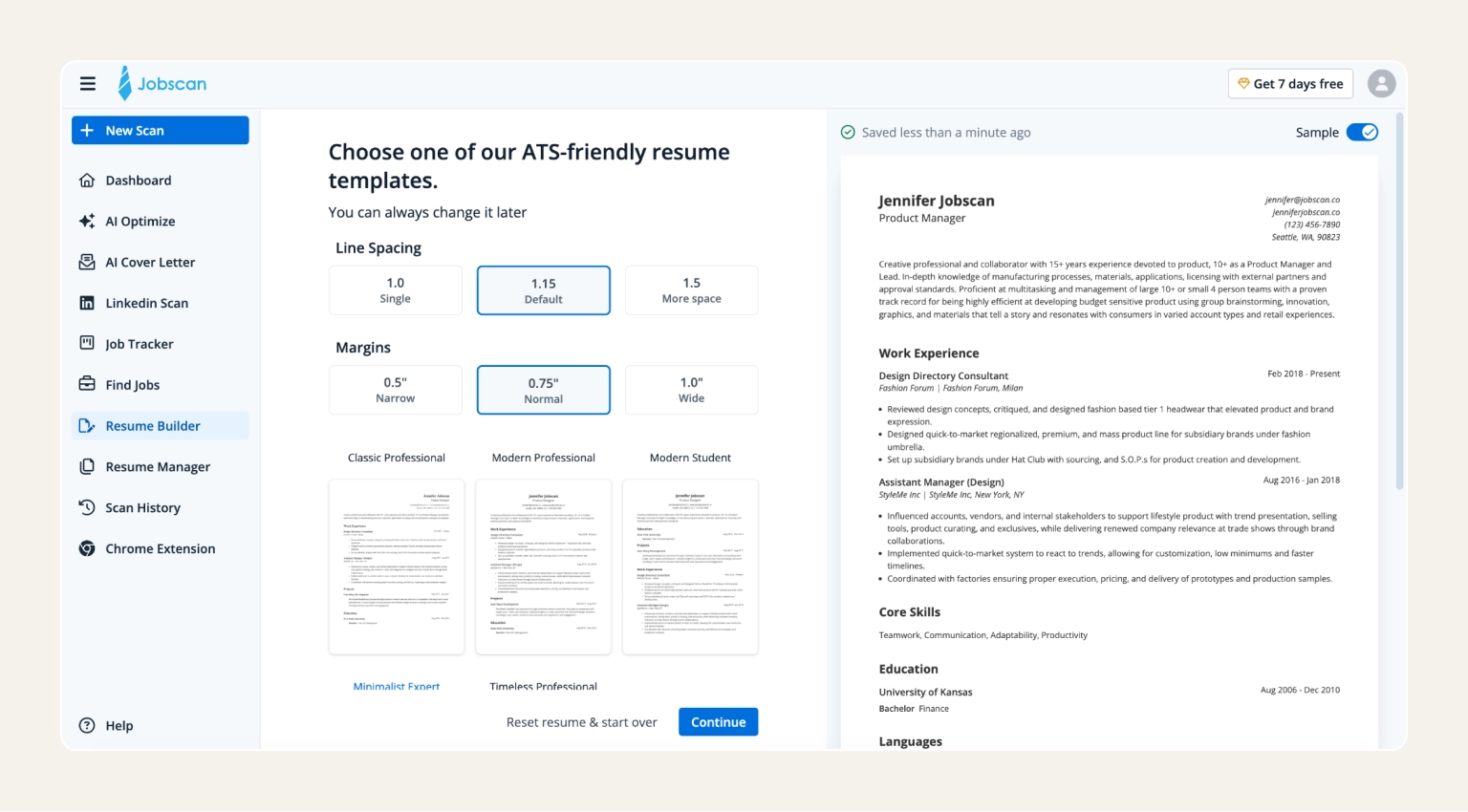
This is the ATS expert. So think of it more as an analyzer of your CV instead of an AI resume writer. It’s best used after you've already written your resume and you're ready to apply. You can simply paste in the job description and add your resume for the platform to tell you where the gaps are.
Jobscan's data pulls from major ATS platforms including Taleo, Workday, Greenhouse. The match score gives you a clear percentage of alignment with a job.
The scan checks your section headers, contact formatting, date consistency, file type, and whether your skills are written in a way the bots can actually parse. These are all small details but that’s what often trips people up. A resume with “Work History” instead of “Experience” can score worse than one with weaker content, purely because the ATS doesn't recognise the heading.
Pros:
Cons:
Pricing:
Read more: See our guide on how to optimize your resume for ATS before you run your first scan.
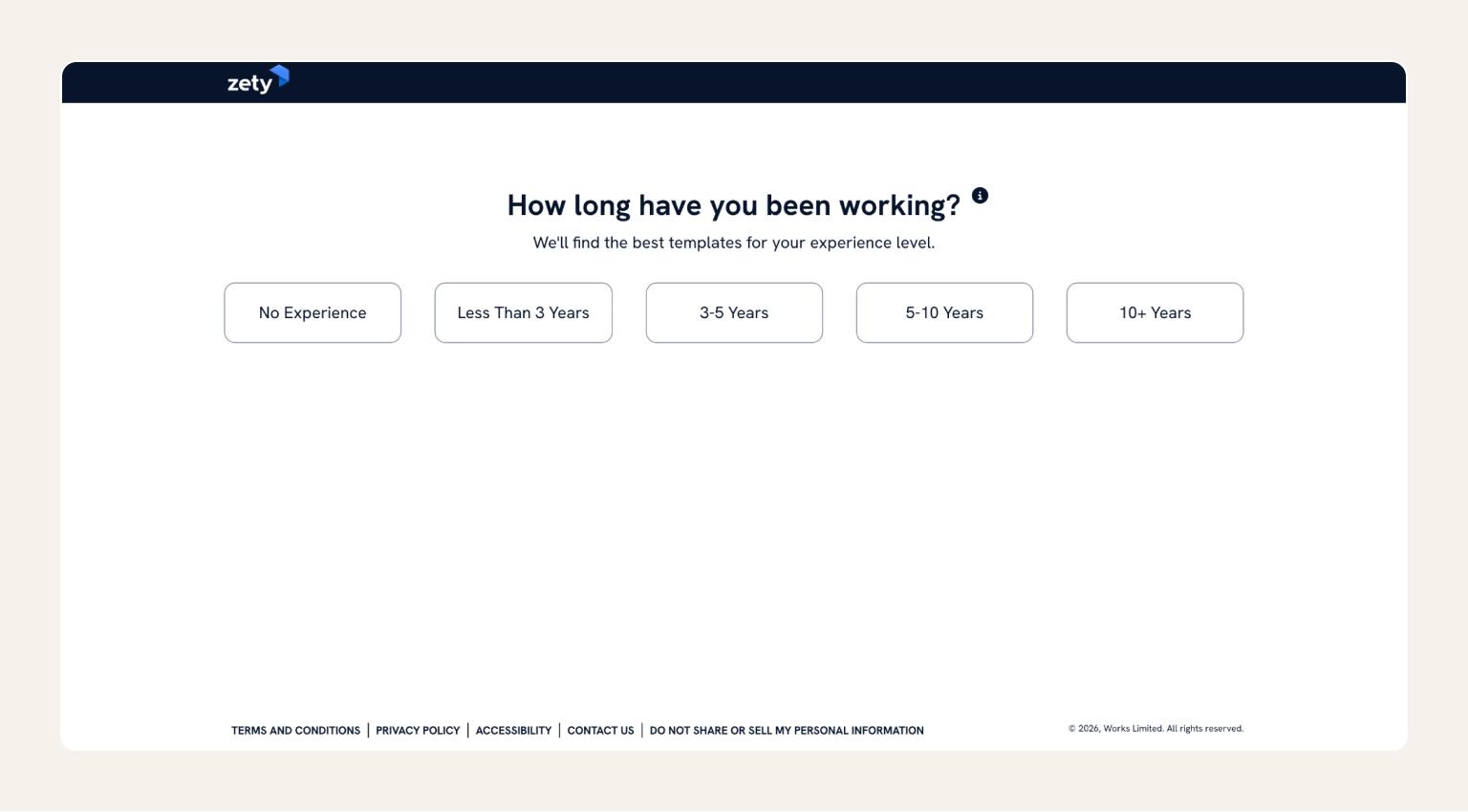
Zety pairs a large library of HR-approved templates with AI content tips. It's a strong all-rounder for job seekers who want both good design and AI help in one place.
Zety's strength is breadth. It provides strong templates, decent AI content, and a resume score that flags weak sections before you submit. This is one of the most polished tools in the category, and it shows in the output. Templates are HR-reviewed, not just “designer-approved”, which matters because what looks good on Dribbble doesn't always parse through an ATS.
The AI content layer is the other draw. Zety has a library of pre-written phrases organized by role and industry, including marketing, engineering, nursing, finance, education, etc. This lets you pull tested bullet points straight into your draft. So, think of it as a phrase bank for people who know what they did but freeze up when it's time to write it down.
Pros:
Cons:
Pricing:
Did you know that…
According to Jobscan, nearly 98% of Fortune 500 companies use an ATS to screen resumes before a human ever sees them.
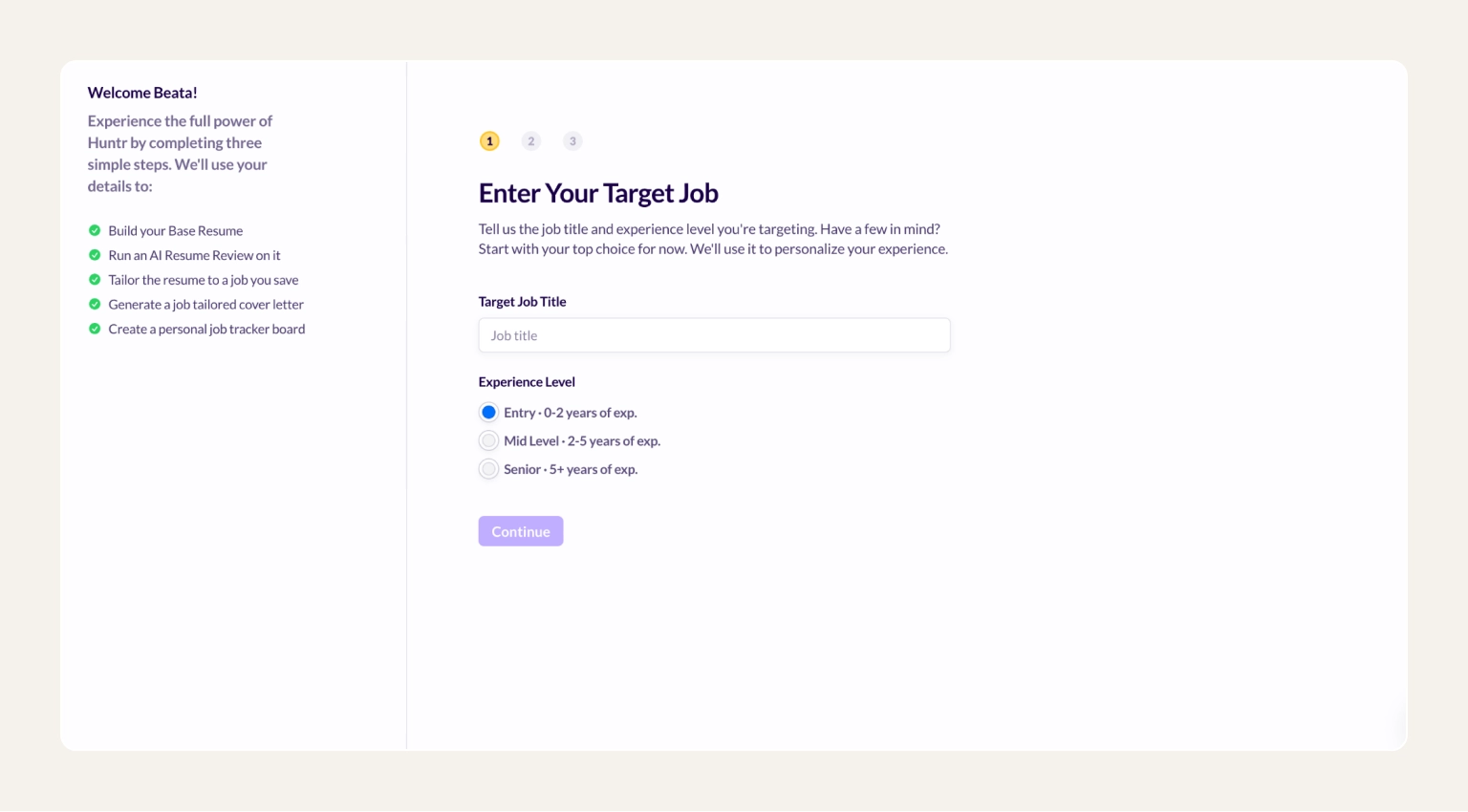
Huntr is a job application tracker with an AI resume tailoring feature. It lets you tweak your resume for each role right from your job search dashboard without jumping between five tabs to match your CV to a new posting.
Huntr sits between a free resume builder and a job tracker. The AI is built for tailoring so you can paste in a job description, and it tunes your resume to match the role. This is a good tool for organized job seekers running lots of applications at once, and for anyone who treats the job hunt like the project it actually is.
The core of Huntr is the Kanban board. Every job you're tracking sits in a column, including your wishlist, applied positions, scheduled interviews, etc. And you can drag roles through the pipeline as you progress. Moreover, there’s a Chrome extension that auto-captures job listings from LinkedIn, Indeed, Glassdoor, and company career pages, so you don't lose that role you liked at 11pm.
Pros:
Cons:
Pricing:
Did you know that…
Over 9K job applications are sent on LinkedIn every minute. That's why a tailored, ATS-ready resume is a must. A clean profile just won’t do anymore.
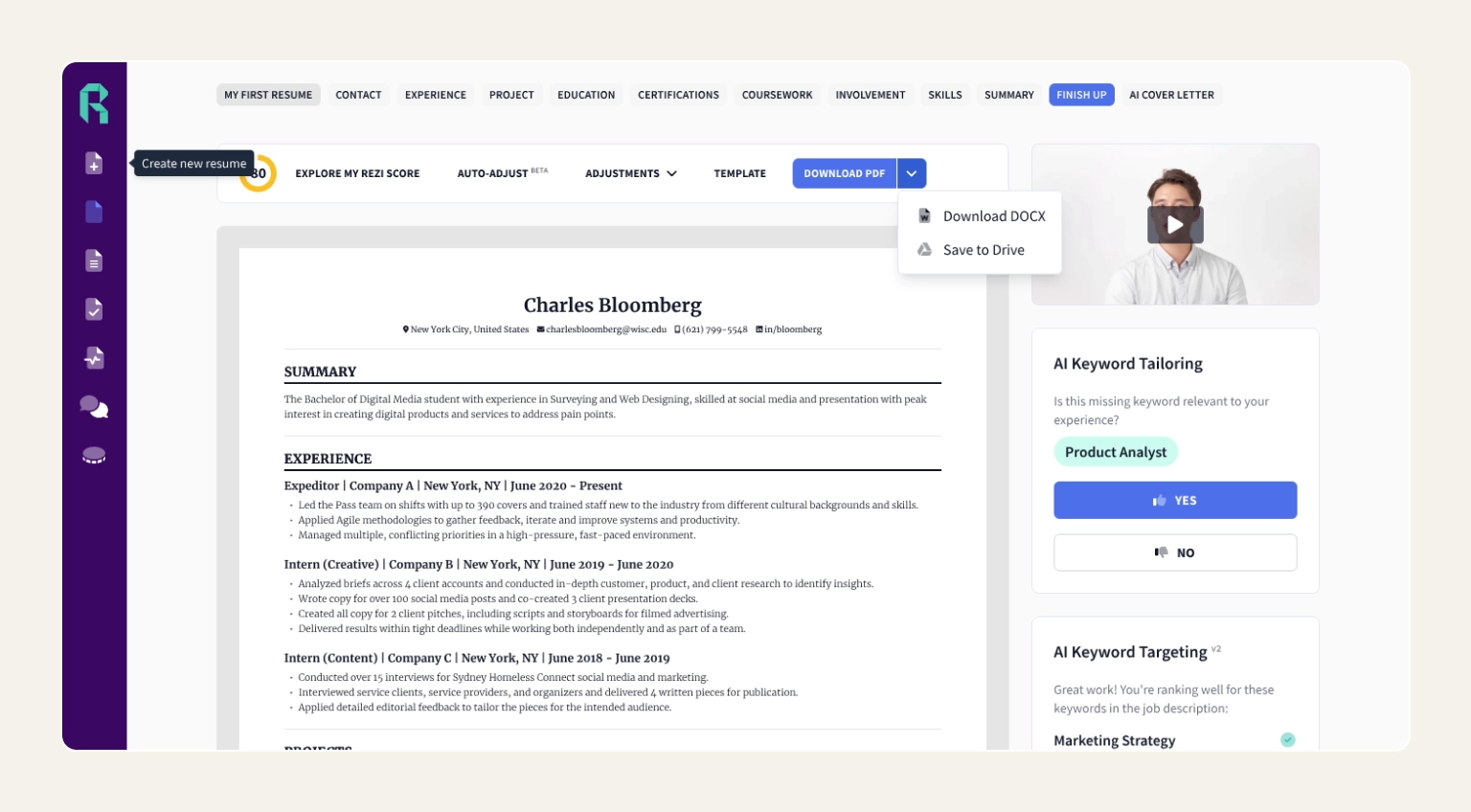
Rezi is an AI resume writer that scores your CV against ATS systems in real time while you write. It's used by over 4 million job seekers, and it's the closest thing on this list to a writer and an ATS scanner rolled into one editor.
What sets Rezi apart is that combined writer-plus-scanner setup. You paste a job description, write a bullet, and the Rezi Score updates live across 23 ATS checkpoints. Moreover, the AI writer is trained on resume content specifically, not general copy. So when you ask it to expand a bullet, you get metric-led phrasing rather than generic filler.
Pros:
Cons:
Pricing:
Keep in mind
If you’re thinking of using LinkedIn for creating your resume, note that LinkedIn Resume Builder was discontinued in 2024. You can use the platform to search for jobs and create professional connections but you need to build your resume outside of LinkedIn.
Now, let’s have a quick look at how to pick the right AI resume writing tool for your needs.
Here's the thing–
The right tool depends on where you are in your search and what you need.
And the stakes are high. In fact, according to a Resume Builder study, about 82% of companies now use AI to review resumes. So the tool you pick has to play the same game as recruiters.
Here's how to narrow it down to the best AI resume builder for you.
| Your situation | Recommended tools | Primary reason |
|---|---|---|
| Beginner | Resume.now, Canva, LinkedIn Resume Builder | You need a simple AI resume tool with some guardrails; these tools provide a guided wizard |
| Experienced | JobLeads, Kickresume, Jobscan | You need high quality results and precision; these tools offer strong AI content and great ATS optimization |
Did you know that…
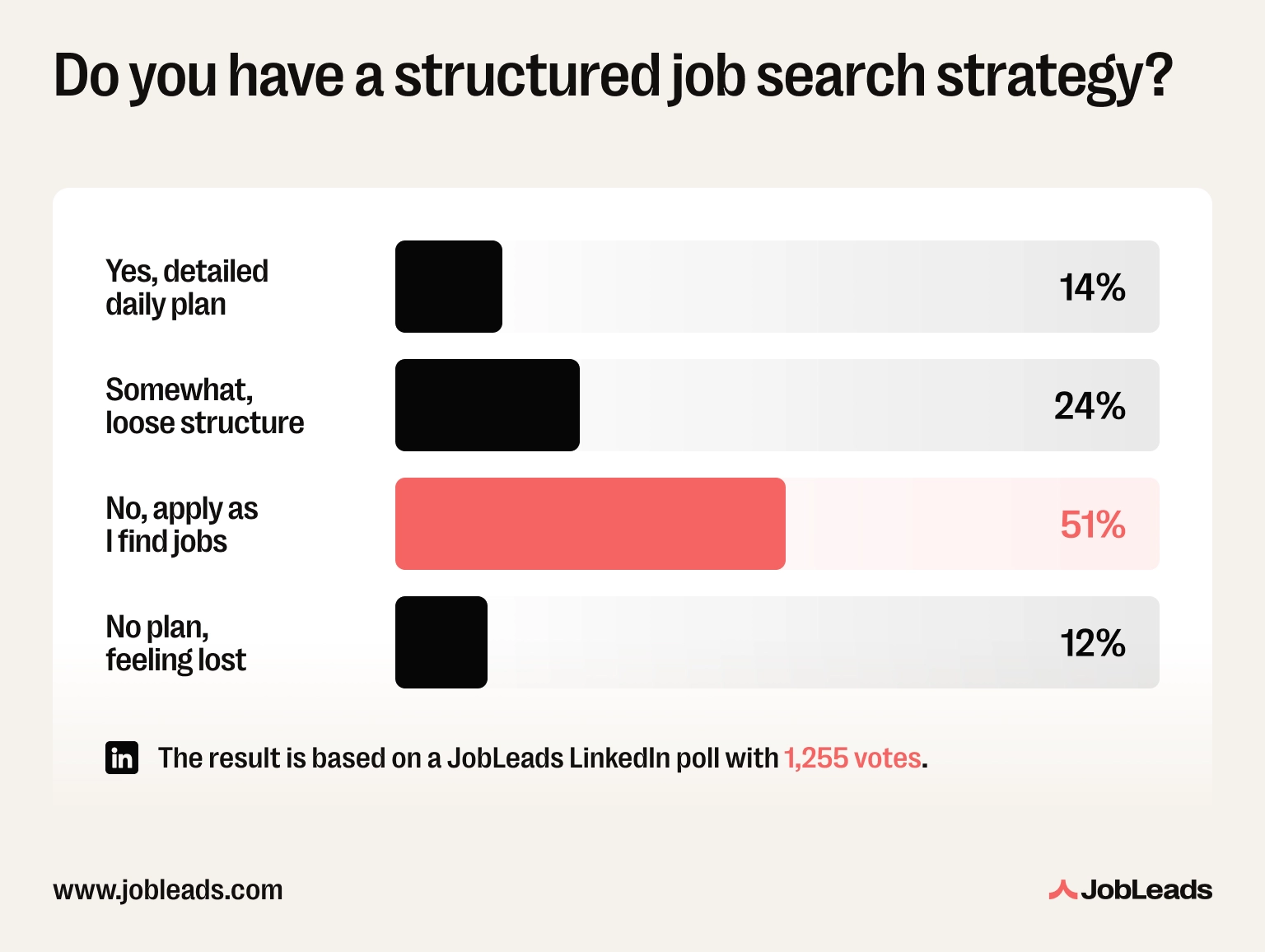
In a JobLeads survey, over 63% of job seekers admitted they don't have a real job search strategy. Within this group, about 51% apply as they find roles and 12% feel lost entirely. Only 14% run a daily plan. So, pick an AI tool that helps you with the structure, tailors your resume to each job description, checks ATS fit, and tracks your applications. This way, you’ll be ahead of nearly 86% of people.
Most people get this wrong on the first try. They paste a job title into ChatGPT, hit enter, and end up with an output that reads like every other AI-generated resume in the pile.
The real workflow takes about an hour, but it creates a resume that lands interviews instead of the one that lands in the ATS black hole. Here's how to do it:
The cleanest workflow uses three tools: one to write the resume, one to ATS-scan it before you apply, and one to track applications as they roll in. So, for writing, go with Kickresume as it has one of the strongest AI resume writers available on the market. For ATS scanning, use Jobscan and ensure your resume has a 70%+ match score before applying. Lastly, for job application management, use Huntr that offers a Kanban board and Chrome extension that auto-captures postings and notes for every role.
You can also use a full stack tool like JobLeads that combines a resume builder with ATS optimization, resume review, and a search engine. This will help you look for roles and optimize your CV for every posting you find. All within one platform.
Do not start from a blank slate. Instead, give the AI your current resume, your LinkedIn profile, or a rough bullet list of your experience. The better your input, the better the output.
For example, Maria wanted a product marketing role at a SaaS company. For best results, instead of typing “marketing experience” into ChatGPT, she uploaded her resume and the job descriptions she was aiming for into JobLeads. She also included a short summary of her last two campaigns with real numbers. The AI draft came back five times stronger because the input was five times richer.
Review every AI-written bullet. While editing the resume, check whether everything is accurate and fits the context. Moreover, swap vague lines like “managed projects” for specifics like “managed 3 product launches across a 6-person team, all on budget.” And when you list your hard and soft skills, make sure each one is backed up by a real example in the bullets below it.
This is where most candidates lose. Especially as more than 62% of employers reject AI resumes that are not personalized, according to Resume Now.
Use Jobscan or your tool's built-in scorer to check keyword matches against the job description. Ensure that your application has a 70%+ match before you hit send.
And remember, a National Association of Colleges and Employers report found that tailored applications get 78% higher response rates than generic ones.
Here's the thing–
AI won't write your resume for you. It writes with you. The tools in this guide speed up the boring parts, like the blank page, the phrasing, the ATS keyword match. You still bring the story, the numbers, and the judgement on what matters.
So pick one tool and feed it your raw wins. But don’t forget to edit every line it gives you. Then, run an ATS check before you apply to ensure your resume scores over 70% match.
Bottom line: the job seekers landing interviews are not the ones using AI the most. They're the ones using it best. Start there, and let the callbacks do the talking.

Content & Insight Writer
Beata creates content that puts job seekers first. From practical blog advice to first-hand research studies, her writing is designed to give people the clarity and confidence to find the role they deserve.
ResumeLearn how ATS works and what to prioritize. Follow the steps to optimize resume for ATS to make sure your CV wins over the algorithm and the recruiter.
 Resume
Applicant Tracking Systems (ATS) - your job-hunting BFF! We rip apart the myths, show you how to optimize your resume, and boost your chances with smart tips.
 Resume
Worried about an employment gap on your resume? Learn how to explain resume gaps to impress hiring managers and what counts as a red flag.